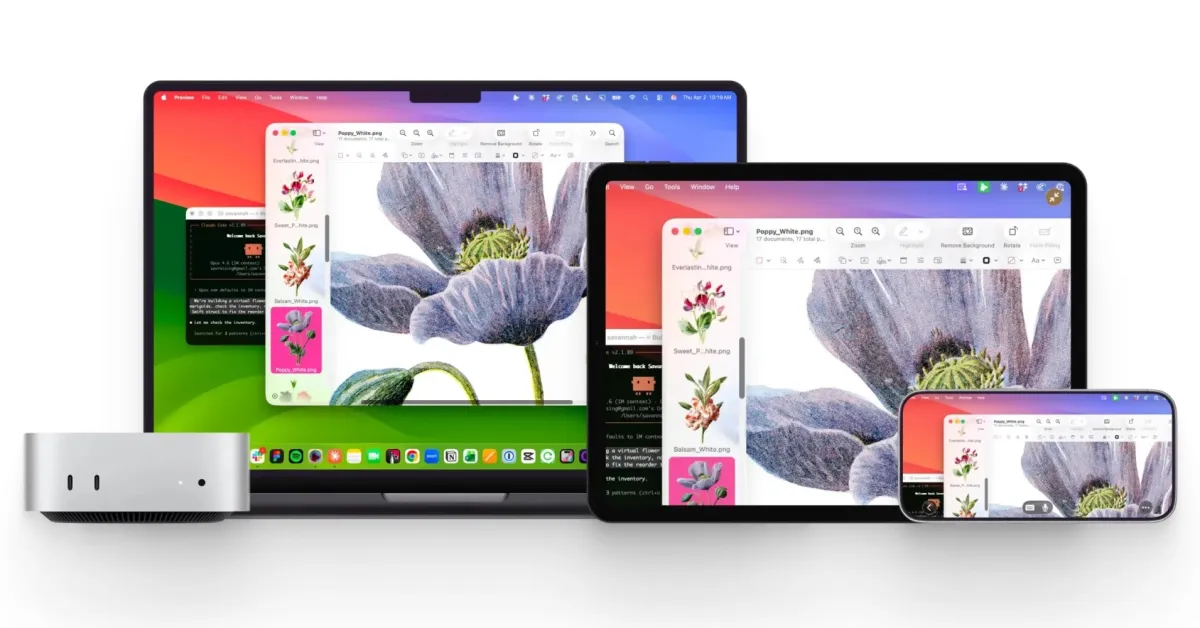
Astropad, the makers of the excellent Rock Paper Pencil iPad screen protectors, have introduced a new Mac tool called Workbench. This macOS application offers a "remote desktop suitable for the age of artificial intelligence."
Workbench: A New Way to Access Your Mac Remotely from iPhone and iPad
Workbench includes native applications on Mac, iPhone, and iPad. Astropad states that it offers "fast, high-quality streaming" and perceptually lossless visuals with Retina support.
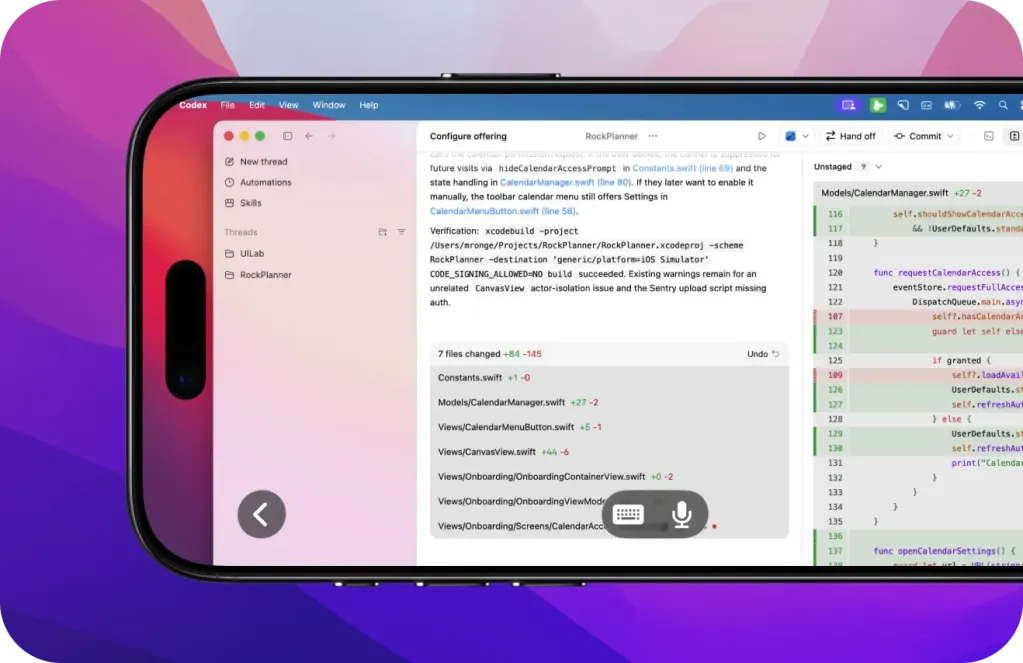
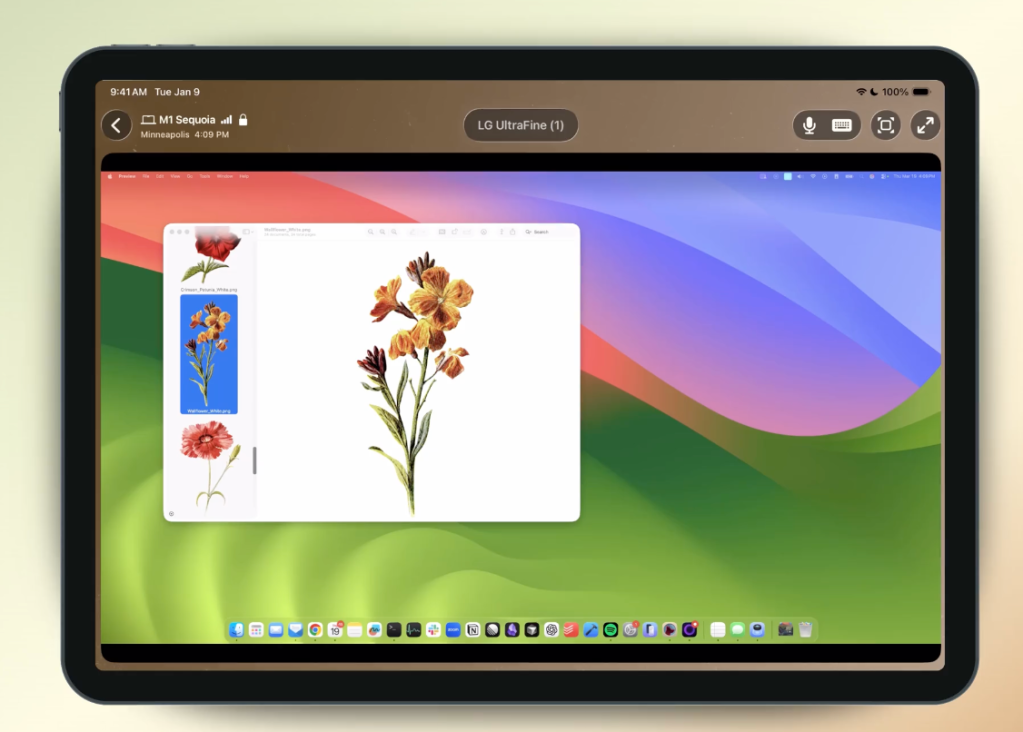
The application supports voice input control to command and instruct your Mac from your iPhone and iPad. Keyboard input is also supported to trigger typing and shortcuts.
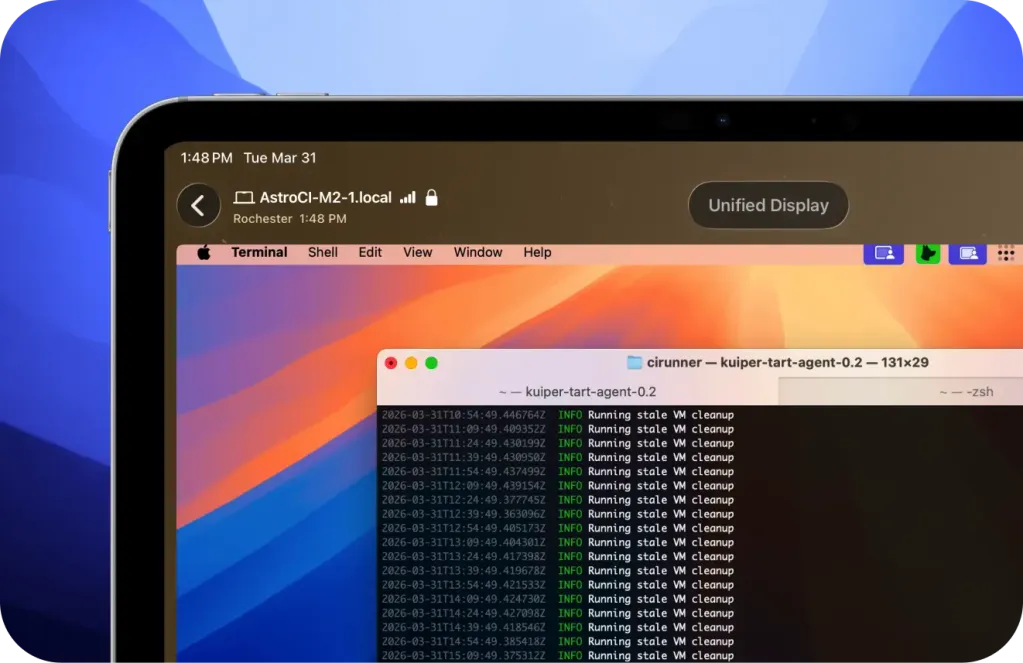
Workbench matches the resolution of your remote device by merging multiple Mac screens into a single display. The mini map view allows you to navigate large desktops quickly.
The application has been designed with artificial intelligence workflows in mind. For example, Astropad envisions use cases such as controlling AI agents running on your Mac while you are away with your iPhone or iPad.
Astropad's Liquid Engine Powers Workbench
Astropad's Liquid engine should make Workbench stand out from other remote desktop solutions. Liquid is the same proprietary Astropad technology that powers Luna Display and Astropad Studio. Both are known for their speed and clarity.
Workbench is Free for 20 Minutes a Day
Workbench offers 20 minutes of free access per day to try with your Mac. Need more connections? Workbench is available for $10 per month or $50 per year for unlimited remote desktop access.
iOS 26 and macOS 15 or later are required. Intel Macs are supported, but Apple silicon Macs are recommended. Workbench uses end-to-end AES-256 encryption for privacy.
For more information about Workbench, you can visit Astropad’s website.
Get More Done with Your iPhone
Apple AirTag 2 | Add Find Tracking to Anything
Beats USB-A to USB-C Cable | Official CarPlay cable
Wireless CarPlay Adapter | No need to plug anymore
AirPods 4 | Apple’s most affordable ANC AirPods










![The CardPointers app can now integrate with ChatGPT and more [50% off]](/resimler/cardpointers-uygulamasi-artik-chatgpt-ve-daha-fazlasi-ile-entegre-olabiliyor-yuzde-50-indirim.webp)







Comments
(4 Comments)