iOS 26.4 was released last week and includes many new features, including a change that allows you to easily see data usage for personal hotspot.
The Personal Hotspot Menu in Settings Became More Informative with iOS 26.4
Until I switched completely to cellular iPads in the last few years, I was constantly using personal hotspot on my iPhone.
When working outside the home, I would connect my iPad or my MacBook's cellular connection with my iPhone.
However, I had to pay close attention to data usage. Historically, I have often continued with cellular plans that offer a certain amount of data, as they are usually much more affordable.
But with iOS 26.4 in the Settings app, you will now find data usage statistics per device within the Personal Hotspot menu.
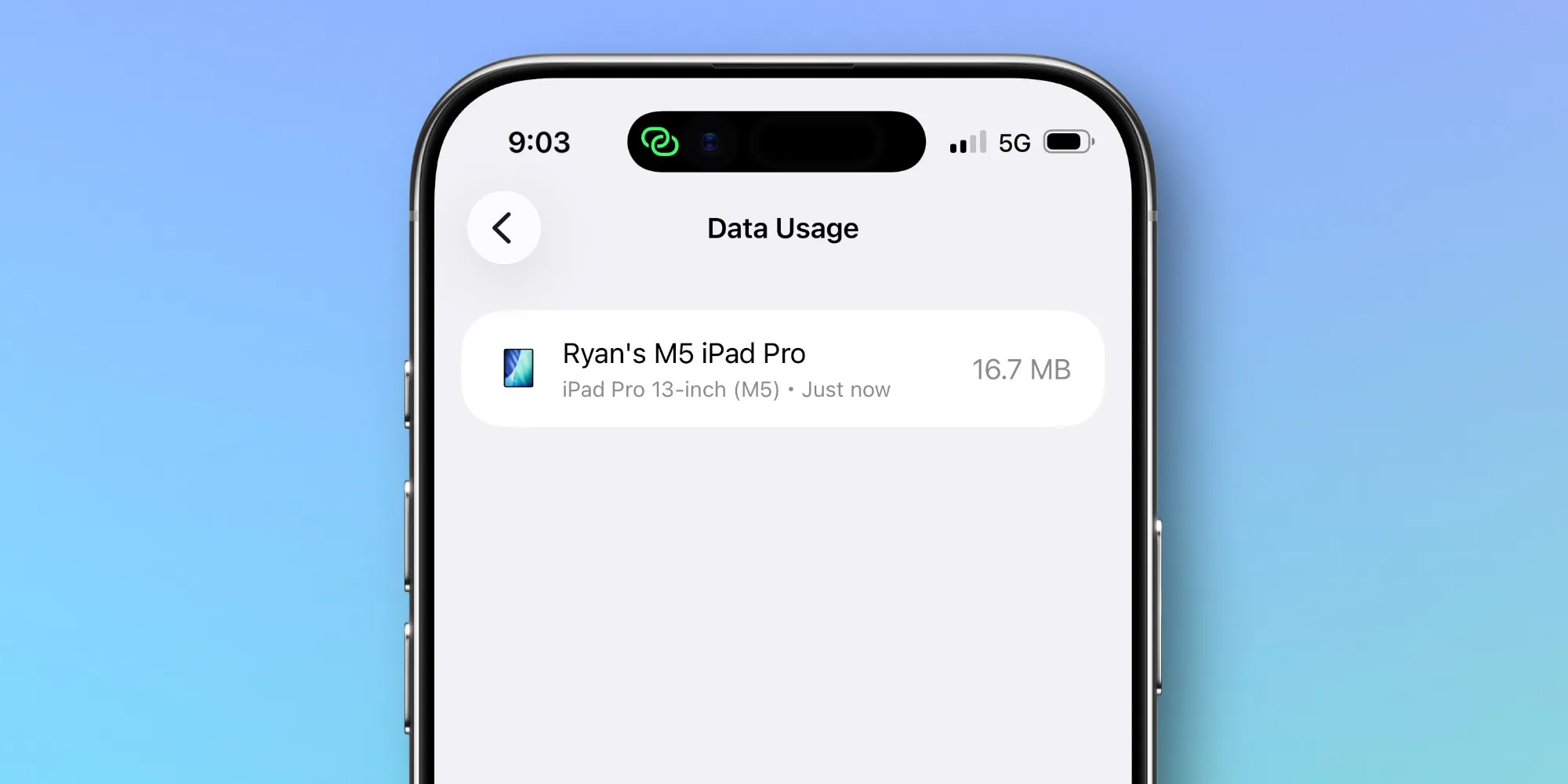
Go to Settings ⇾ Personal Hotspot, and you will see a Data Usage menu at the very bottom of the screen. This menu becomes visible when you have recently used your hotspot.
In the Data Usage menu, you can see how much data each device has used through the hotspot. You can reset this data by resetting your overall cellular usage statistics in Settings ⇾ Cellular.
This is a great way to track usage among your own devices or when you allow others to connect to your hotspot.
Although I hadn't noticed before, it seems that Apple has kept this data in a different place in Settings. However, despite being a long-time iPhone user who has written about iOS for years, I had no idea this existed. I don't think I'm alone in this.
If you use the hotspot frequently and need to keep a close eye on data usage, iOS 26.4 offers a practical way to do so.
How often do you use personal hotspot on your iPhone? Let us know in the comments.
Best iPhone Accessories
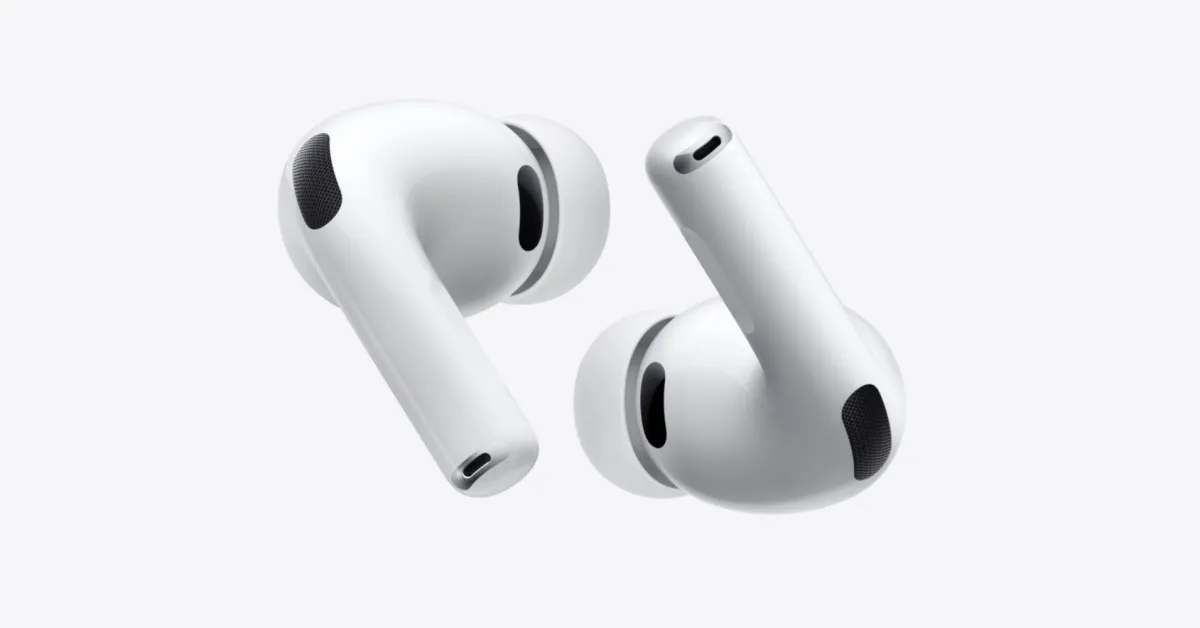
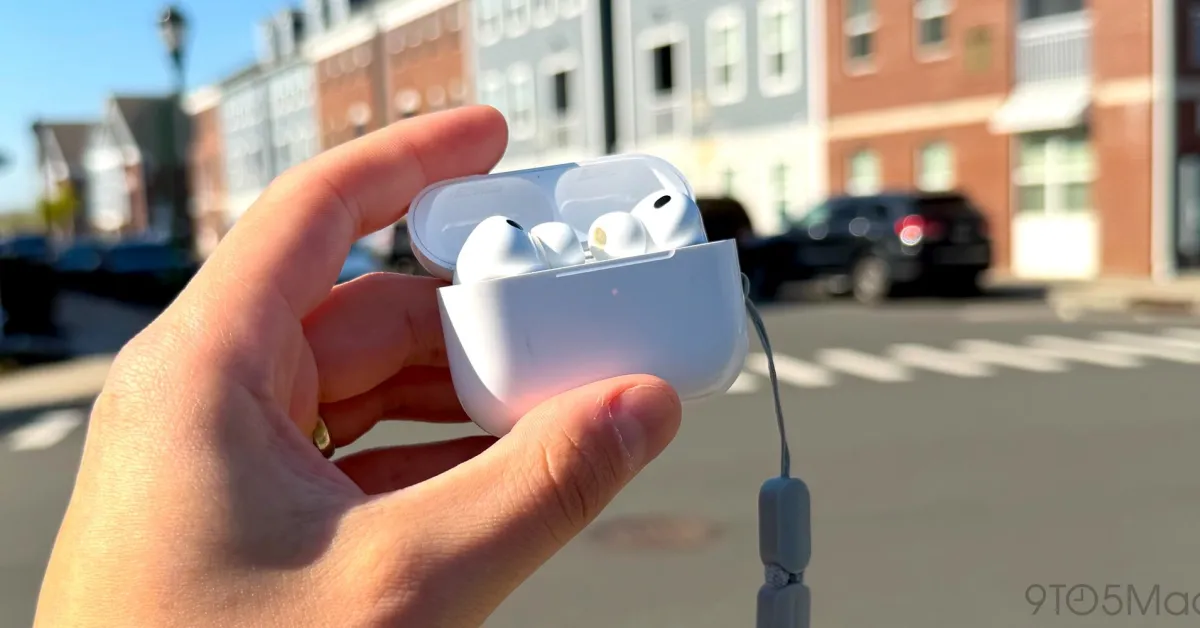
- AirPods Pro 3 (currently only $199, down from $249)
- MagSafe Car Mount for iPhone
- Apple's new AirTag 2 (single pack / four pack)
- 10-year lifespan AirTag battery case two-pack
- 100W USB-C fast charging power adapter

















![The CardPointers app can now integrate with ChatGPT and more [50% off]](/resimler/cardpointers-uygulamasi-artik-chatgpt-ve-daha-fazlasi-ile-entegre-olabiliyor-yuzde-50-indirim.webp)






Comments
(3 Comments)