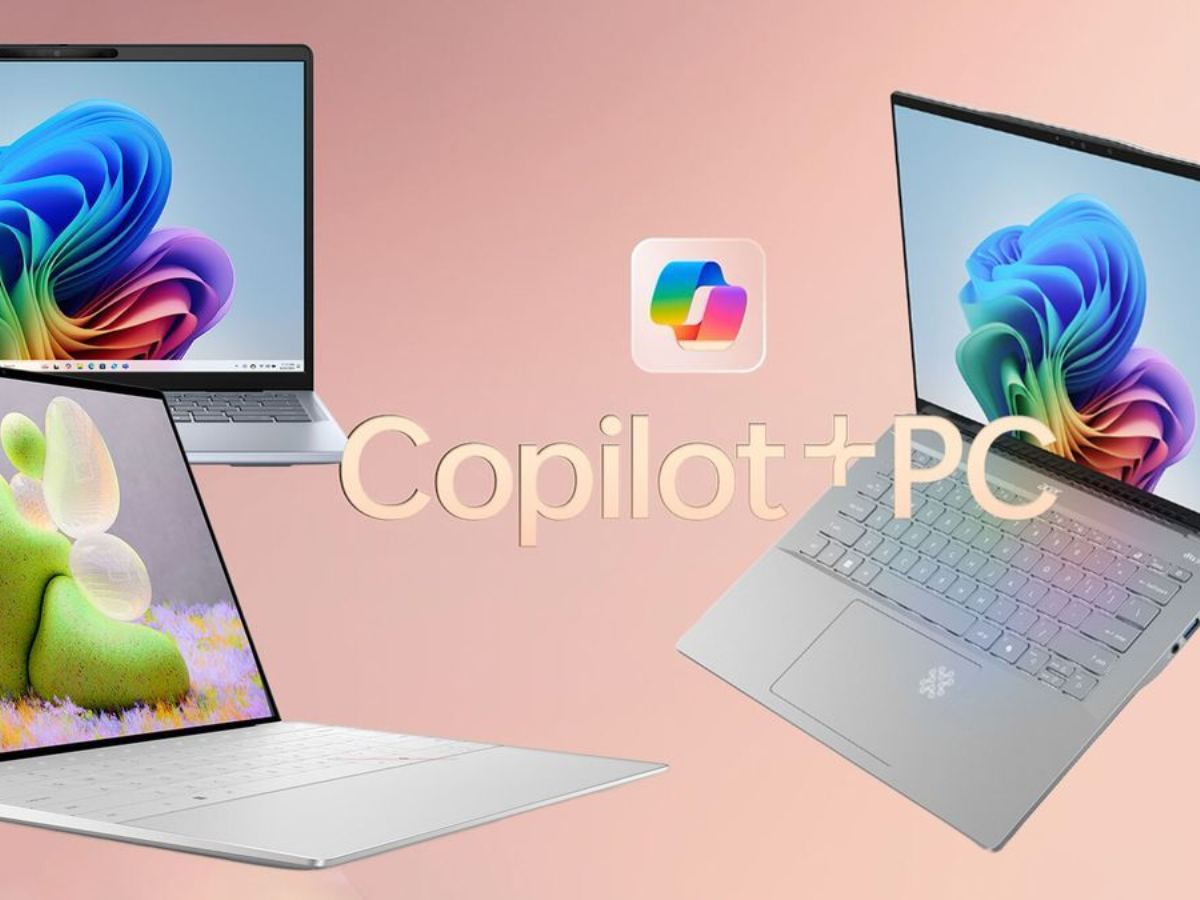
Microsoft has begun removing the Copilot branding from Notepad in Windows 11, and a new preview version is now available for all Windows Insiders. The update replaces the Copilot icon with a pen icon and renames the AI menu to writing tools. The core functionality remains the same.
The update comes with Notepad version 11.2512.28.0. References to AI and Copilot in Notepad's settings have also been removed; the key used to enable or disable AI writing features can now be found under Advanced features.
Microsoft's Efforts to Remove Copilot Branding in Windows 11
In January, Microsoft confirmed plans to remove or rebrand Copilot features from several built-in applications of Windows 11. The company stated that it is looking at how to simplify AI features across the operating system and that the Copilot buttons in various applications would likely be removed or changed.
Notepad appears to be the first application to undergo this change. Microsoft indicated that similar updates for Paint, which includes Copilot integration, and File Explorer, which has multiple Copilot links, are likely in the pipeline.
The branding change does not eliminate AI functionality. Users who do not want writing tools can disable them through Notepad's Advanced features settings. The change only affects how features are labeled and presented, not their capabilities.
Microsoft has not provided a timeline for when the Copilot branding will be applied to other Windows 11 applications or when the Notepad update will be made available to non-Insider users.

































Comments
(1 Comment)