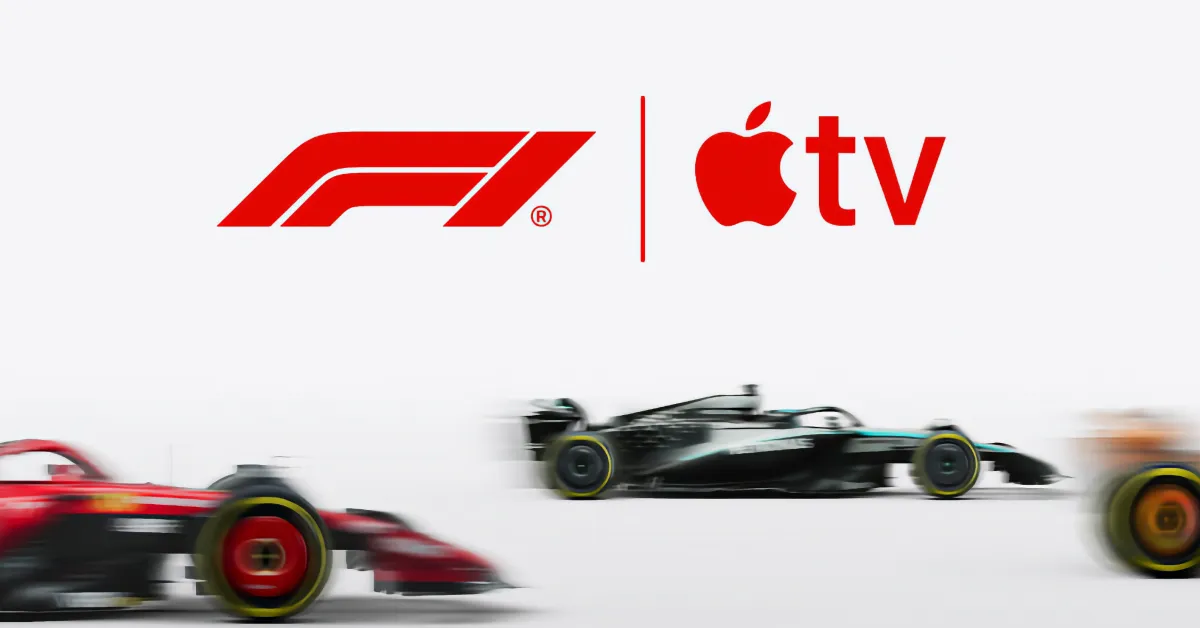
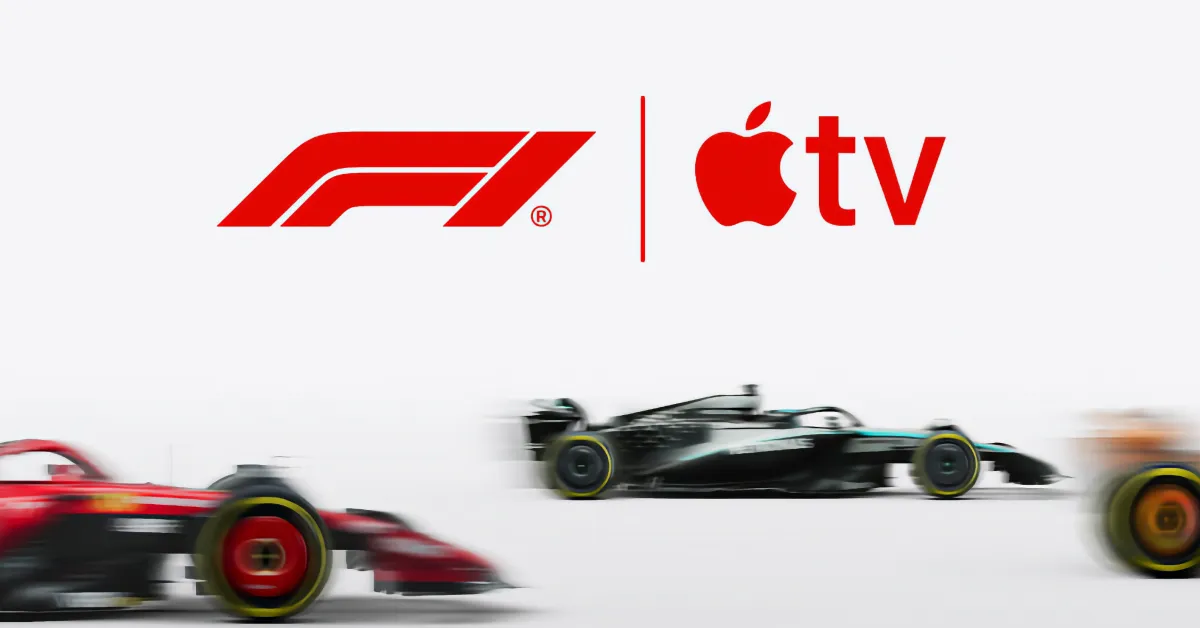
Starting from the 2026 season, Apple TV has made an exclusive agreement to broadcast Formula 1 in the United States. This agreement covers all Grand Prix, qualifying, and practice sessions.
In short, you need an Apple TV subscription to watch Formula 1 races this season. In this article, we will explain in detail how to subscribe, how to save money, what the best device is, and what you can watch for free.
Before this season, you could watch Formula 1 in the U.S. via cable on ESPN or through the F1.TV platform. The new partnership for 2026 means that ESPN will not broadcast any races. Apple is the exclusive broadcasting partner. (However, you can continue to use the F1.TV app if you wish; more information on that below.)
From 2026 onwards, you will need an Apple TV subscription using the Apple TV app on a compatible device to watch Formula 1. You can also watch through a web browser at tv.apple.com.
What is the cost of Apple TV?
The cost of Apple TV is $12.99 per month or $99 per year. As a new subscriber, to get the annual plan, you must first subscribe to the monthly plan, then go to your subscription settings and switch to the annual plan. You can get a seven-day free trial for new sign-ups here.
You can also get Apple TV through the Apple One bundle. This bundle starts at $19.95 per month and includes other services like Apple Music and iCloud storage.
A single Apple TV subscription can be shared with up to six people through Family Sharing. If you are a student, you can get Apple TV at no additional cost as a benefit of the Apple Music Student Plan. Apple TV is also included through some mobile carrier plans (or offered at a discounted price).
Regardless, as long as you have access to Apple TV, you will be able to watch all Formula 1 content — live and on-demand — in 4K quality. No additional tier or other purchase is required.
How do you watch Formula 1 on Apple TV?
The Apple TV app provides a dedicated Formula 1 hub where you can find live broadcasts of race action. Additionally, there are alternative broadcasts available for onboard cameras of the drivers and other special features.
The 2026 F1 calendar includes 24 races starting on March 7. If you have never watched F1 before, a race weekend includes practice sessions, qualifying, and the actual Grand Prix taking place on Sunday.
During race weekends, Apple TV provides all broadcasts; practice sessions on Friday, qualifying on Saturday, and the race on Sunday. All practice sessions are broadcast for free — no subscription is required — allowing newcomers to the sport to get a taste of the experience.
You do not have to watch live. Races are also available on-demand for rewatching. In addition to basic race content, Apple will provide additional coverage such as highlights and archival material throughout the season.
If you do not see the Formula 1 hub in the Apple TV app, check for app updates and ensure your operating system is up to date. On iPhone, you can find a quick link to the F1 hub from the Search tab. On iPad, it is located in the tab bar. On other platforms, check the side menu for 'Formula 1'. You can also find it in the top menu at tv.apple.com. This hub is only available in the United States region; it is not visible to customers in other countries.
Within the hub, press the Follow button to receive notifications and updates when events occur. This will also ensure that upcoming races appear in your Apple TV Watchlist.
What is the best way to stream?
The list of compatible devices is quite long. The Apple TV app is available on iPhone, iPad, Mac, but also on Android phones and tablets, Windows PCs, gaming consoles like PlayStation and Xbox, and more; it also offers a web app experience at tv.apple.com.
Probably the best viewing experience will be using an Apple TV 4K set-top box. This is Apple's streaming box and typically offers the best visual and audio quality. Additionally, you will be able to utilize the Multiview feature, which allows you to watch four different streams simultaneously.
Through the Apple TV app, Multiview is currently available on Apple TV 4K, Vision Pro, and iPad. On other platforms, you can only watch one video stream.
On supported platforms, Multiview presets make it easier to view your favorite teams side by side. For example, with a team preset, the onboard views of both drivers will be presented in Multiview format alongside the main stream. There is also a podium tracker that automatically follows the cars in first, second, and third place.
How can I use F1.TV with my Apple TV account?
If you are an existing Formula 1 fan, you may be enjoying race day using the F1.TV website or apps. Although you can no longer pay directly for F1.TV, if you have an Apple TV account, you can continue to access the F1.TV experience. This is because Apple TV offers F1.TV Premium as a free benefit (previously priced at $129 annually).
To link accounts, open the F1.TV app on your phone or use this page online. Click the Activate button to link your F1.TV and Apple account. Then, you can continue watching F1.TV as usual. You can also access the extensive historical archive using F1.TV or watch lower league races that will not be directly available through the Apple TV app.
For example, you will need to use F1.TV to watch the preseason test broadcasts live on February 11-13 and February 18-20. Just subscribe to Apple and then link your accounts, and you are all set. (If you have an existing F1.TV subscription, you can continue using it until it expires — it just won’t be renewed.)
(Note: If you subscribed to Apple TV through Amazon Prime, you will need to link your Prime subscription with your Apple account using this page first. Then, you can link it with F1.TV as well.)
How can I get a cheaper annual plan for Formula 1?
By default, new sign-ups for Apple TV are switched to the monthly plan, which is currently $12.99 per month. However, the annual plan is available as a hidden option for only $99, which is about 50% cheaper than subscribing monthly for 12 months.
To get the annual plan, first subscribe to the monthly plan. Then, go to your Apple account's subscription settings, select Apple TV, and choose the Annual plan from the list of alternative options.
If you are using other Apple services, subscribing to Apple One may be a better option. However you subscribe, you can share Apple TV with up to six people in your family through Apple Family Sharing. There is no additional cost for doing this.
Apple TV + F1 in the Future
Apple's F1 agreement is valid until 2032 and can be extended if successful. The companies have promised that this is just the beginning and that they will add more features and production enhancements to the service over time.
In terms of viewership, most people expect the initial rollout on ESPN to show a decline compared to the season's start. However, Apple and F1 hope that people will adopt the subscription model over time.
For fans who previously used F1.TV, it is actually a pretty good deal — they can now watch the sport for nearly the same price as last year, and they also have access to the entire Apple TV content library.
If you were already a subscriber to both F1.TV and Apple TV last year, you are just saving money this season, as you no longer have to pay for F1.TV.
This year, Major League Soccer is also being offered with Apple TV, so you have more accessible sports content.
The big question is whether Apple will expand its F1 relationship globally. Currently, this agreement is only available in the United States. However, if it is successful, it seems likely that Apple will bid for similar exclusive rights in other countries.











Comments
(9 Comments)