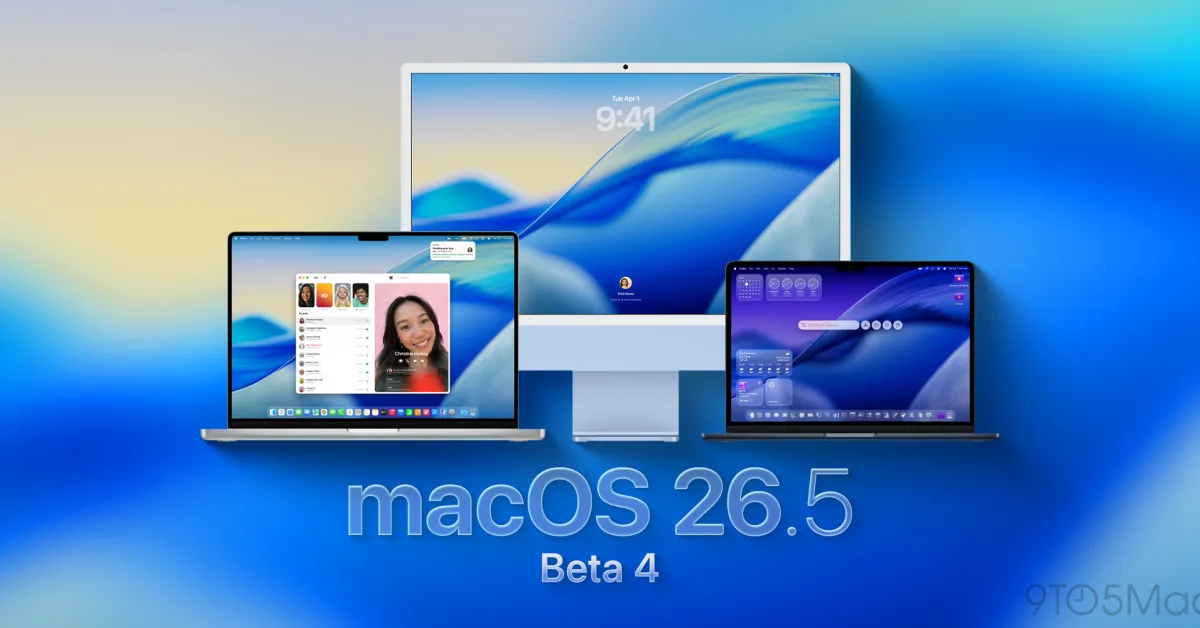
Update: Apple is now releasing public beta 3 (this is incompatible with developer beta 4, as Apple skipped a public beta version a few weeks ago). macOS 25.4 public beta 3 has the same build number as the macOS 26.4 developer beta 4 released earlier today.
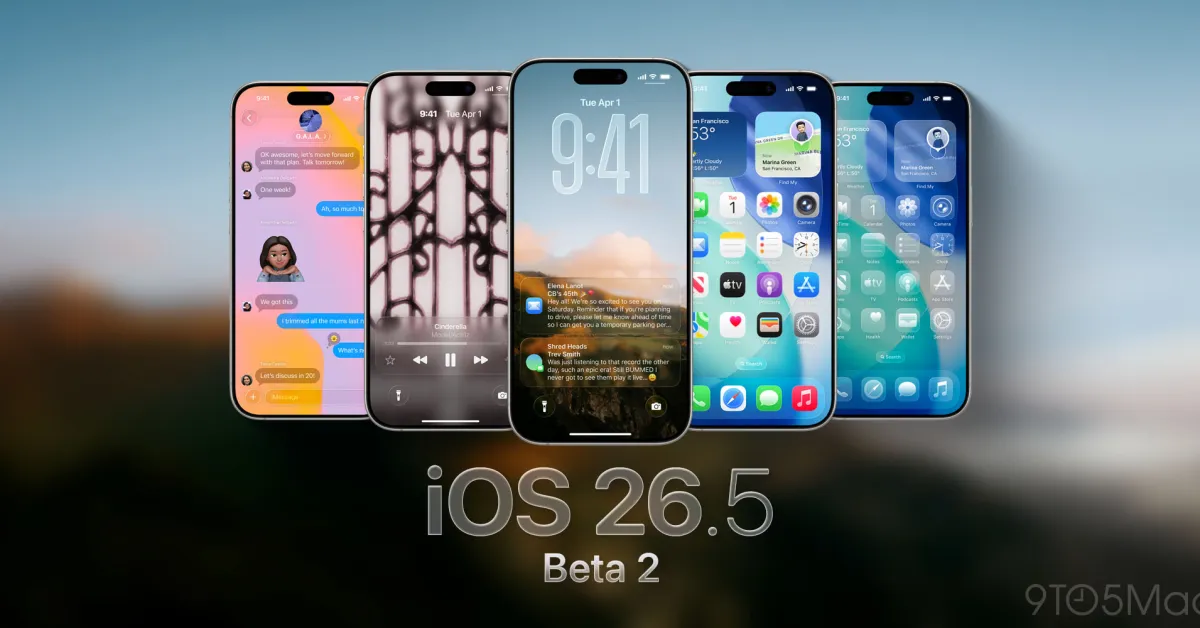
Just a week after releasing macOS 26.5 beta 3, Apple is now releasing the fourth beta, with the official version expected to arrive in a few weeks. Here’s what to expect.
A Quiet Release This Time
Unlike macOS 26.4, which reintroduced the compact tab view in Safari and added features like Charge Limit, macOS 26.5 seems to be a rather quiet release.
So far, no major changes have been observed in macOS 26.5; most new features are either present in iOS 26.5 or were introduced as cross-platform updates.
This includes end-to-end encryption progress for RCS, Live Activities support for third-party accessories in Europe, and a new "Suggested Places" feature in Apple Maps.
Particularly in macOS, it increasingly appears that the update will be one of "bug fixes and performance improvements," and this is widely expected to be the last update before WWDC26.
The build number for macOS 26.5 beta 4 is 25F5068a.
How to Install the New Beta
Follow these steps to install macOS Tahoe 26.5 developer beta 4:
- Back up your Mac
- Open System Settings
- Go to General ⇾ Software Update
- Click the ‘i’ icon next to Beta Updates
- Select macOS Developer Tahoe Beta from the dropdown menu at the top right
- Click the ‘OK’ button
Did you notice any changes in today’s betas? Let us know in the comments.














![The CardPointers app can now integrate with ChatGPT and more [50% off]](/resimler/cardpointers-uygulamasi-artik-chatgpt-ve-daha-fazlasi-ile-entegre-olabiliyor-yuzde-50-indirim.webp)














Comments
(4 Comments)