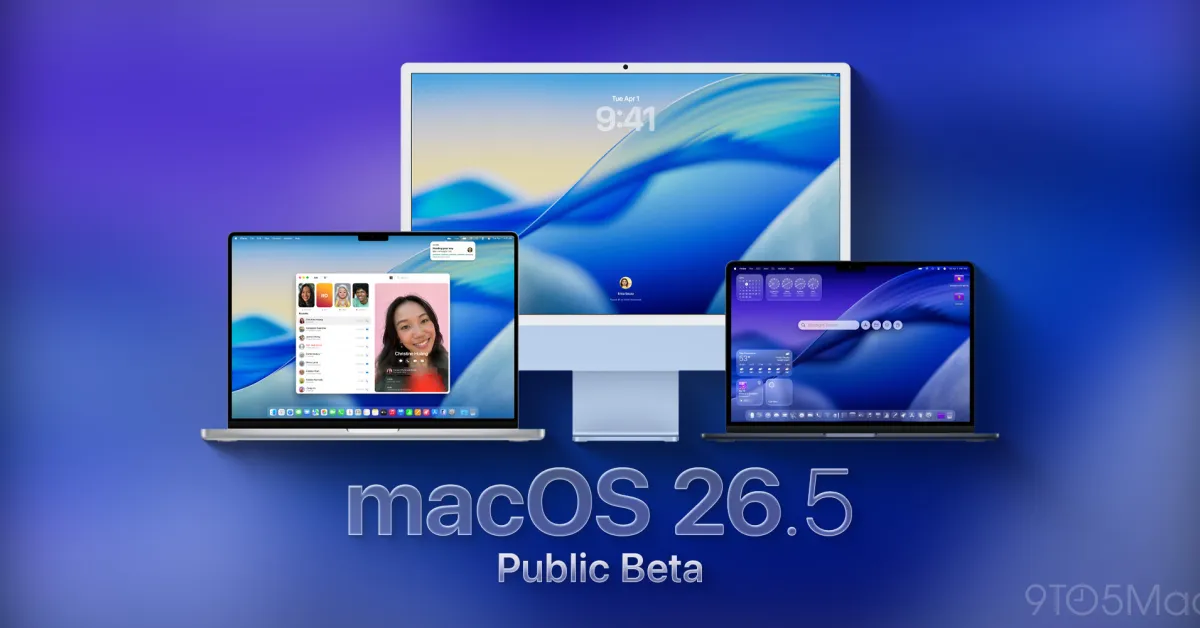
Last week, Apple skipped the second public beta release for macOS 26.5 and is now releasing macOS 26.5 public beta 2. Although it released macOS 26.5 beta 3 for developers yesterday, you can expect this update.
No new features so far
Apple released macOS 26.5 beta 3 yesterday, and as with the first two releases, there are no new features in the system.
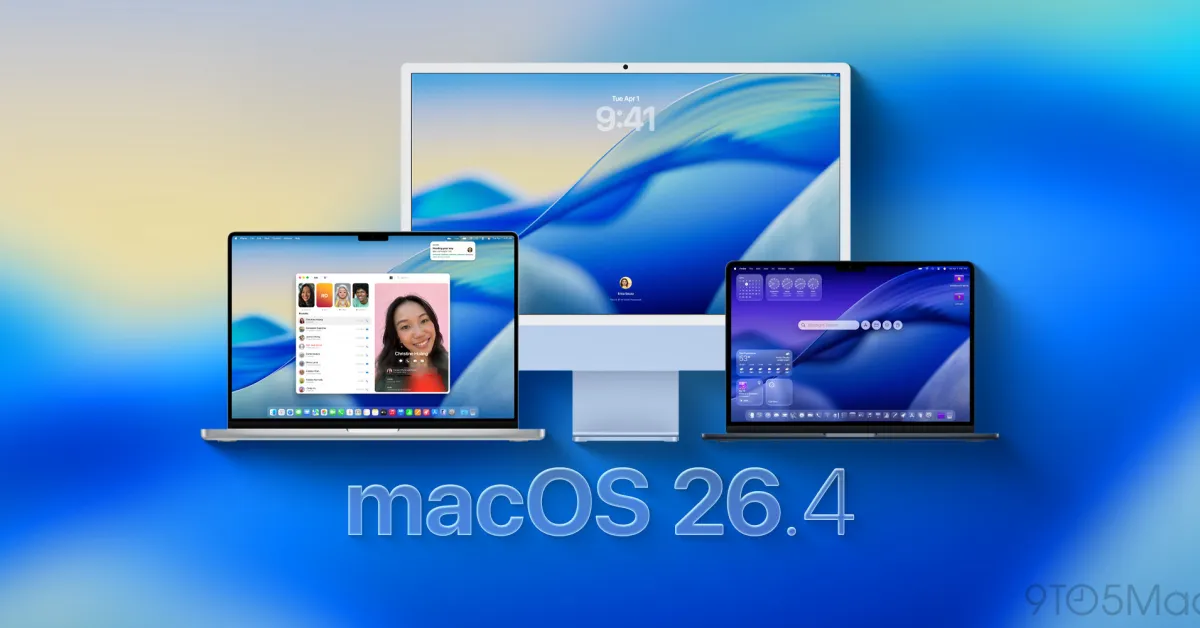
Considering that macOS 26.4 offered features like Charge Limit and brought back the compact tab view in Safari, it seems that Apple is making tweaks in the background to improve the system's stability and is shifting focus to macOS 27. macOS 27 is expected to be announced at WWDC in two months.
In any case, if you are in the public beta program, you can now download macOS 26.3 beta 2, which has the same build version (25F5058e) as yesterday's developer beta 3 release.
How to install macOS Tahoe 26.5 public beta 3?
The first thing you need to do to install it is to enroll in Apple's public beta program. You can do that here. Here are the steps you need to follow:
- Open System Settings
- Go to General ⇾ Software Update
- Click the ‘i’ icon next to Beta Updates
- Select macOS Tahoe 26 Public Beta from the dropdown menu at the top right
- Press the ‘OK’ button
Have you noticed any changes in today’s beta release? Let us know in the comments.
![The Best (and Worst) Apple Products of the Tim Cook Era [Video]](/resimler/tim-cook-donemindeki-en-iyi-ve-en-kotu-apple-urunleri-video.jpg)






![User Experience: There's a Feature I Looked for in This MagSafe Battery [Video]](/resimler/kullanici-deneyimi-bu-magsafe-bataryada-aradigim-bir-ozellik-var-video.jpg)











![iPhone 17e: Apple Finally Got the Affordable iPhone Right [Video]](/resimler/iphone-17e-apple-nihayet-uygun-fiyatli-iphoneu-dogru-yapti-video.jpg)





















Comments
(4 Comments)