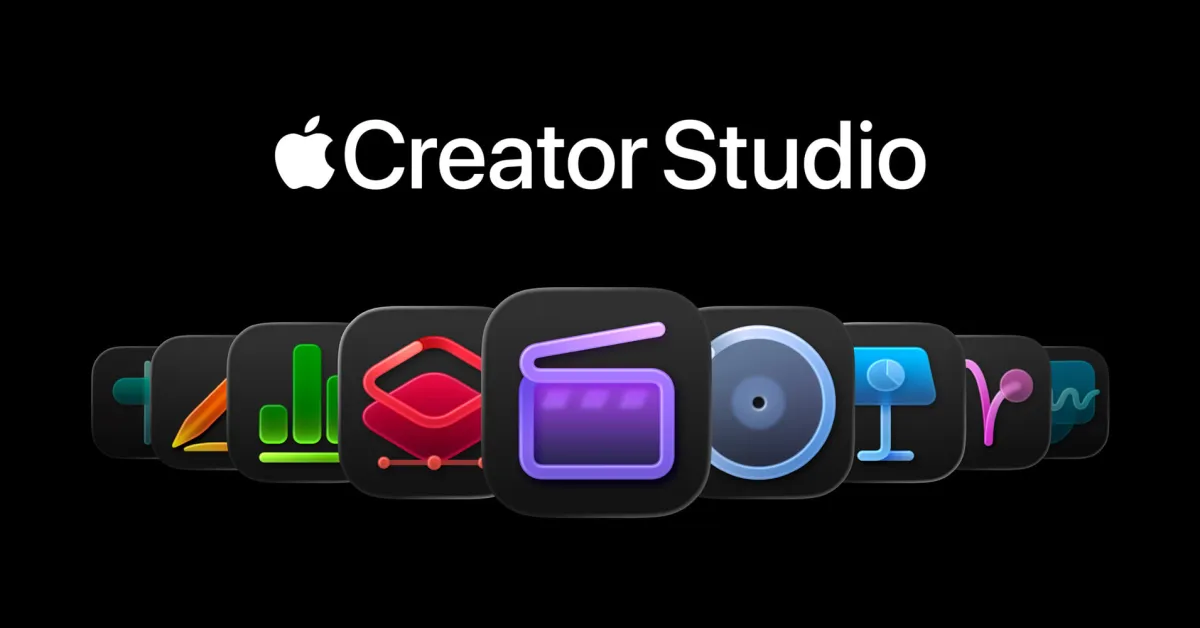
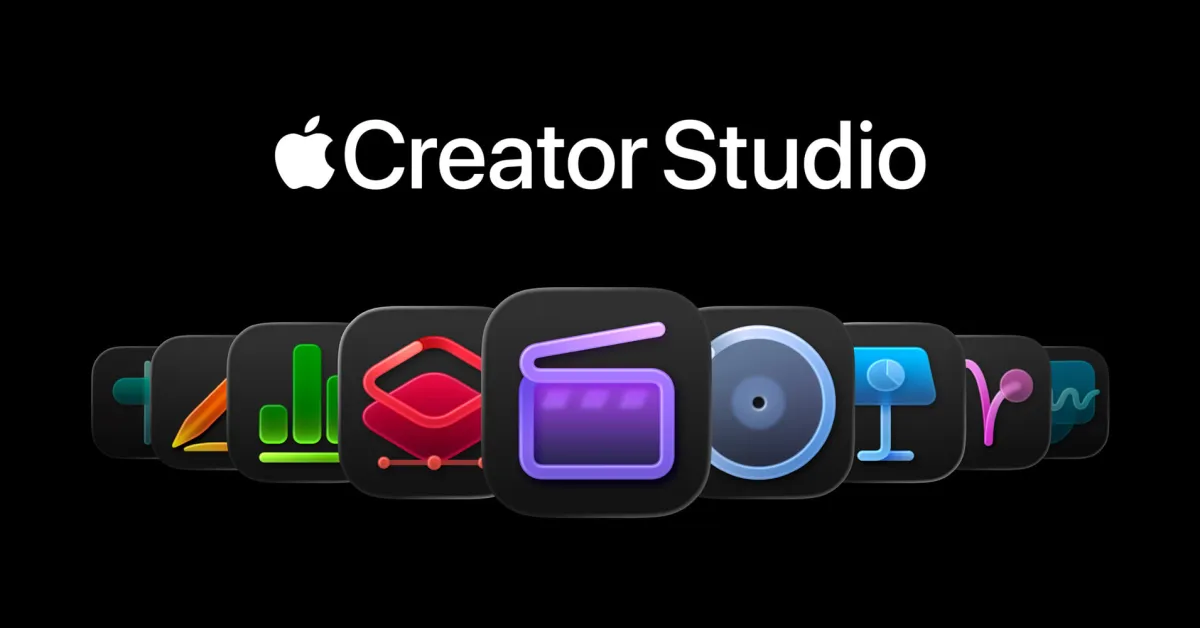
Apple has released new versions for Logic Pro, Pixelmator Pro, and other applications in the Creator Studio app package. Updates are also available for Final Cut Camera, Photomator, and more.
Logic Pro Gains Dolby Atmos Mix Preview and Step Reflex Pack
Logic Pro now offers support for previewing Dolby Atmos Mix creations.
"Export a lightweight, shareable file to see how it will sound when released on Apple Music – playable on iPhone, iPad, or Mac," it was stated.
It also comes with the new Step Reflex Pack, which includes these features:
- Get ready! Step Reflex: Adds smooth brightness to the modern garage sound of the UK from the early 90s/2000s with intense bass energy, impressive atmospheres, and EDM magic.
- Whether you are creating dance music or an inner rhythm, this comprehensive collection is filled with highlighted, two-step rhythms, rave-compatible synthesizers, deep bass lines, and impressive vocal cuts that will make your tracks stand out.
Additionally, Logic Pro includes bug fixes and performance improvements.
Pixelmator Pro and Photomator Updates
The next update for Pixelmator Pro (both the standalone Mac version and the Creator Studio version for Mac and iPad) was released today.
Both Pixelmator and Photomator add full support for compressed RAW images from three cameras: Sony Alpha ILCE-7M5, FUJIFILM GFX 100S II, and FUJIFILM GFX 100RF.
Apple also highlights these features in Pixelmator Pro:
- Work with High Efficiency (HE) and High Efficiency Star (HE*) RAW images from Nikon Z5Il and Nikon Z50ll cameras.
- Open and edit RAW images taken with Panasonic LUMIX DC-S1RM2 cameras in High Resolution mode.
- Explore updated template and mockup categories featuring new iPhone 17 mockups.
- Open SVG files exported from Pixelmator Pro with improved compatibility in Adobe Illustrator.
- Tap and hold on an image on the canvas to instantly compare before and after edits from the Color Adjustments and Effects tools.
- You can now customize the Pixelmator Pro Tools sidebar by selecting Tools from the menu bar.
The release notes also highlight new keyboard shortcuts:
- Hold the Option key while selecting the Selection Subject to base the selection on all layers in the document.
- Quickly change layer opacity from 1 to 9 using number keys across all supported tools.
- Use Shift-Plus and Shift-Minus keyboard shortcuts to switch between layer blending modes across all supported tools.
- Use Command-J to duplicate the selected area and Command-Shift-J to cut and paste.
- Use Option-Comma and Option-Period keyboard shortcuts to quickly switch between the topmost and bottommost layers in the document.
- Use the Spacebar to start or stop video playback in documents containing video layers.
Final Cut Camera Icon Design
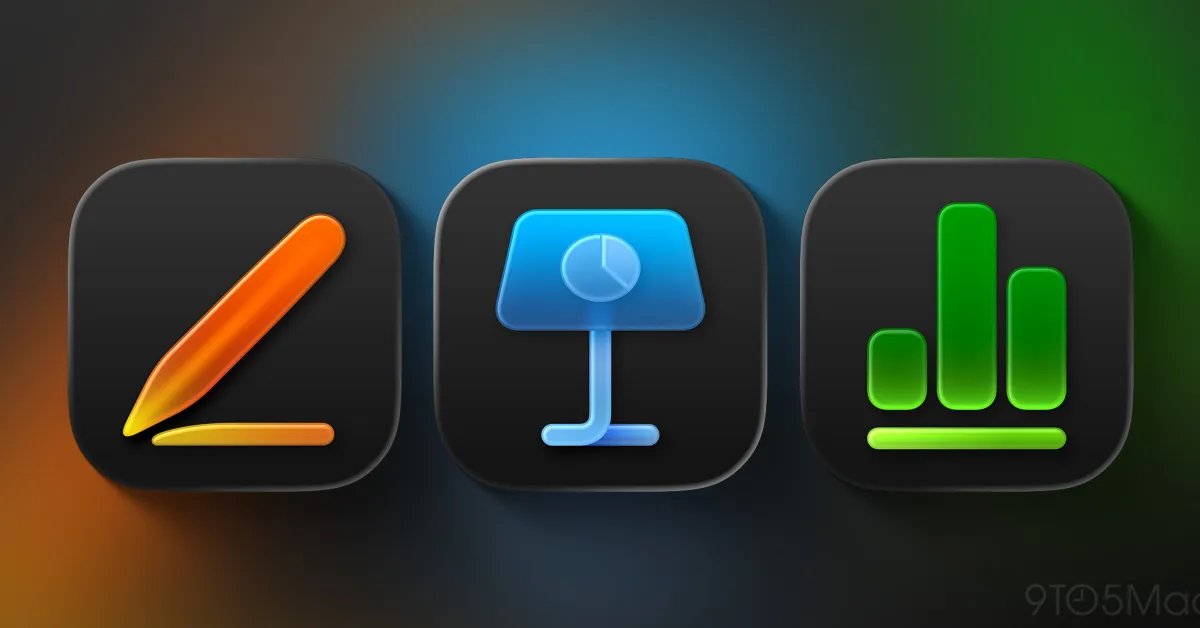
Other app updates released today include Final Cut Camera, Pages, Keynote, Numbers, MainState, Motion, and Compressor.
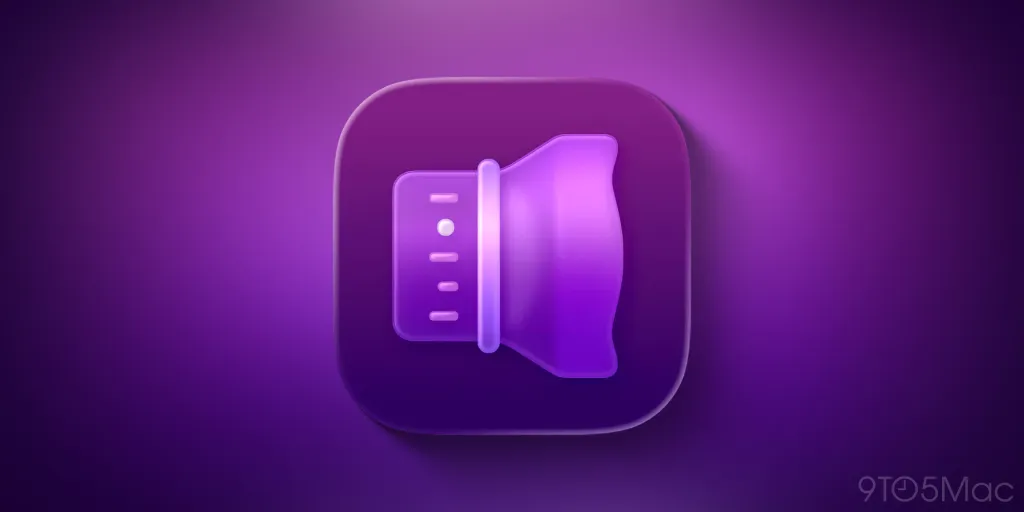
Final Cut Camera introduces a new app icon that matches the Creator Studio icon style. According to Apple, these updates include performance enhancements and stability improvements.
Apple Creator Studio is available for $12.99 per month or $129 per year after a free trial period. Today's software updates include updates for both standalone and package versions of Apple's creative applications.
- Apple Creator Studio launched today and offers great value.
- iOS 26.4 has made Apple Creator Studio better; here are the innovations.
- Apple's latest acquisition hints at the direction the company will take.
Do more with your Apple products
Apple AirTag 2 | Add Find My tracking for keys, bags, bikes.
Beats USB-A to USB-C Cable | Official CarPlay cable.
Wireless CarPlay Adapter | No more plugging in required.
AirPods 4 | Apple's most affordable wireless earbuds.
Astropad Rock Paper Pencil | iPad screen protector + Apple Pencil tips.
Withings Body Comp | The best smart scale for Apple Health.



















Comments
(10 Comments)