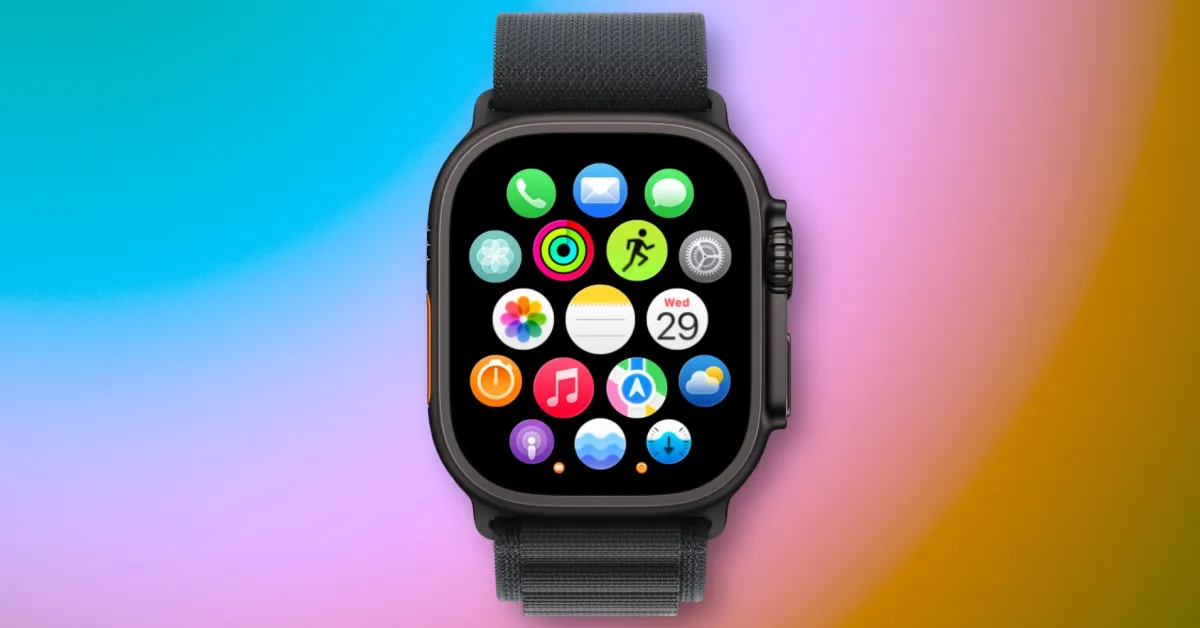
Apple Watch users have gained a new application on their wrist with watchOS 26: Apple Notes. Here is information about how I use this application.
Apple Notes in watchOS 26: What it can do and how I use it
Apple Notes is one of the applications I use the most on my iPhone, iPad, and Mac, so I was excited when it came to the Apple Watch with watchOS 26.
The main functions of the application are two main things: viewing existing notes and creating new notes.
Understandably, you cannot edit existing notes; you can only complete checklist items. However, this was not a significant limitation for me.
When creating a note, you can use voice memos, the on-screen keyboard, or perhaps the most practical option, Siri. I believe the ability to use Siri to create notes on the Apple Watch is a big part of why this new application exists.
The way I use the Notes application revolves around two things:
- Creating new notes through Siri
- Referring to information when my iPhone is not with me
When I want to create a new note, Siri is a great option. I love using Siri on my Apple Watch when I’m not wearing AirPods or when I'm away from my HomePod. Quickly creating a note by raising my wrist and saying "Note to self" is extremely practical.
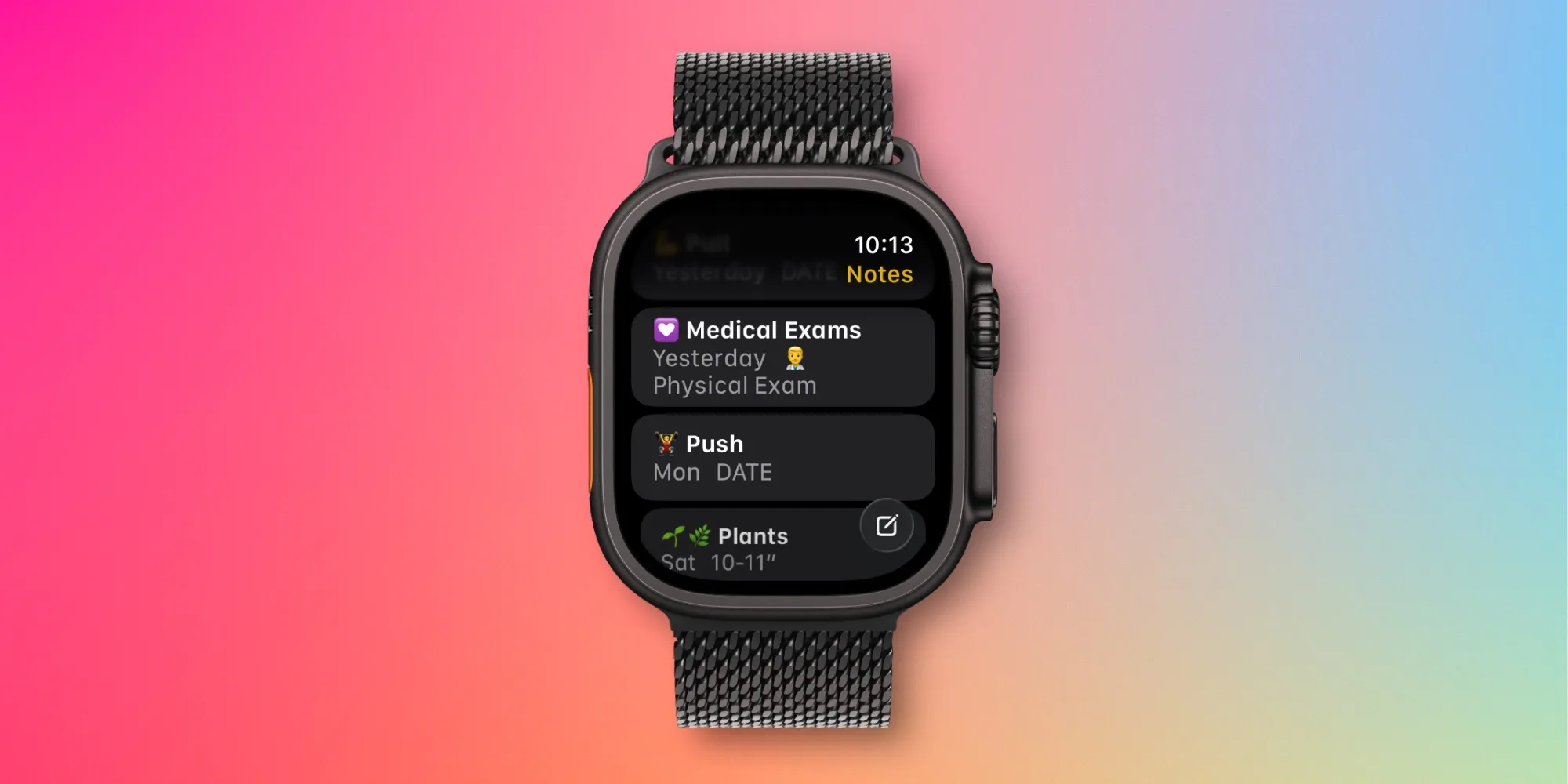
When referring to notes, the Notes application automatically shows all pinned notes at the top, followed by your most recent notes. I have over 2,600 notes in iCloud, many of which are pinned. Therefore, having pinned notes at the top was potentially an issue.
Fortunately, Apple has included a downward arrow icon in the upper right corner of the application, which you can tap to narrow down the list of pinned notes. This generally allows me to easily access the most recently edited notes that I want.
In the Settings application on the Watch ⇾ Notes section, you can also choose whether notes are sorted by Date Edited, Date Created, or Title. The feature to group notes by date can also be enabled or disabled.
Overall, I haven't used the Notes application in watchOS 26 as much as I expected. However, there have been some significant moments when this application was useful for creating or referring to a new note from my wrist.
Have you used the Notes application much in watchOS 26? Share with us in the comments.
Best Apple Watch accessories
- AirPods Pro 3 (currently only $199, down from $249)
- Portable USB-C charger for Apple Watch
- Retro Mac stand for Apple Watch Night Mode
- Anker 20W USB-C charging adapter
- Metal adjustable linked Apple Watch strap



















Comments
(2 Comments)