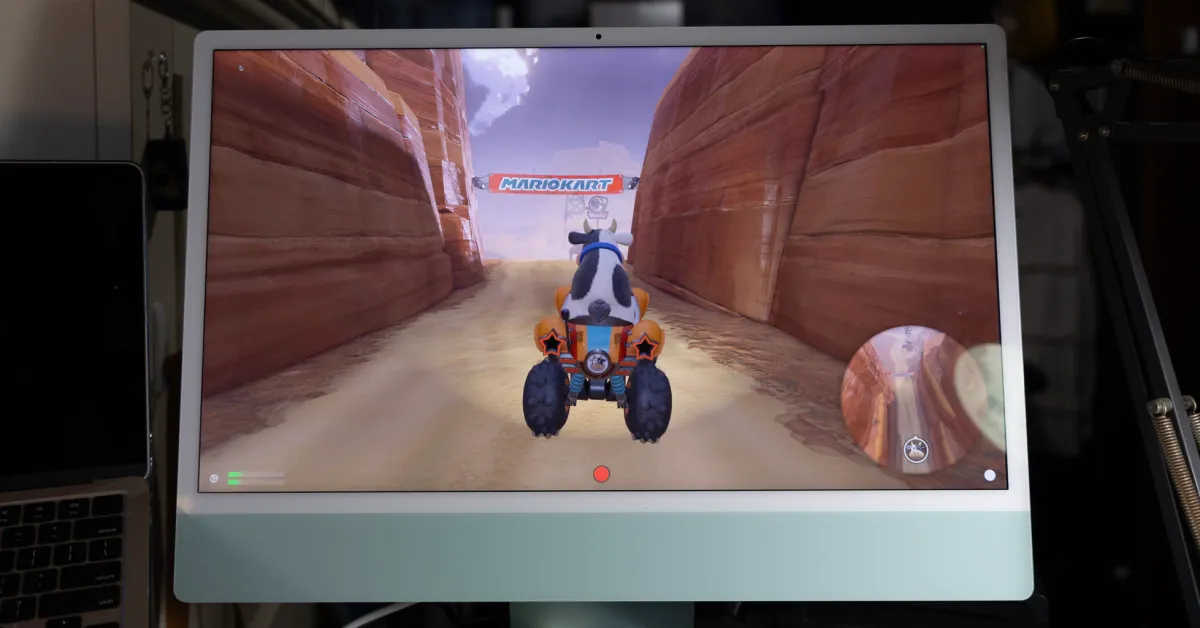
Apple has been offering excellent display panels in iMacs for years, but for a long time, there was no way to use them outside of macOS. There was a feature called Target Display Mode, but that has long been removed. This situation has been disappointing in terms of the perfect displays of many iMacs going to waste once the computer becomes outdated.
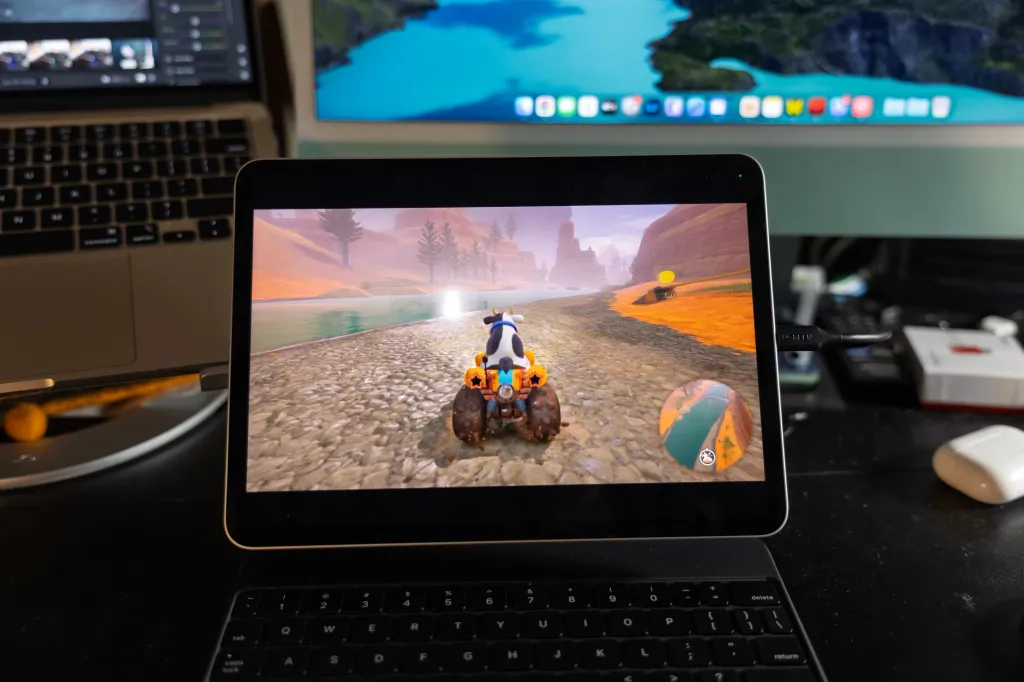
However, I found quite a good solution, which involves a 4K capture card and an application available in the Mac App Store. Any HDMI input, whether it's Switch 2, PS5, Xbox, or something else – can be displayed on your iMac (or USB-C iPad!).
Of course, I have a TV that I can use in the room – but there’s an elegant and practical aspect to being able to receive the display on my iMac screen at my desk.
Solution
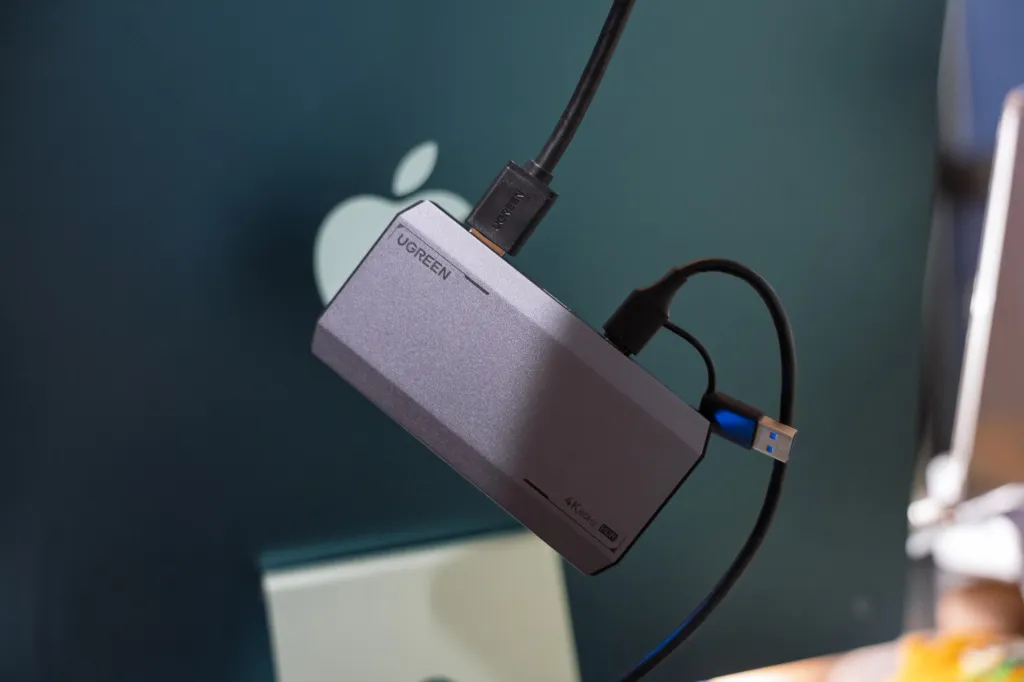
For this solution, I used UGREEN's 4K 60Hz capture card. At $95, it’s not very cheap, but it is the most affordable product from a reliable brand that promises 4K and 60Hz – cheaper options usually limit 4K to 30Hz. UGREEN's capture card also supports HDR, which I haven't tested in this project, but you can do so if you want to use your MacBook Pro display or iPad Pro! It also supports up to 240Hz (but not at 4K) if you want to use that.
On the software side, I used an application called UVC Video Capture from the Mac App Store. It requires an annual subscription of $9.99 (and has an annoyingly non-hideable record button) – but this seemed to be the most reliable option to me, and there is a free trial. You can use Orion from the makers of Halide for iPad. The basic features are free, and there is a one-time purchase of $9.99 for some additional features like brightness adjustment.
With these two applications, the process is quite simple: you plug the HDMI cable from your source device (in my case, Switch 2) into the capture card, then connect the USB-C cable from the capture card to the iPad – and then open the application! Your content should start streaming.
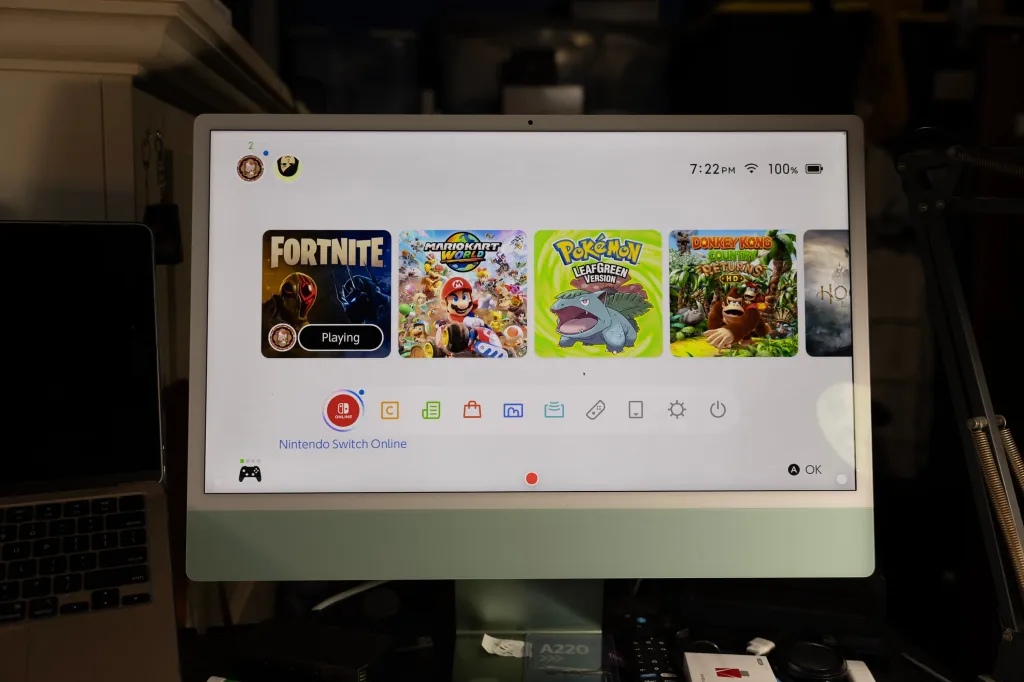
Using this UGREEN capture card, the latency is incredibly low – almost indistinguishable from a native output. I played a few rounds of Mario Kart World and Fortnite on my iMac through my Switch 2, and it was fantastic.
Extra Information
It would be nice if Apple brought back (and expanded) Target Display Mode to allow USB-C video input to be displayed on the iMac without needing such software. Initially, Apple removed it because Intel chips couldn't handle this on the 5K panel – among other technical limitations.
Apple has not decided to bring this back on Apple Silicon, so temporarily – this capture card + application solution does a great job.
Do you want to use your iMac display more, or do you want to use your iPad as a larger screen for Switch 2? Let us know in the comments.
Check out special free trials for Apple services:
- Apple Music – $10.99/month after free trial
- Apple Arcade – $6.99/month after free trial
- Apple News+ – $12.99/month after free trial
- Apple TV+ – $12.99/month after free trial
- Apple One bundle – $19.95/month after free trial
Follow Michael: X/Twitter, Bluesky, Instagram


![The CardPointers app can now integrate with ChatGPT and more [50% off]](/resimler/cardpointers-uygulamasi-artik-chatgpt-ve-daha-fazlasi-ile-entegre-olabiliyor-yuzde-50-indirim.webp)





Comments
(4 Comments)