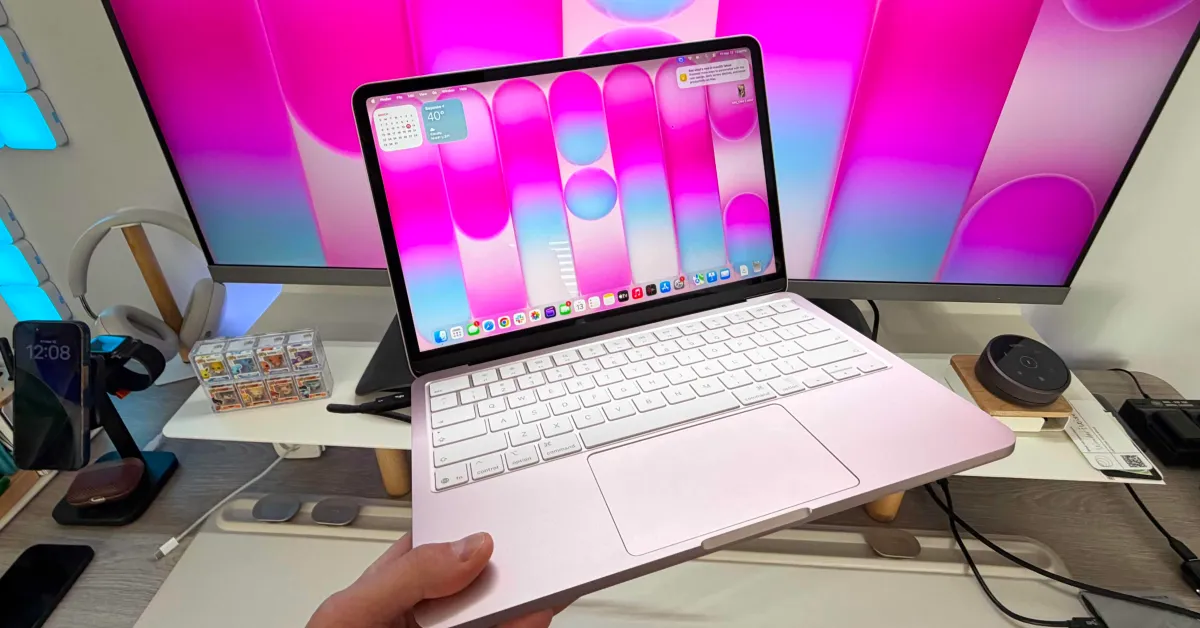
I have been using the MacBook Neo for a month, and I have truly had a great experience. The Neo is one of the most exciting Apple products to come out recently. It offers incredible value for its price, amazing build quality, and great performance. However, to bring the price down to $599, Apple had to make some compromises. To elevate my experience a bit more, I’ve added a few budget-friendly accessories that anyone can add to their MacBook Neo setup!
If you’ve just got a MacBook Neo, don’t forget to check out our setup guide!
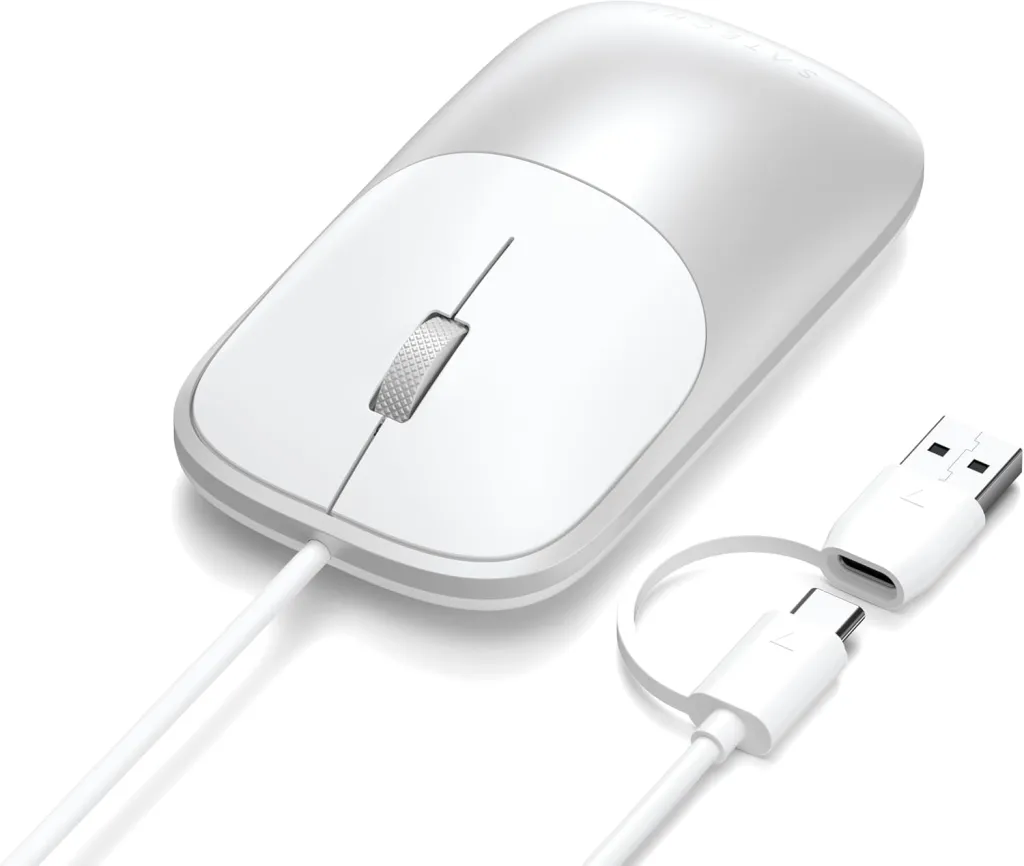
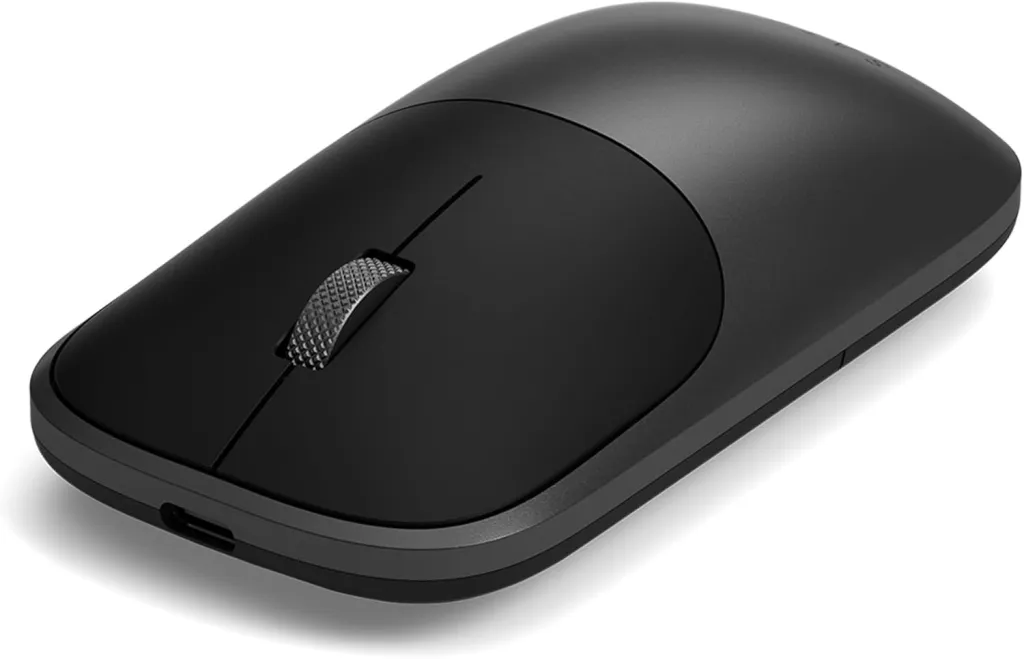
Satechi Slim Mouse
I love having both a trackpad and an external mouse with a laptop. I use the trackpad for gesture-based controls and the mouse for more precise cursor movements. One of the best mice you can get is Satechi’s new Slim EX Mouse.
- Ultra-thin and lightweight for portability
- Can connect to three devices at once (two via Bluetooth, one via 2.4GHz connection)
- Charges via USB-C
- Up to three months of use on a single charge and over a year of standby time
I used Satechi’s old M1 mouse on my MacBook Air for years. This new slim version is even better and remains at the same $29 price point. It comes in two colors: black and white. There’s also a wired version that drops to $22 (with a coupon) if you’re looking for one!
MOFT Invisible Laptop Stand
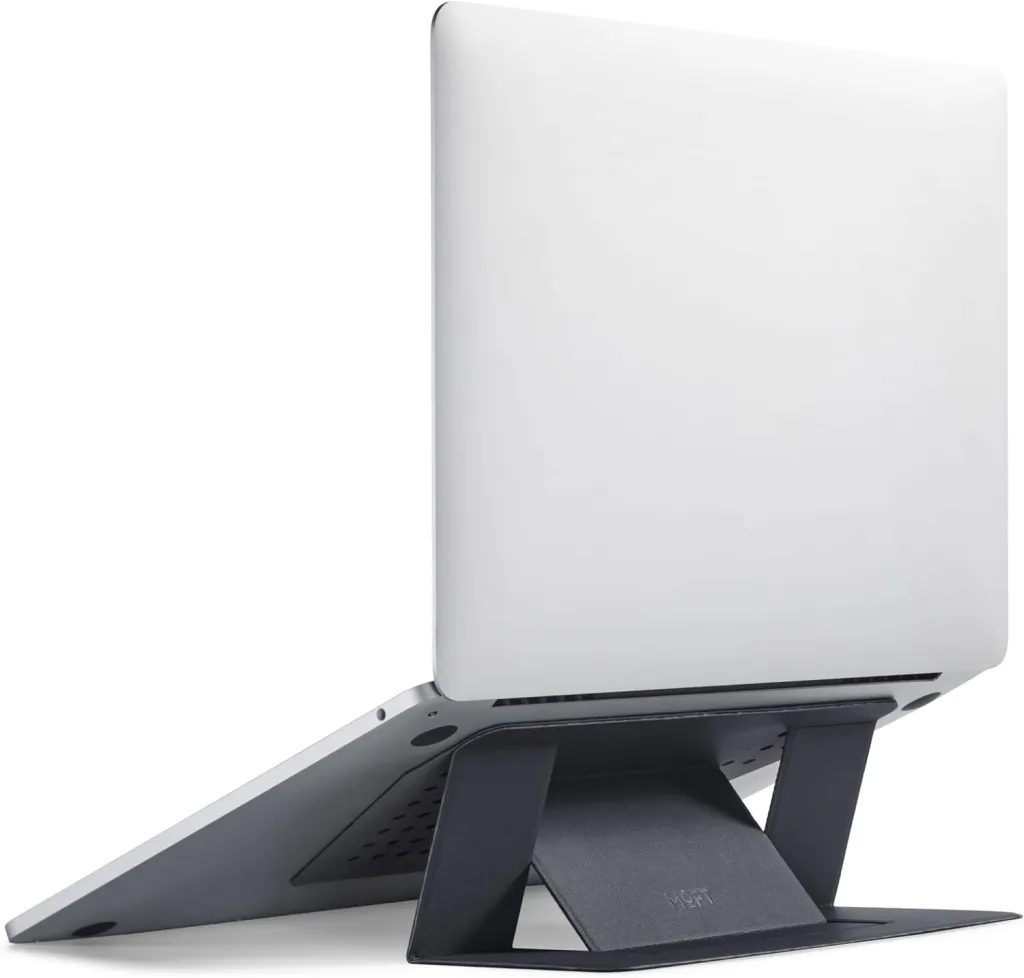
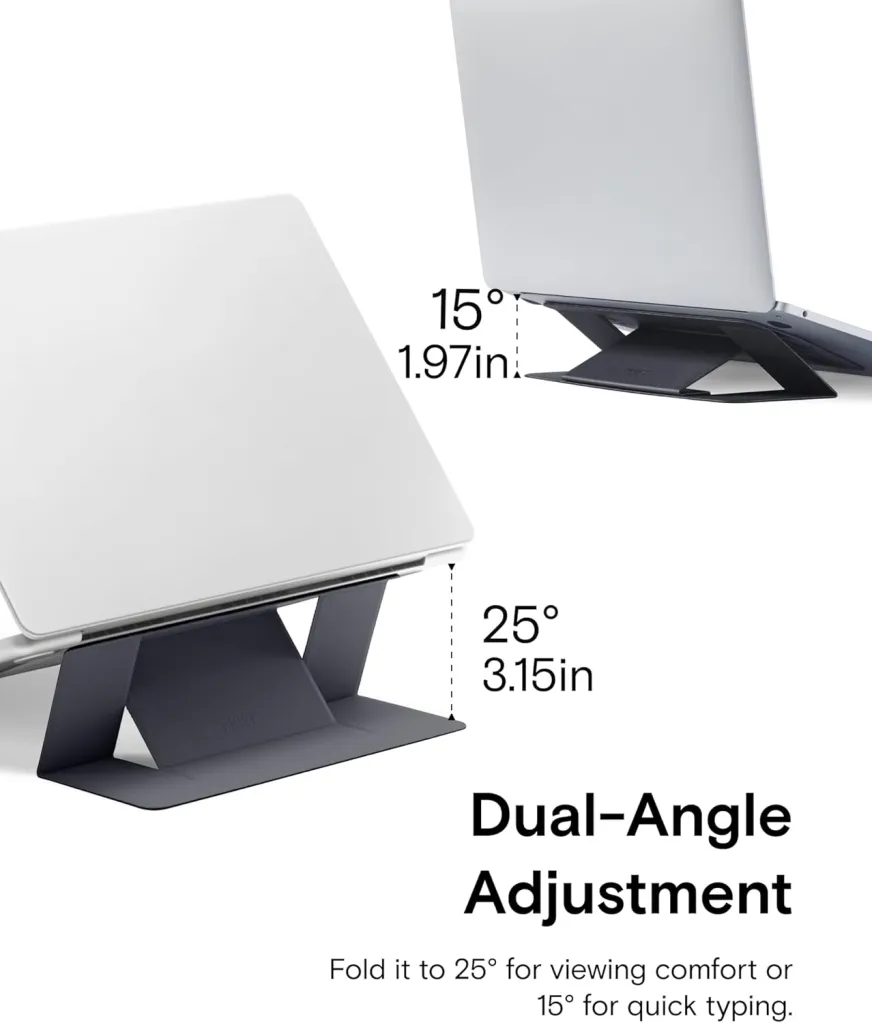
This has become an essential accessory for every laptop I use. It’s extremely easy to use and greatly enhances your experience with the MacBook. The MOFT laptop stand is quite simple and comes in two versions: one adhesive and one friction-based. I prefer the adhesive one so you never forget it. It’s also very easy to use. You place the stand under your MacBook, and it provides you with two new viewing angles for better ergonomics: 15 and 25 degrees. The stand is only 0.12 inches thick and weighs less than 3 oz. So when folded, you don’t even feel it. This is a great way to elevate your viewing experience before moving to a more permanent solution. The stand starts at $24, and the non-adhesive version goes up to $39 for the 16-inch MacBook Pro.
CUKTECH 10 Ultra Charger
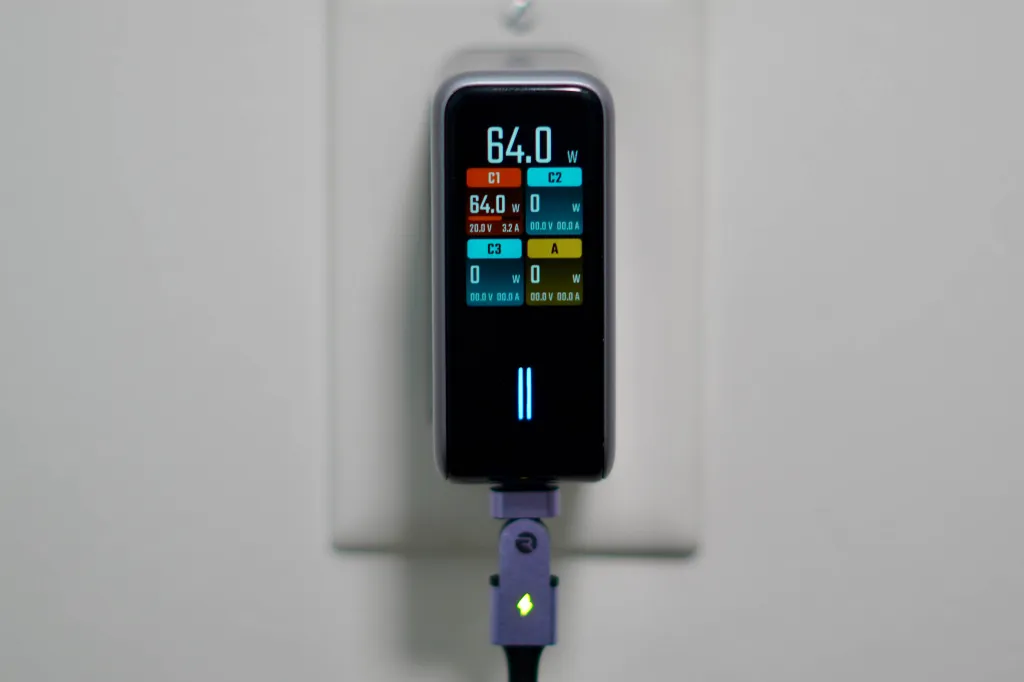
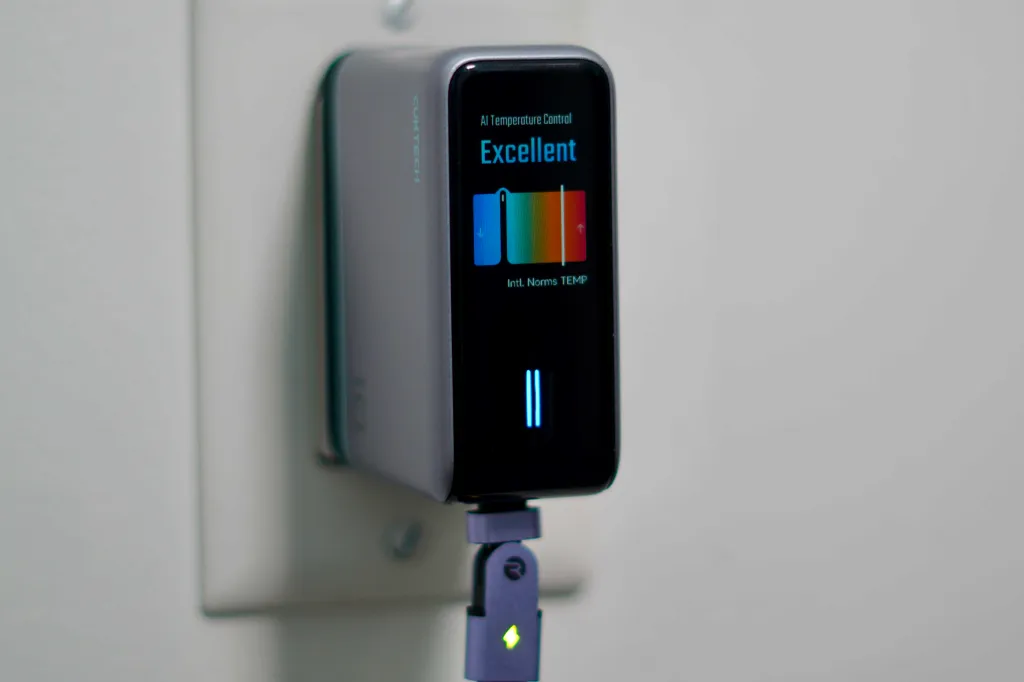
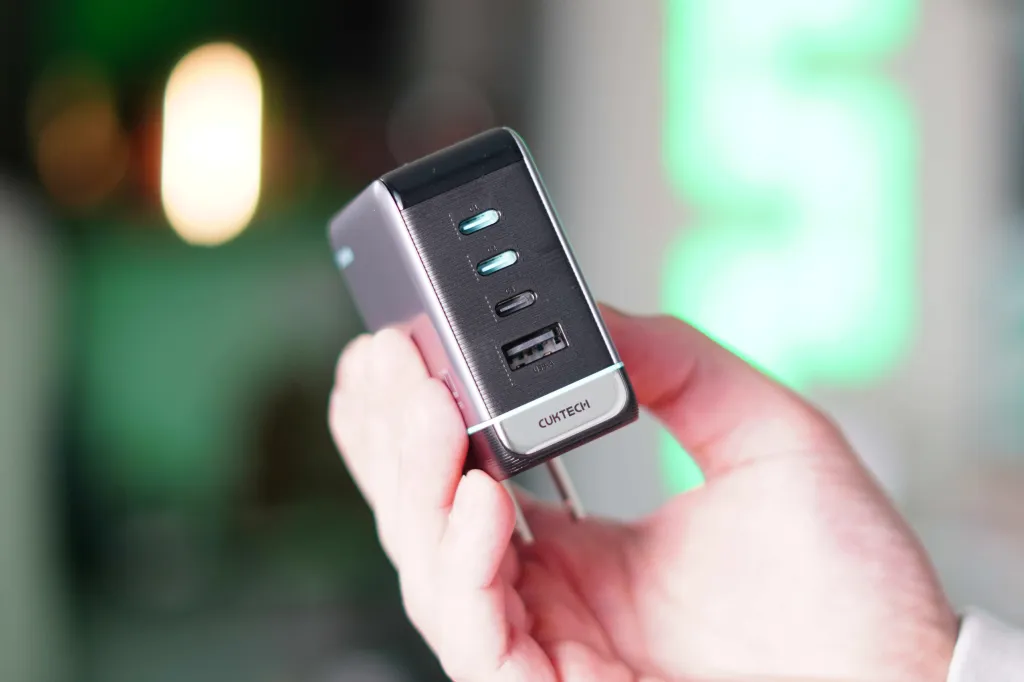
This is a newer product for me. I recently did a review on this charger because I liked it so much. This wall charger offers everything you want in a charger and more. Here’s what they offer:
- Up to 110W maximum output
- A total of four ports: 3 USB-C and 1 USB-A
- Smart display with real-time wattage monitoring
- Live temperature monitoring (I love this feature)
- Includes a 240W USB-C cable
The MacBook Neo only supports charging up to 30W, so you won’t need the full 100W, but there are a total of four ports that you can use to charge other devices. The diagnostic display really stands out here. You can see the real-time charging speeds and temperature readings for all your devices, ensuring optimal charging! The CUCKTECH 10 Ultra is available on Amazon for $59.
Wokyis Retro Dock
This is just a fun accessory, so I had to include it. I reviewed the Wokyis Dock and liked it a lot. It adds 12 new ports and a second 5-inch IPS display to any setup. The best part is its look. It is designed to mimic the appearance of the old 1984 Macintosh, and it does this very well!
I mostly use this dock to get more ports on a desk. It includes:
- 4x USB-A (USB 3.2 Gen 2, 10Gbps)
- 2x USB-C (USB 3.2 Gen 2, 10Gbps) USB-C main connection to Mac mini
- SD and microSD card slots (UHS-II)
- M.2 NVMe SSD slot up to 8TB
- Headphone jack
- 5-inch IPS 720P display
- HDMI port
So, if you’re planning to create a nice desk for your MacBook Neo, this dock provides you with all the I/O you need. There are two versions of the Wokyis Dock: 10Gbps and 80Gbps. Since the MacBook Neo does not support these higher data speeds, the entry-level Wokyis is sufficient and starts at just $155!
Lexar SSD
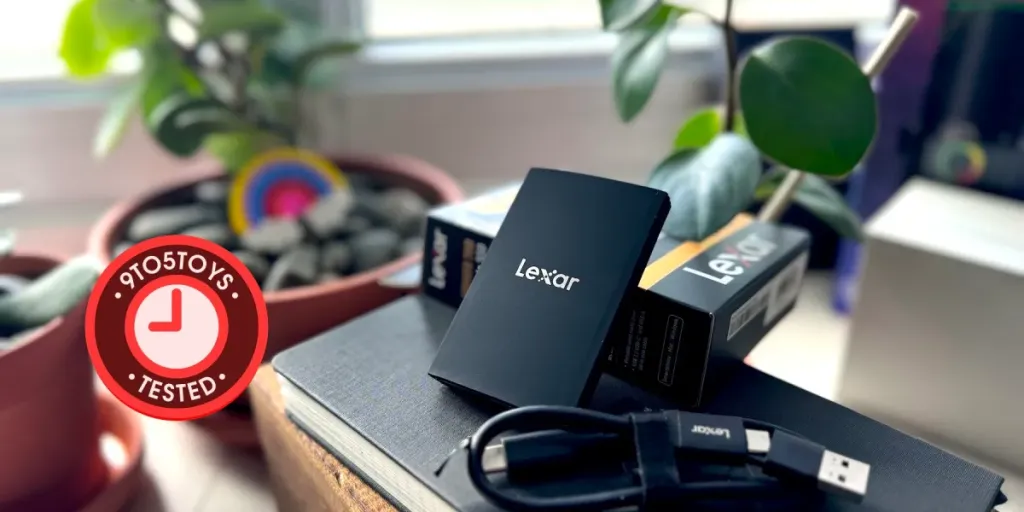
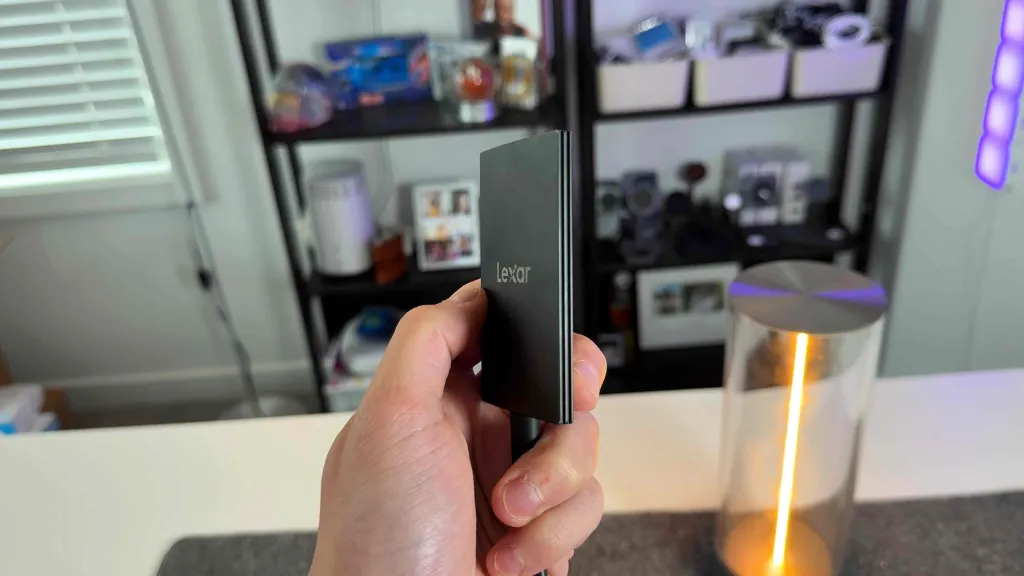
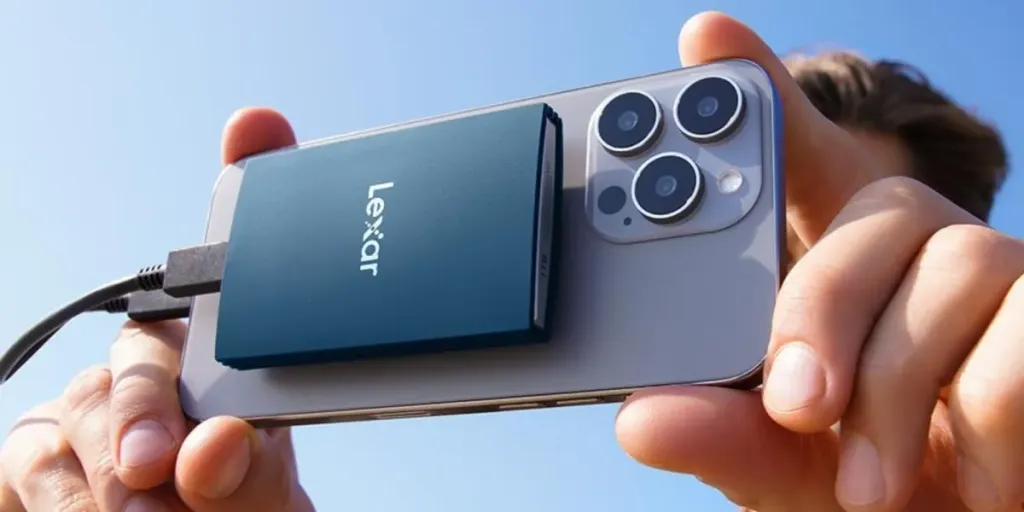
One of the things Apple has to decide is how much basic storage to give the Neo and how much you can upgrade internally. At maximum capacity, the Neo can only offer 512GB of internal storage. This may be enough for some people. However, those with a lot of photos and videos need more storage space. I love recommending the Lexar SSD. It’s compact, ultra-reliable, and offers speeds equal to the data transfer rates of that USB 3 USB-C port. I’ve been using my Lexar SSD for over three years, and it works great. I’ve had no issues, and I use it every day for my Final Cut Pro files. So, if you’re planning to edit a video, it might be a good idea to keep everything on this type of external SSD. The 1TB version is $159. Storage prices are getting more expensive over time, so now might be a good time to lock in this price!
There’s also a 2TB version available for $279!
AirPods Pro 3
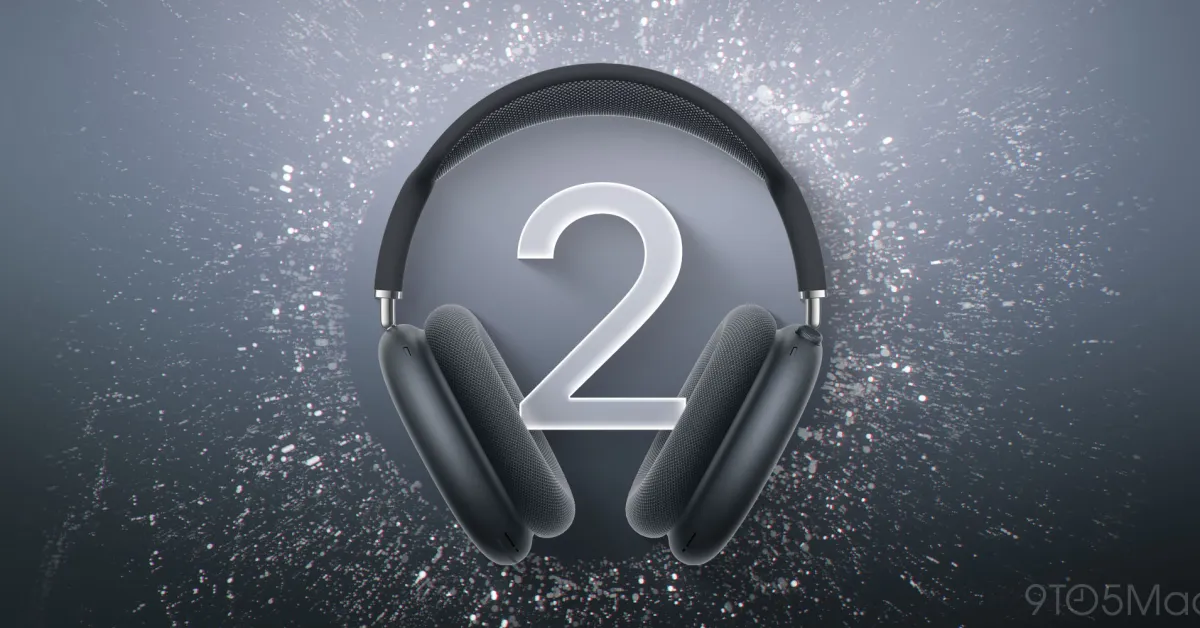
Recently, I compared the AirPods Pro 3 with the AirPods Max 2 (yes, I know, these are very different products and price points). However, while testing and comparing both, my appreciation for the AirPods Pro 3 completely changed. You get 99% of the sound quality that the AirPods Max 2 offers for $300 less. I was really surprised to see how good the AirPods Pro 3 is. You can watch my comparison below.
Currently, the AirPods Pro 3 is on sale for $224 on Amazon. If you’re looking for new headphones or want to pair the best headphones with your Neo without spending more than $550, I recommend the AirPods Pro 3. It also offers the following features:
- Hearing aid capabilities
- Conversation Awareness
- Heart Rate monitor
- Live Translation
- Best-in-class ANC and transparency mode
Again, I’m really surprised to see how great these headphones are considering their size and price.
Static MagStack Cable
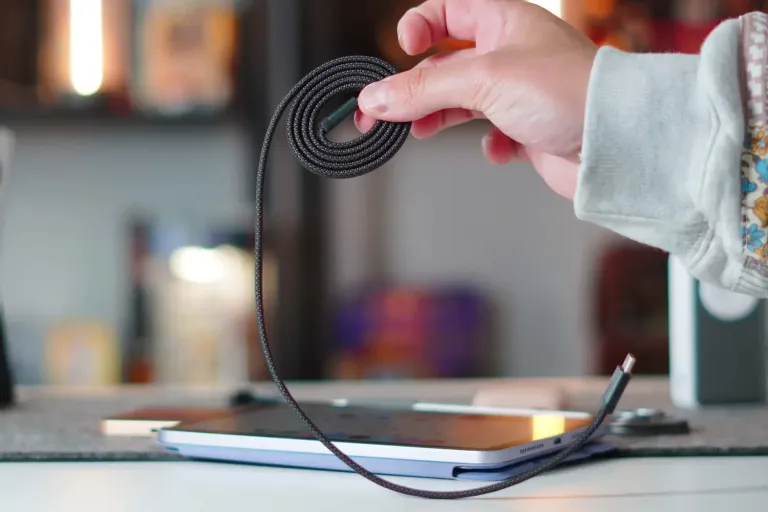
I also love recommending this cable to complement the CUKTECH charger. The Static Magstack is a high-quality USB-C cable with a twist. It offers:
- USB-C to USB-C cable
- Magnetic self-winding design to prevent tangling
- 100W fast charging support
- Durable nylon braided construction
This cable is impossible to tangle thanks to the magnets that ensure the nylon cable winds perfectly every time. So, at $18, this is definitely a smart choice. It’s available in three colors: black, blue, and orange.
Kuxiu X53 Stand and Hub
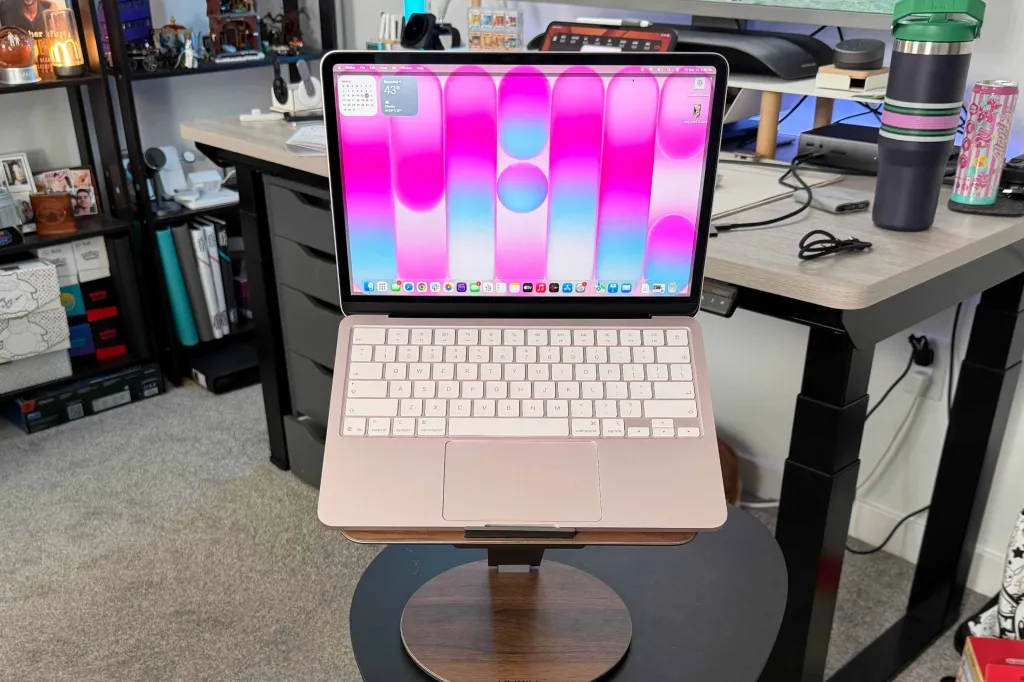
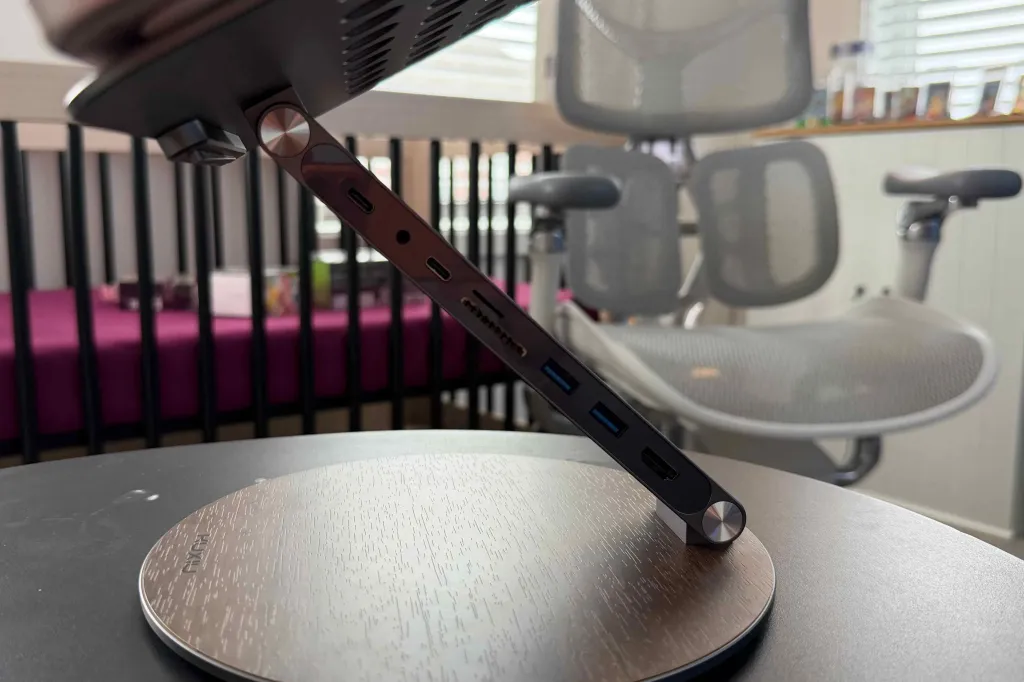
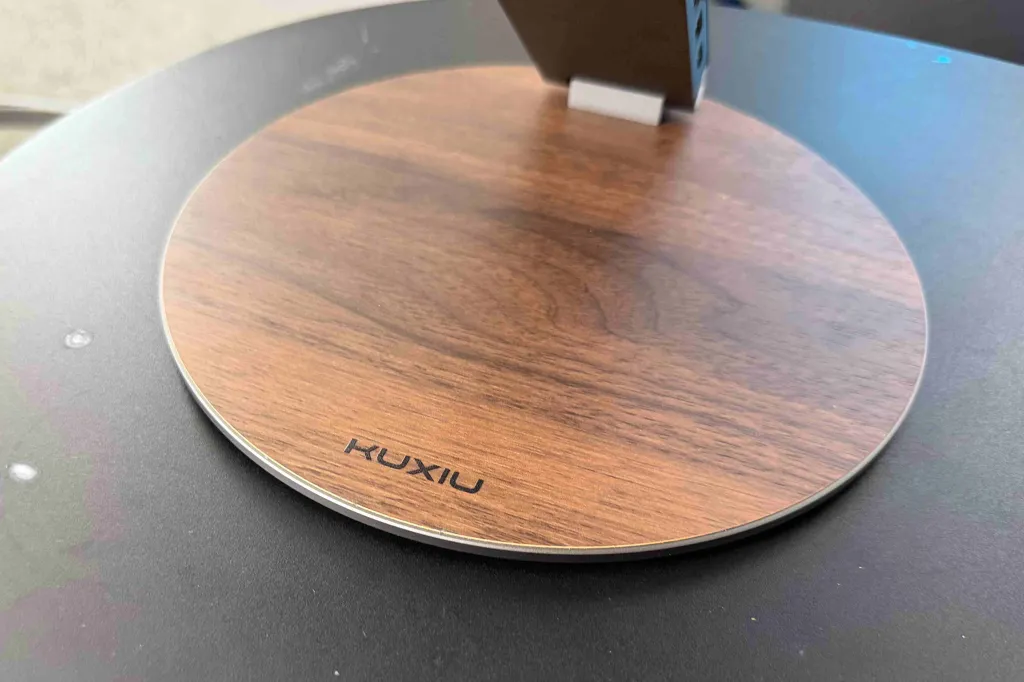
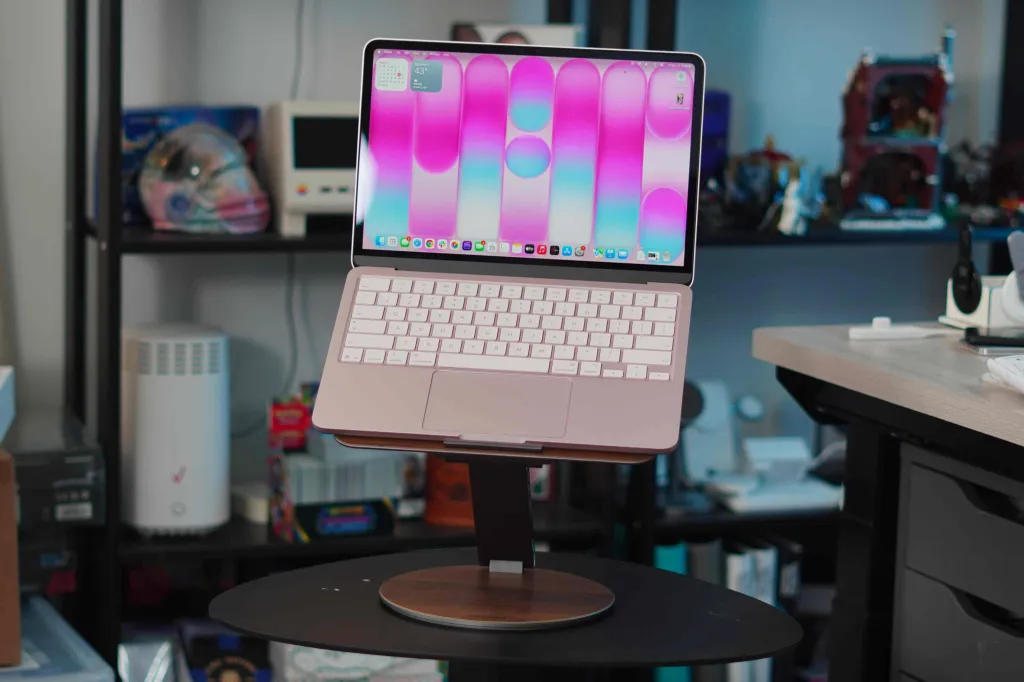
I reviewed this product when the MacBook Neo was first released. If you want to see a review on this, don’t forget to check out our review here. In short, this is a MacBook stand that does it all. It elevates your MacBook Neo for better viewing and also has a fully rotating base, providing you with quite satisfying clicks. Finally, the arm of the stand serves as a USB-C hub by adding extra ports. It offers you:
- USB-C port for main connection supporting 100W PD charging and 10Gbps data speeds
- USB-C port for power input supporting up to 100W
- 2x USB-A 3.1 Gen 1 ports
- HDMI port (4K60)
- SD card slot
- MicroSD card slot
- 3.5mm headphone jack
This is another easy way to add the ports a laptop needs. You can get this stand today from Kuxiu’s website for $88!
Final Thoughts
To reiterate, the MacBook Neo is a great computer, especially considering everything it offers for $599. However, I think just adding a few accessories can really elevate your experience with the MacBook Neo. What are your favorite accessories you’re currently using? Do you have a MacBook Neo? Are you happy with it? These accessories will work with just about any MacBook, but I wanted to target the latest Apple MacBook.
Best Apple Deals
- Kuxiu X40 Turbo 3 in 1 25W MagSafe Charger
- Ultra-thin MagSafe Battery SolidSafe
- Best USB-C Cable 240W
- A16 iPad under $300
- MacBook Neo USB-C Hub






























Comments
(9 Comments)