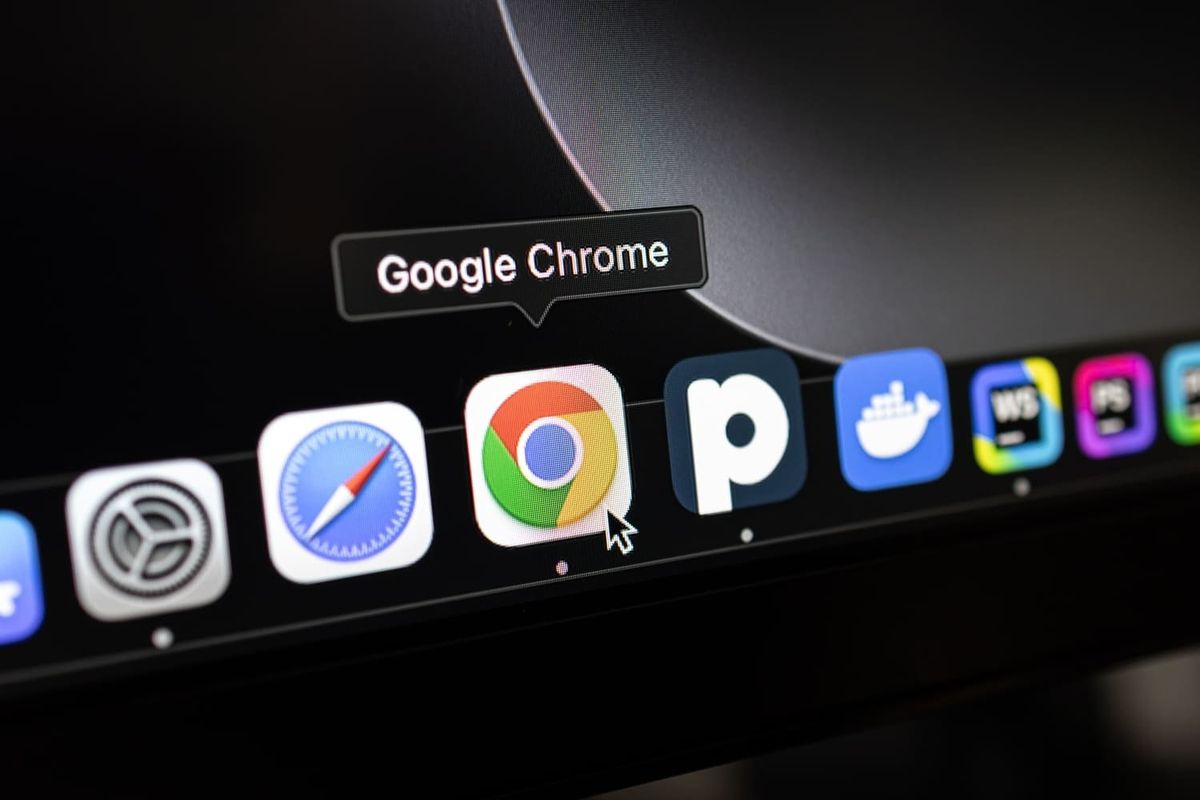
Google officially announced the Split View feature in Chrome, providing a built-in way to display two web pages side by side in a single browser window. This feature became available in February 2026 and is available for Chrome version 145 and later.
Many other browsers already have this feature (such as Microsoft Edge) because it is extremely useful. Instead of dealing with separate windows or constantly switching between tabs, Split View displays two pages in equal horizontal halves by creating a tiled layout within Chrome.
What Does Chrome Split View Do?
Split View allows users to open two tabs in a single window using a side-by-side layout. Each half behaves like an independent tab, but both are grouped together for easier multitasking.
This feature supports web pages, images, videos, PDFs, and any content that can be displayed in Chrome.
Split View appears as a matched tab group in the tab bar, so both pages remain visually connected, and you can always know which tabs are grouped together.
How to Open Split View in Chrome?
There are multiple ways to start using Split View:
1. Right-click on a link
- Select the “Open link in split view” option.
- This instantly opens the new page next to the current page.
2. Right-click on an existing tab
- Select the “Add tab to new split view” option.
- Select a second tab to match with it.
3. Drag a tab
- Drag a tab to the left or right side of the window.
- Switch to Split View when you drop it.
Users Can Manage and Resize the Space Between Pages
By default, Chrome evenly divides the space between the two pages. Users can:
- Drag the middle divider to resize each section.
- Double-click the divider to switch sides.
- Close any half individually.
- Exit Split View through the toolbar icon.
Each section can be scrolled independently, and keyboard navigation continues to work as expected, allowing you to interact with both pages without limitation.
How Does Split View Help Google Chrome Users?
For users who frequently compare documents, browse search results, refer to guides while working, or monitor dashboards, Split View significantly reduces friction. Since it works in a single window, it eliminates the burden of managing multiple browser windows or relying on operating system-level tiling features.
The integration of Chrome's tab system makes it extremely handy compared to traditional operating system split-screen tools, especially on macOS and Windows.
Chrome Split View is now available for desktop users running Chrome 145 or later.








![Apple collector showcases 50 years of Mac startup sounds [Video]](/resimler/apple-koleksiyoncusu-50-yillik-mac-acilis-seslerini-sergiliyor-video.jpg)

![User Experience: There's a Feature I Looked for in This MagSafe Battery [Video]](/resimler/kullanici-deneyimi-bu-magsafe-bataryada-aradigim-bir-ozellik-var-video.jpg)
![The Best (and Worst) Apple Products of the Tim Cook Era [Video]](/resimler/tim-cook-donemindeki-en-iyi-ve-en-kotu-apple-urunleri-video.jpg)











Comments
(6 Comments)