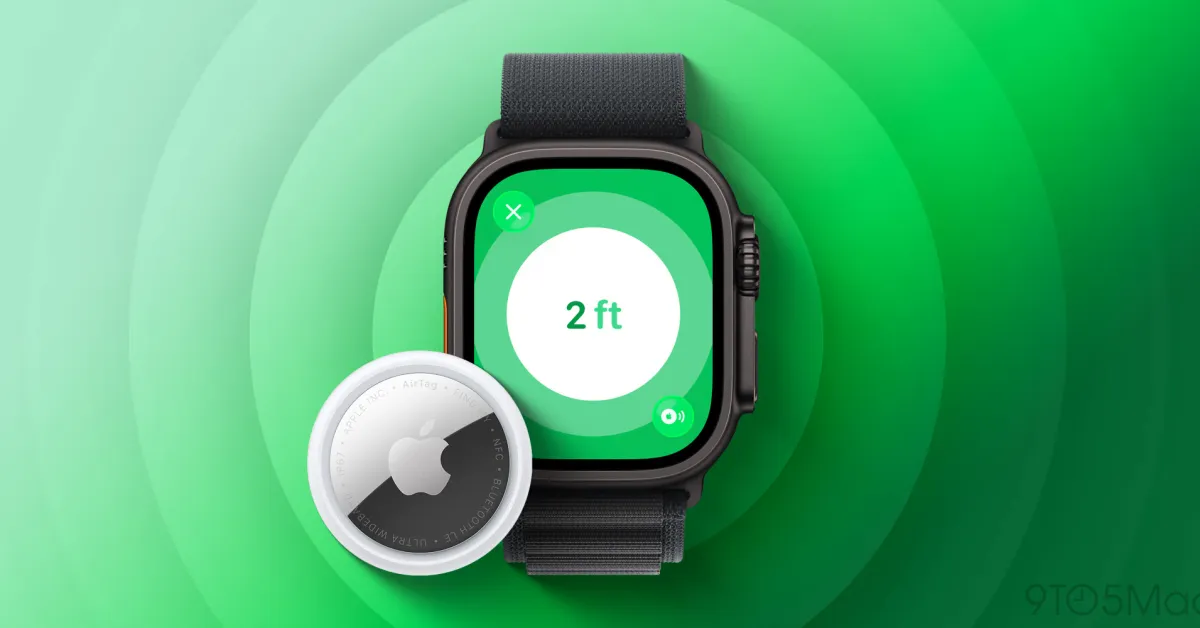
Apple’s AirTag 2 comes with many improvements over the original model, one of which is the expansion of the best feature of AirTag, Precision Finding, to the Apple Watch. Here’s how to set it up.
AirTag 2 Expands Precision Finding Feature to Apple Watch
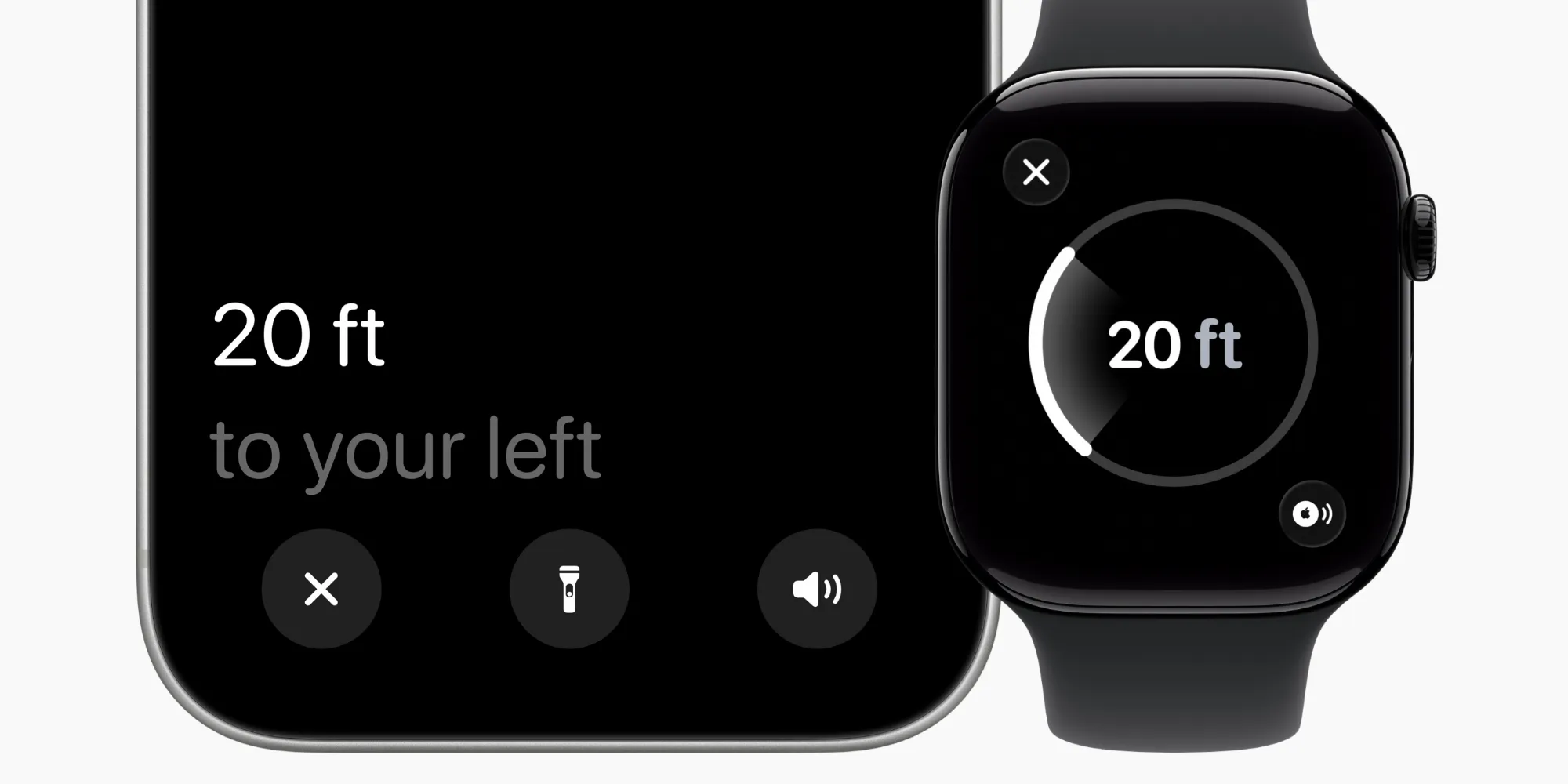
The main purpose of AirTag is to help you find lost items. And the best way to do this has long been the Precision Finding feature.
Precision Finding uses haptic, visual, and auditory feedback to guide you step by step to your lost item.
This feature has been further enhanced with AirTag 2, now capable of working from 1.5 times the distance of the original AirTag.
However, another significant improvement of AirTag 2 is bringing this feature to the Apple Watch for the first time.
However, as my colleague Ben pointed out in his review, the setup method is not the most intuitive.
On the Apple Watch, the Find My Items app is generally where you go to track a lost AirTag.
However, to use Precision Finding, watchOS directs you to the Control Center.
How to Set Up Precision Finding and Requirements for Use
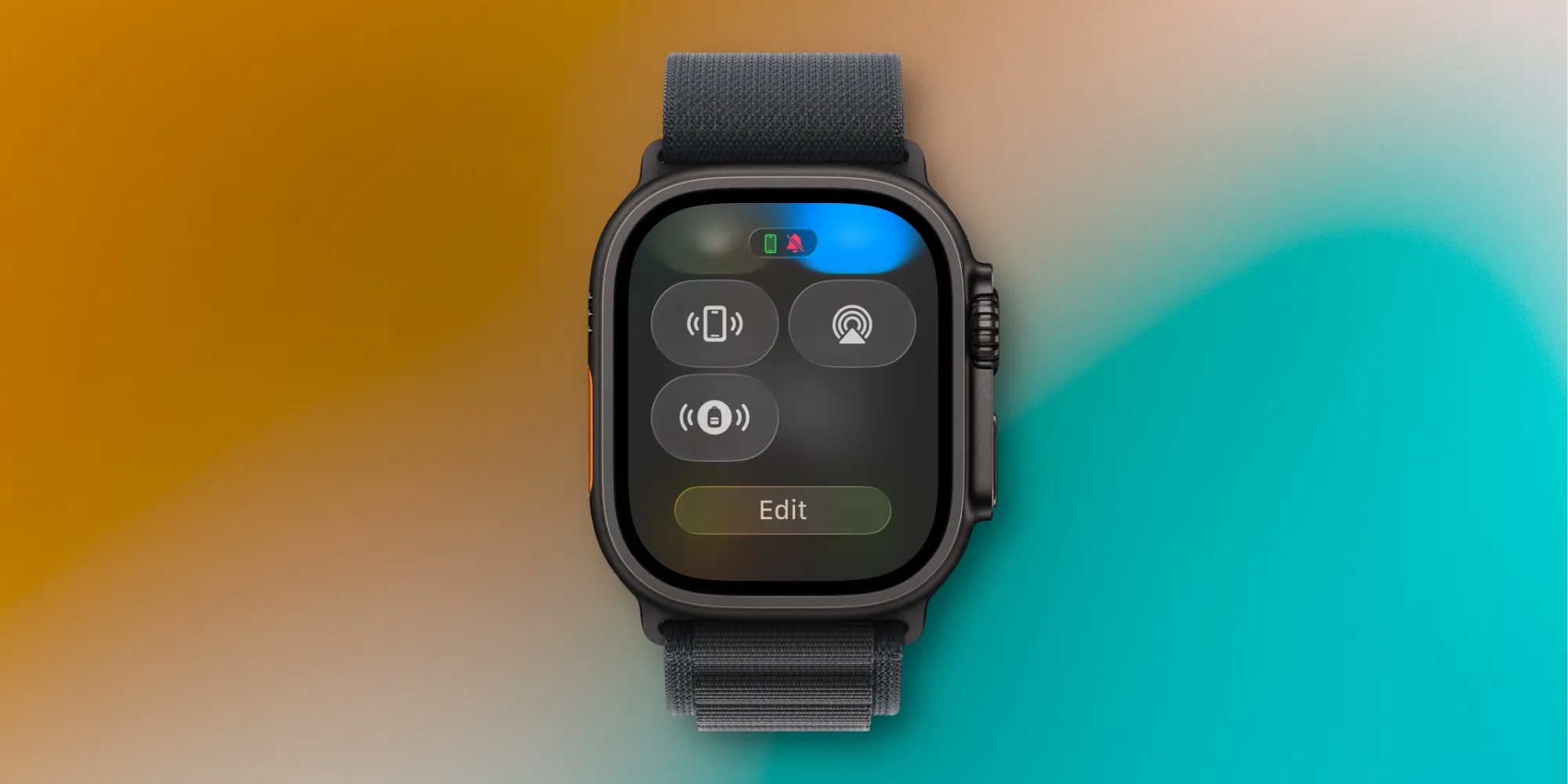
You can find here how to set up Precision Finding according to Apple:
- On your Apple Watch, press the side button to open the Control Center.
- Scroll to the bottom and tap Edit.
- Tap the Add button in the upper left corner.
- Scroll to the Lost Items section, then tap Find AirTag.
- Proceed to add your item to add it to the Control Center.
When you are in the Control Center, your AirTag will gain a special icon appropriate for the type of item. For example, my AirTag 2 is in my backpack, so I see a backpack icon in the Control Center.
To be able to use Precision Finding on your Apple Watch, there are both hardware and software requirements.
- Hardware: AirTag 2 and Apple Watch Series 9 or newer, or Apple Watch Ultra 2 or newer are required.
- Software: watchOS 26.2.1 or newer is required.
Having quick access to Precision Finding from the Control Center is quite handy. I also love that different icons are automatically assigned for each item you add. It would be nice if this feature were also available in the Find My Items app, but perhaps this will happen in a future update.
You can purchase AirTag 2 from Amazon:
- Single AirTag for $29
- AirTag 4-pack for $99
Are you expecting to use the AirTag Precision Finding feature frequently on your Apple Watch? Let us know in the comments.
Best AirTag and iPhone Accessories
- AirPods Pro 3 (limited time price of $224)
- 10-year AirTag battery case 2-pack
- 5-year AirTag compact battery case 2-pack
- MagSafe Car Mount for iPhone
- 100W USB-C fast charging power adapter































Comments
(10 Comments)