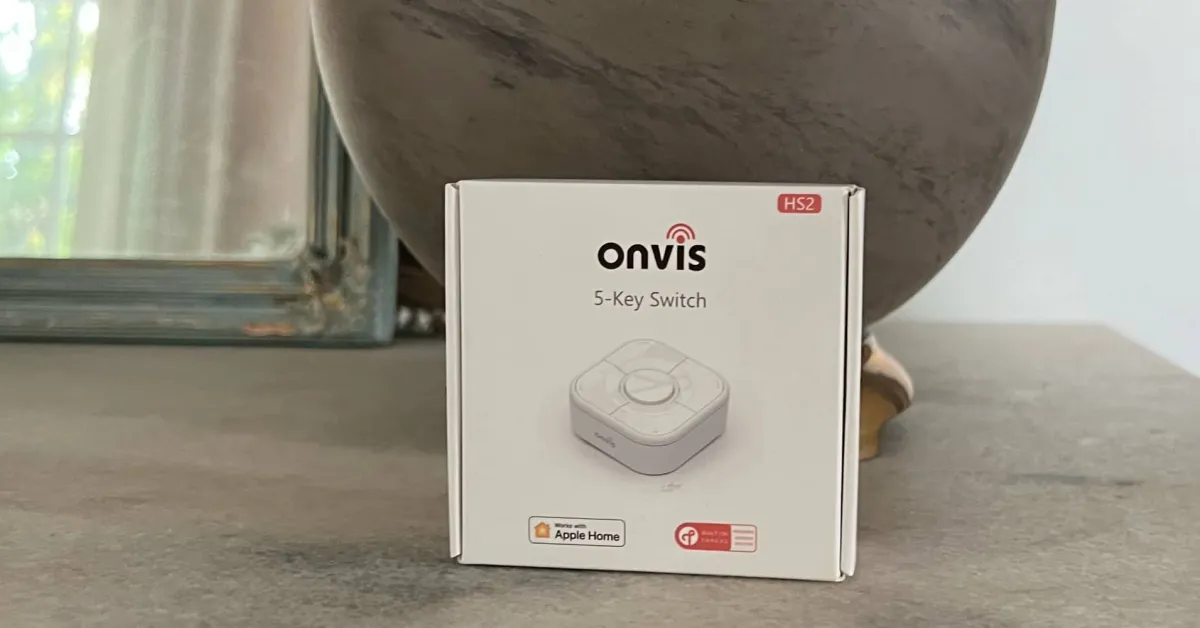
When my family goes out of town, we call a dog sitter to check on our dogs. I always struggle to show guests how to use our smart home. For our Level Lock Pro, I think it’s easier to give a key or a physical key, as sharing a Home Key outside of the iCloud family account is still cumbersome. While it is possible to share access to the lights, I find it much easier to use a product like the Onvis Smart Button.
HomeKit Weekly is a series covering everything related to smart home accessories, automation tips, and Apple’s smart home framework.
What’s in the Hardware?
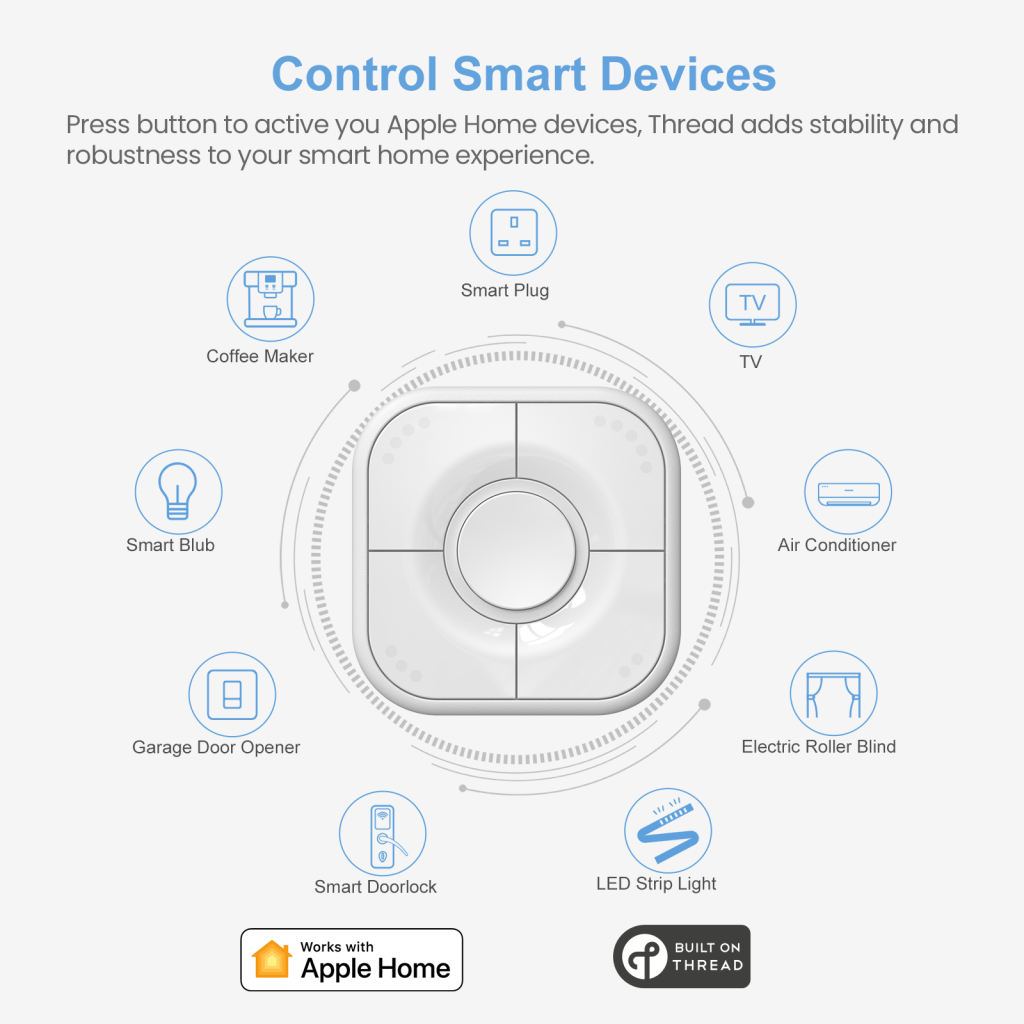
The Onvis Smart Button is a battery-operated Apple Home remote control equipped with Thread. It allows you to control smart bulbs, smart plugs, and everything else in your HomeKit environment. It has a total of five buttons (one large and four on the outer side). Each button can trigger three HomeKit functions. It offers single, double, and long press options. It operates with a standard coin cell battery and comes with a wall mount for easy storage.
Setup and Installation
When you take the remote out of the box, you need to remove the back cover to insert the battery. Onvis includes the HomeKit code on the side of the remote and in the user manual. I always recommend using an app like Homepass to back up your codes. If you lose them, you have no way to transfer the device to a different Apple Home setup or reload it for troubleshooting.
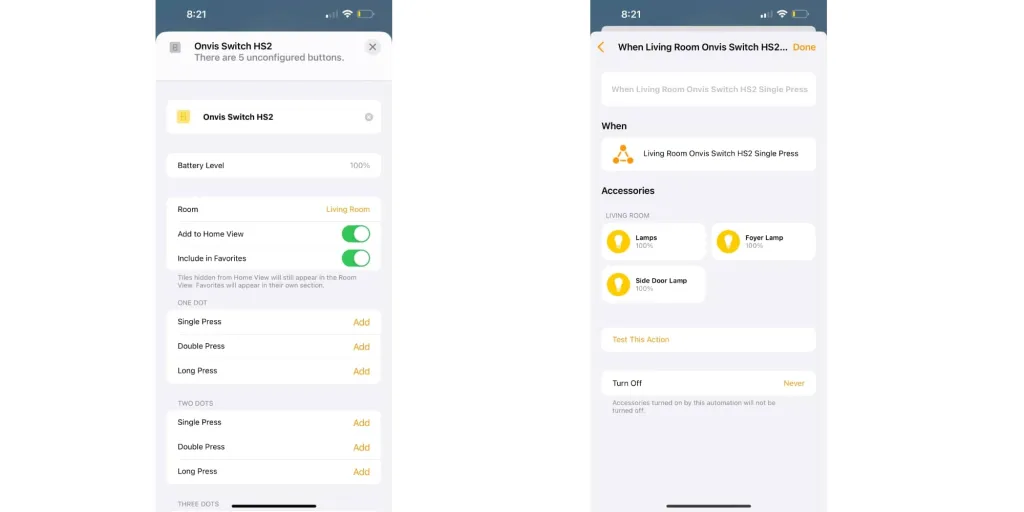
On the accessory settings screen of the Home app, you can select which accessories and scenes will go to which buttons. I use this to automate our curtains. We open them first thing in the morning and close them at night. We close the curtains when Sawyer, Nate, and Julia fall asleep. Since the bedtime can change every night, I prefer not to put the curtains on a strict timer. By using the Onvis Remote, I can close them by tapping the main button and open them by long pressing. I don’t have to deal with my iPhone or wait for Siri to respond.
One thing I appreciate about this device is that everything stays within your Apple Home environment. There is no Onvis cloud. It operates over Thread to trigger automations instantly. You can track which buttons are pressed using the Onvis app, but this is completely optional.
Review of the Onvis Smart Button
Overall, the Onvis Smart Button continues to be a solid addition to Apple Home in 2026. If you need physical buttons from time to time to activate scenes and turn devices on and off, it’s a great product. I love that it has Thread in it, and I’ve found it incredibly fast and responsive over the years. It’s a perfect way to provide easy access to your smart home for guests without having to teach them to interact with Siri.
The Onvis Smart Button can be purchased from Amazon or directly from Onvis.













Comments
(5 Comments)