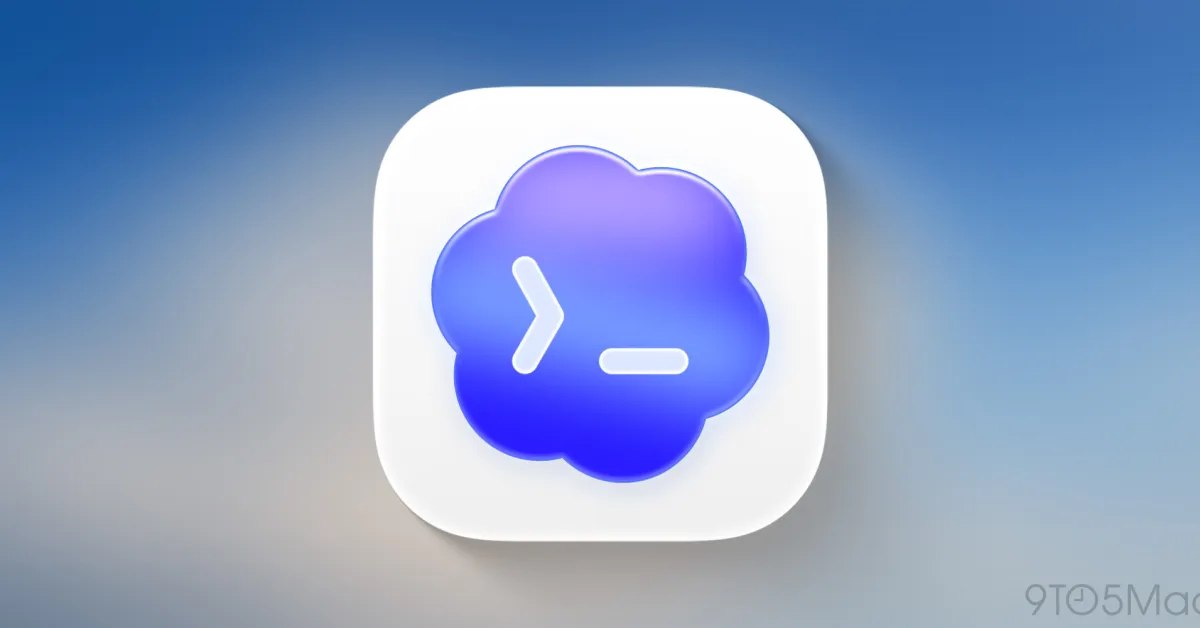
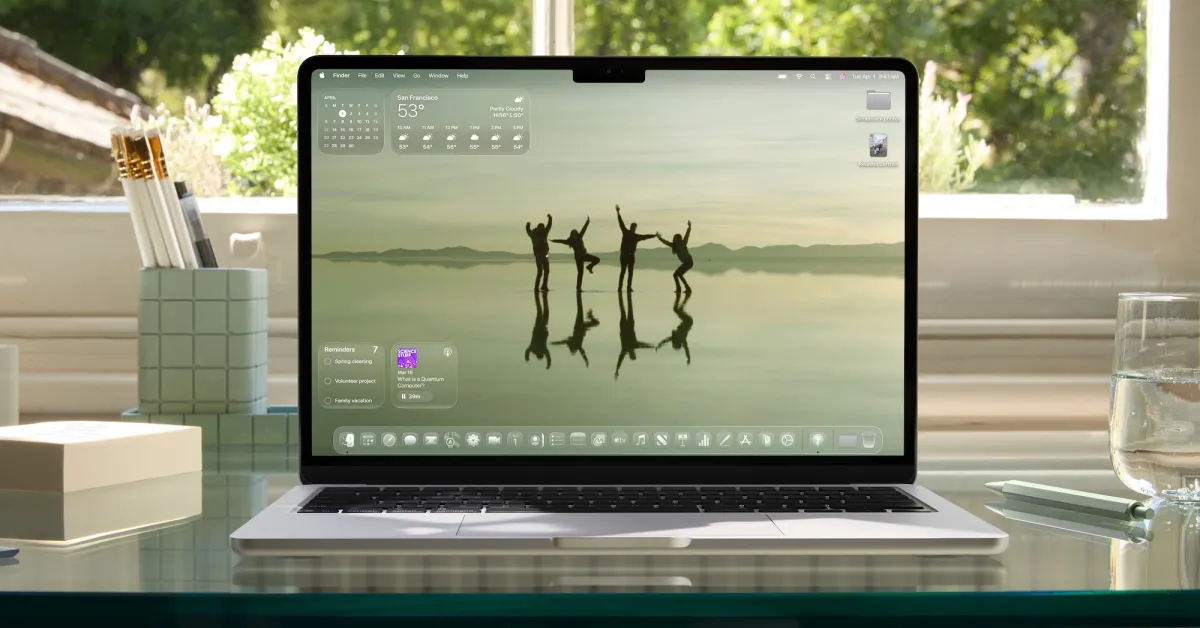
After months plagued by bugs stemming from changes Apple made to the core structure of the menu bar in macOS Tahoe, the Bartender developers have finally managed to get things under control.
Back in January, after encountering recurring compatibility issues between Bartender and macOS Tahoe 26, I wrote that I had given up on the application:
From random cursor misses and ghost clicks in the interface to reliability issues with rearranging and hiding menu icons, performance and memory issues, and the constant re-indexing of hidden and visible icons, working with Bartender 6 open was causing my machine to behave completely uncontrollably.
And to be clear, once again, it is very evident that Applause is working as fast as possible and still putting in a lot of effort to make the application work properly given the changes introduced in macOS Tahoe 26.
However, this week, after realizing that the cursor issues I had been experiencing for weeks (such as the cursor disappearing or the system starting to click and drag items when I moved my finger on the trackpad) were due to Bartender being open, I finally gave in.
After publishing the post, Bartender developer Applause reached out to me and explained that they had finally found the cause of the cursor issues that were forcing me to jump ship.
A few days later, they released Bartender 6.4.1 with a new setting called Layout Mode.
With this setting, users can choose between On-Demand, which “organizes your bar on request – seamlessly,” or Live, which “automatically organizes when changes are detected but may briefly interrupt your mouse.”
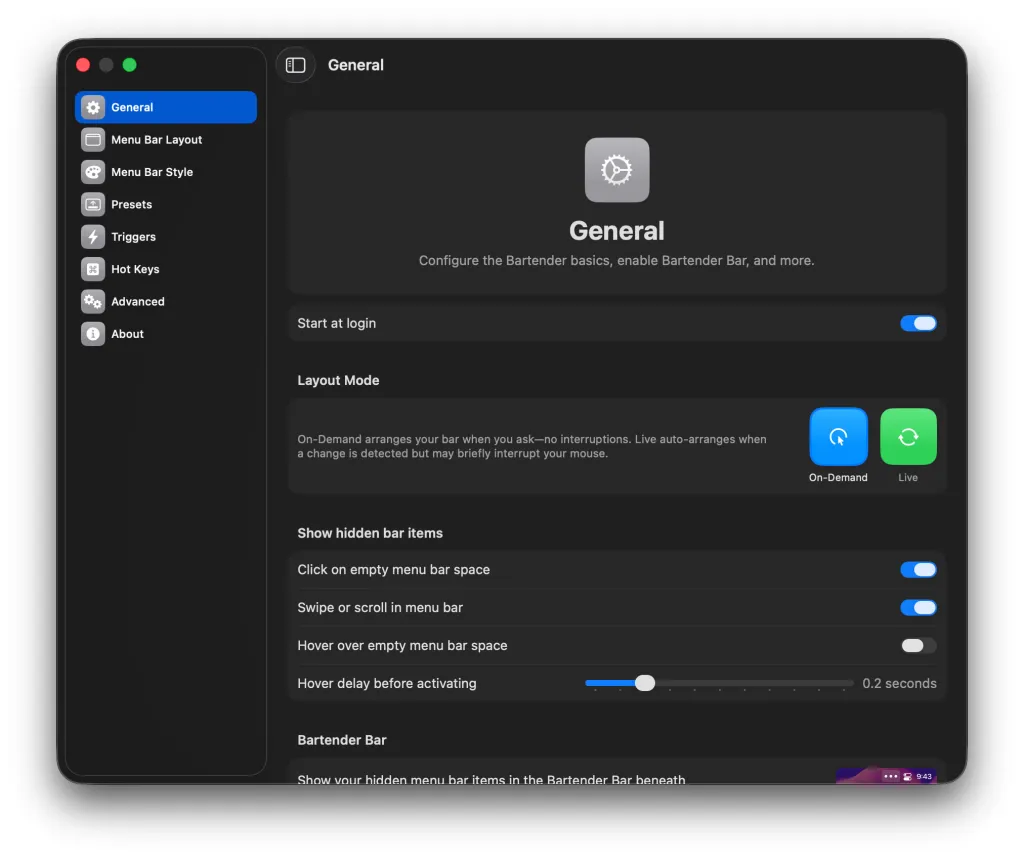
According to their explanation, selecting the On-Demand option will solve the problem and free the system from ghost clicks, cursor misses, etc. Bartender will make a single layout transition and that’s it.
To be honest, I felt an urge to try it immediately, but I was serious when I said I was really tired of the prospect of facing previous issues or new problems that would disrupt my workflow. So I decided to wait.
However, I didn’t wait. About two weeks ago, I gave in. I installed the latest version of Bartender (6.4.2) and it worked!
Since then, I have been using Bartender full-time (choosing it as Layout Mode with the On-Demand setting) and I haven’t experienced a single issue since.
Therefore, if you have given up on Bartender since the release of macOS Tahoe 26, it might be safe to give it another chance. I am certainly glad I did.
Products Worth Checking Out on Amazon
- David Pogue’s ‘Apple: The First 50 Years’ book
- Logitech MX Master 4
- AirPods Pro 3
- AirTag (2nd Generation) – 4 Pack
- Apple Watch Series 11
- Wireless CarPlay Adapter









Comments
(5 Comments)