Friday Night Baseball is returning to Apple TV tonight, and the first of many doubleheaders for Apple subscribers is happening this season. Here’s how you can watch MLB games on Apple TV.
Friday Night Baseball Returns to Apple TV: How to Subscribe and Watch
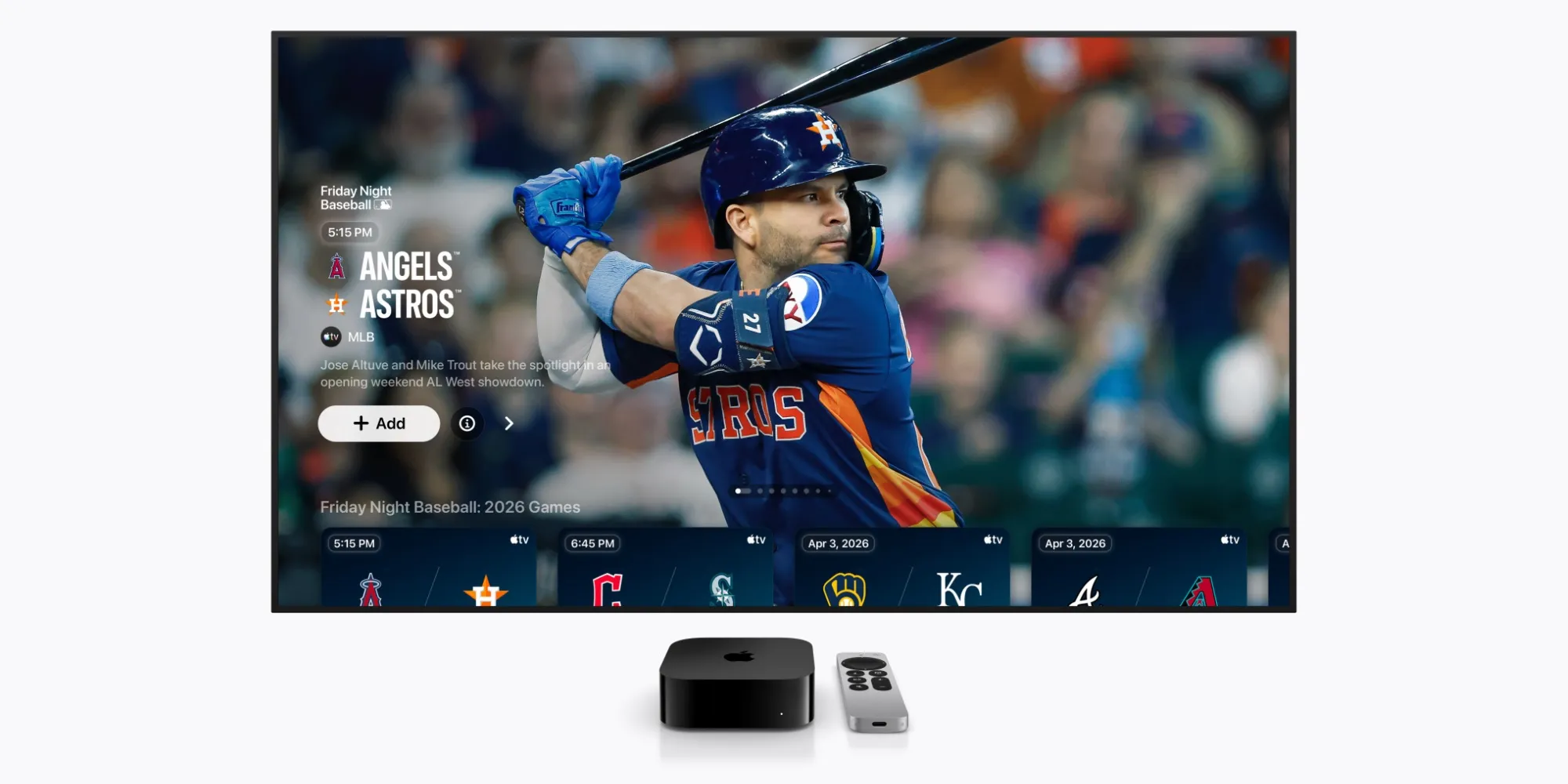
Major League Baseball kicked off the 2026 season this week, and the first Apple TV Friday Night Baseball doubleheader is tonight.
Today’s schedule on March 27 features the following games: at 8:15 PM ET, the Los Angeles Angels will visit the Houston Astros, followed by the Cleveland Guardians facing the Seattle Mariners at 9:45 PM ET.
You can subscribe to Apple TV here to watch tonight's games.
Apple TV costs $12.99 per month and includes all MLB Friday Night Baseball games, as well as Formula 1 and Major League Soccer, along with TV shows and movies like F1: The Movie and Ted Lasso.
Subscribers can watch all Apple TV content through the Apple TV app.
You do not need an Apple device to subscribe to Apple TV or watch Friday Night Baseball.
You can find the Apple TV app on various platforms, including:
- Smart TVs like Samsung, LG, Sony, VIZIO, TCL
- Roku and Amazon Fire TV devices
- Google TV with Chromecast
- PlayStation and Xbox gaming consoles
- Any iPhone, iPad, Mac, Apple TV 4K device, Vision Pro
- or by visiting tv.apple.com
Additionally, Apple TV subscribers can get Peacock for just $2/month and gain access to more MLB games and other sporting events.
For a complete schedule of upcoming MLB games on Apple TV, you can check our overview here.
Apple TV is available for $12.99 per month, or you can get it at a discounted rate with the Apple One bundle.
Best iPhone Accessories
- AirPods Pro 3 (limited time $199 price)
- 2-pack of 10-year lifespan AirTag battery cases
- MagSafe Car Mount for iPhone
- Apple's new AirTag 2 (single pack / 4-pack)
- 100W USB-C fast charging power adapter





Comments
(9 Comments)