
While I appreciate Apple’s desire to keep the stock Photos app as simple as possible, there are some surprising shortcomings.
One of these is the lack of the ability to sort or filter videos by length or file size. This is quite a fundamental shortcoming if you are trying to delete your largest unwanted videos to free up iPhone storage space.
Unfortunately, due to iOS randomly selecting what to download on the phone, long videos can easily consume iPhone storage.
I didn’t expect to be able to filter by file size or video length on my iPhone, but I thought the Mac Photos app would offer this capability. I realized I was mistaken.
Fortunately, Reddit user FrozenMaize has created a Shortcut that you can use to add your longer videos to an album. You can edit the shortcut to specify the length of the video in minutes and the name of the album you want to save it to.
They say it works quickly even with thousands of video files, and this was true in my experience as well. After gathering all these videos into a single album, you can easily review the ones you no longer need.
If you have found any other useful Shortcuts to fill the surprising gaps in Apple’s stock app capabilities, please share them in the comments.
- Official Apple Store on Amazon
- Apple’s iPhone cases: iPhone 17 | iPhone 17 Pro and Pro Max | iPhone Air
- Wireless CarPlay adapter (2026 update)
- AirTag holders and accessories
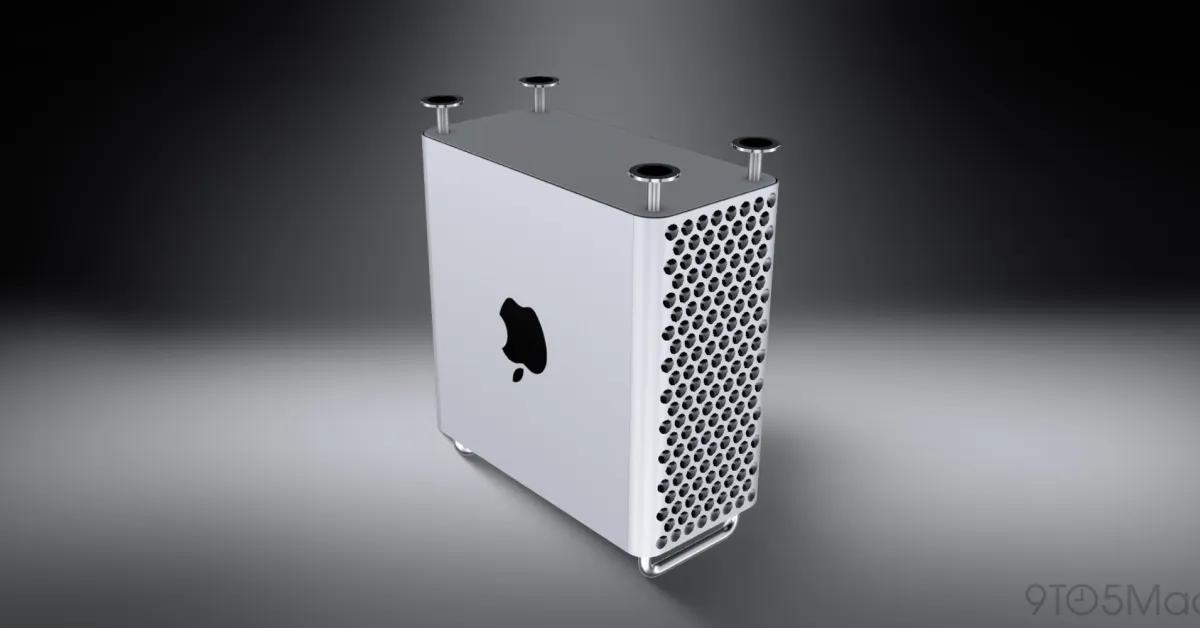
- Mac Pro-style Mac mini case
- NordVPN – privacy-focused, no-logs VPN verified by independent audits
Photo: Jakob Owens, Unsplash



































Comments
(8 Comments)