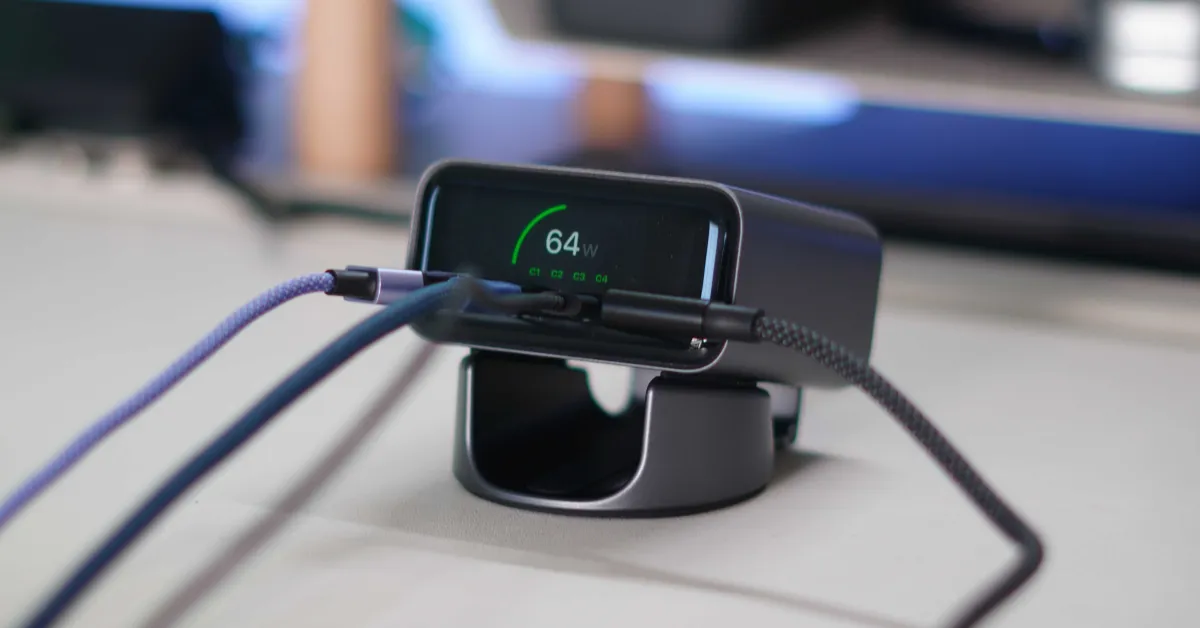
Last year's charger trend was integrated telescopic cables. Suddenly, such a feature appeared in every charger. However, now a new trend is emerging in the charging market: diagnostic screens. I see that more chargers are adding small LED or LCD screens to display simple statistics like charging speeds. The tech enthusiast in me loves this situation. It's great not to need a separate tool to test charging speed claims anymore. The latest charger to join this trend is Satechi's new ChargeView 140W charger. As you would expect, it can charge up to four devices via USB-C and of course adds a screen, but it doesn't just show the charging speed. Here’s what you need to know!
Satechi ChargeView 140W Desktop Charger
Satechi's new ChargeView charger aims to be the ultimate desktop charger you need. It is designed to provide complete setup power and keep your desk organized. Here are its features.
- Total 140W output
- 4 USB-C ports
- USB PD 3.2 and AVS support
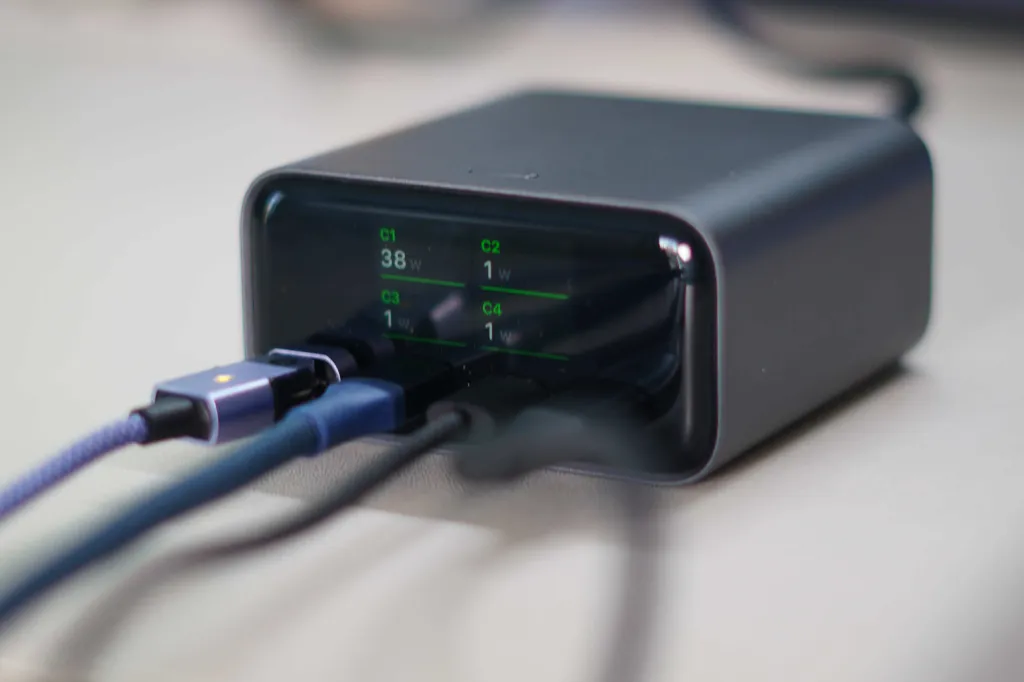
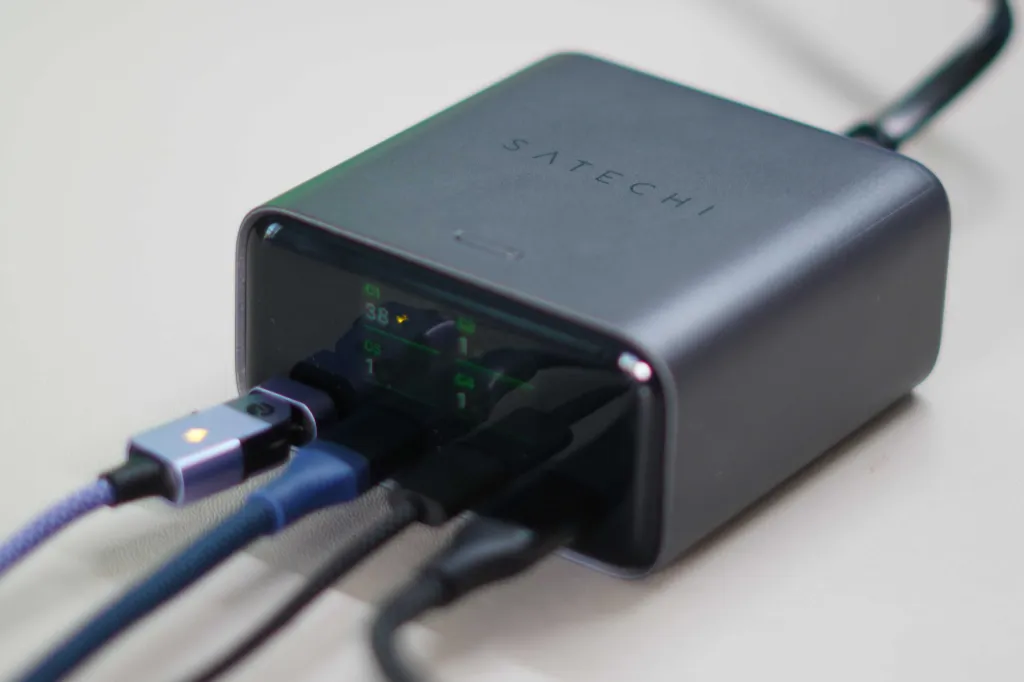
- Integrated digital screen with real-time wattage, temperature monitoring, and active cooling report
- Support for vertical and horizontal positioning
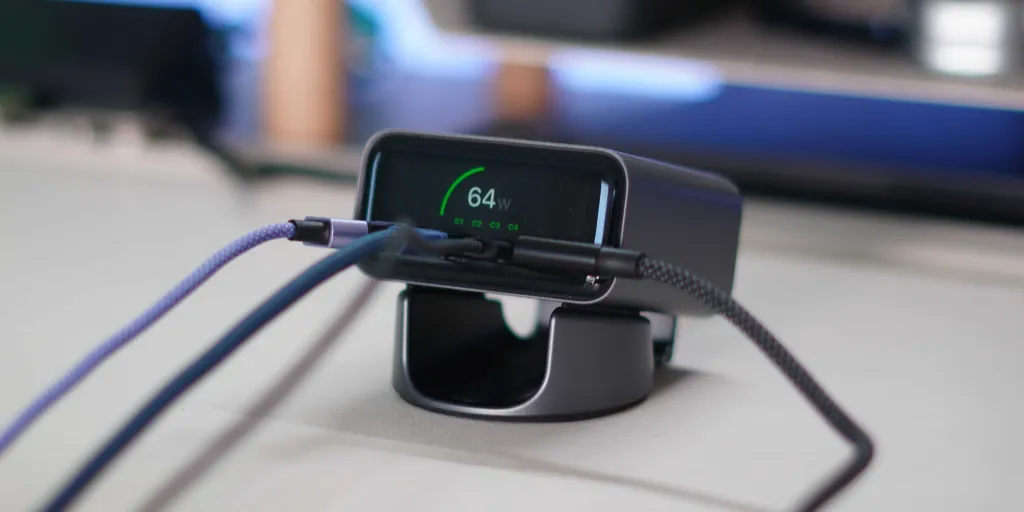
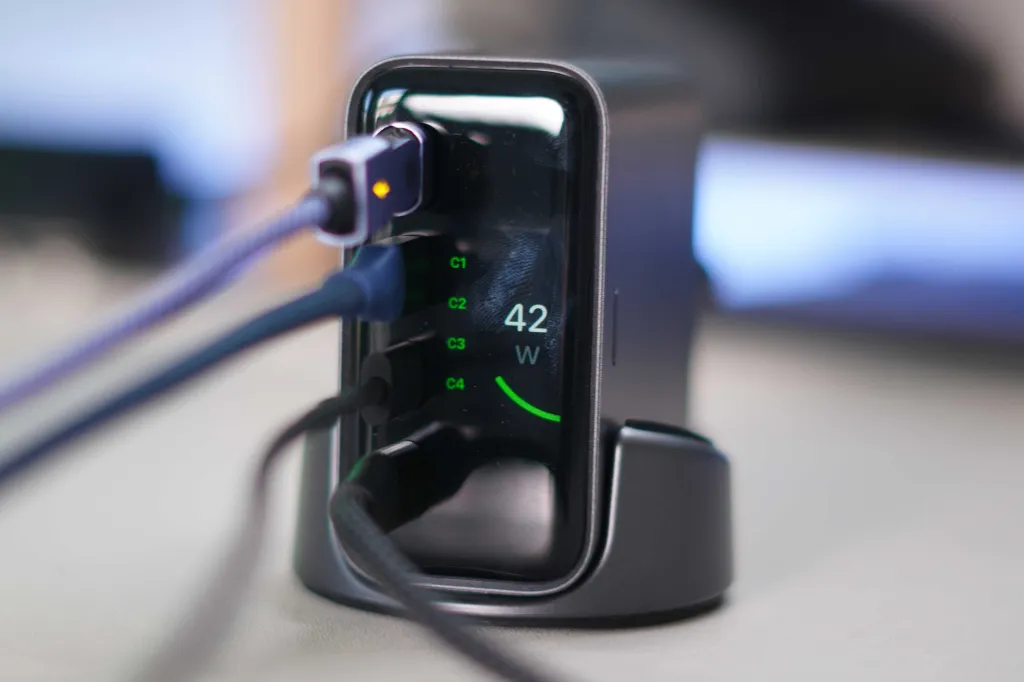
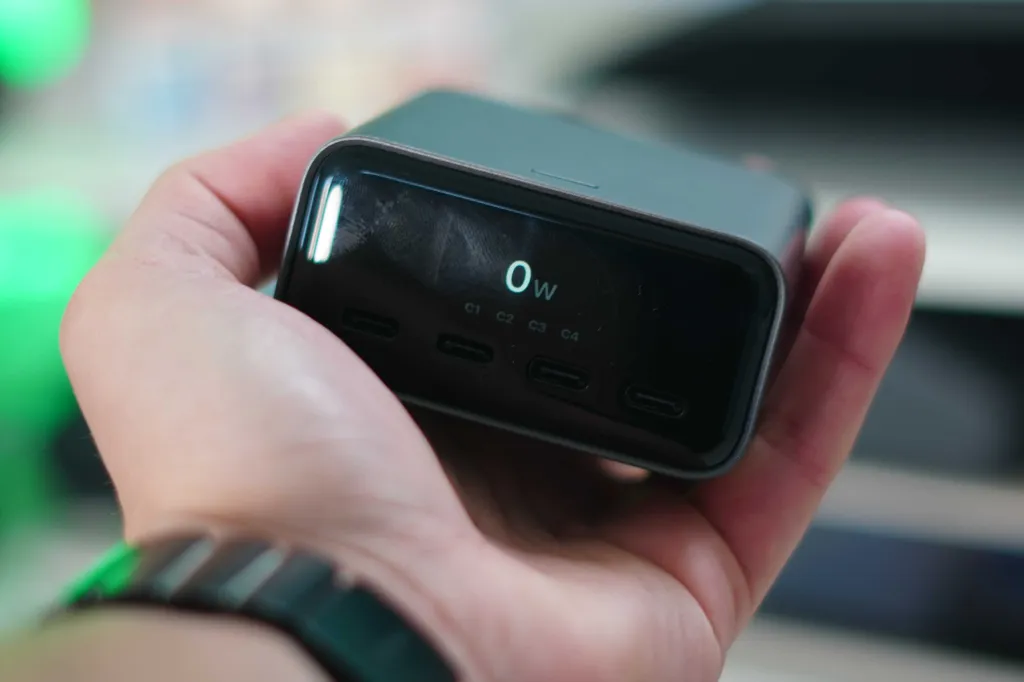
There are a few standout features on this list, such as AVS (Adjustable Voltage Source) support, which provides optimal fast charging for new Apple devices. Another notable feature is, of course, the screen. It provides a lot of information in real-time, including important data like heat management while delivering 140W output. Additionally, it allows you to rotate the screen information depending on how the charger is physically set up on your desk. So, how does it perform in everyday use?
My Experience
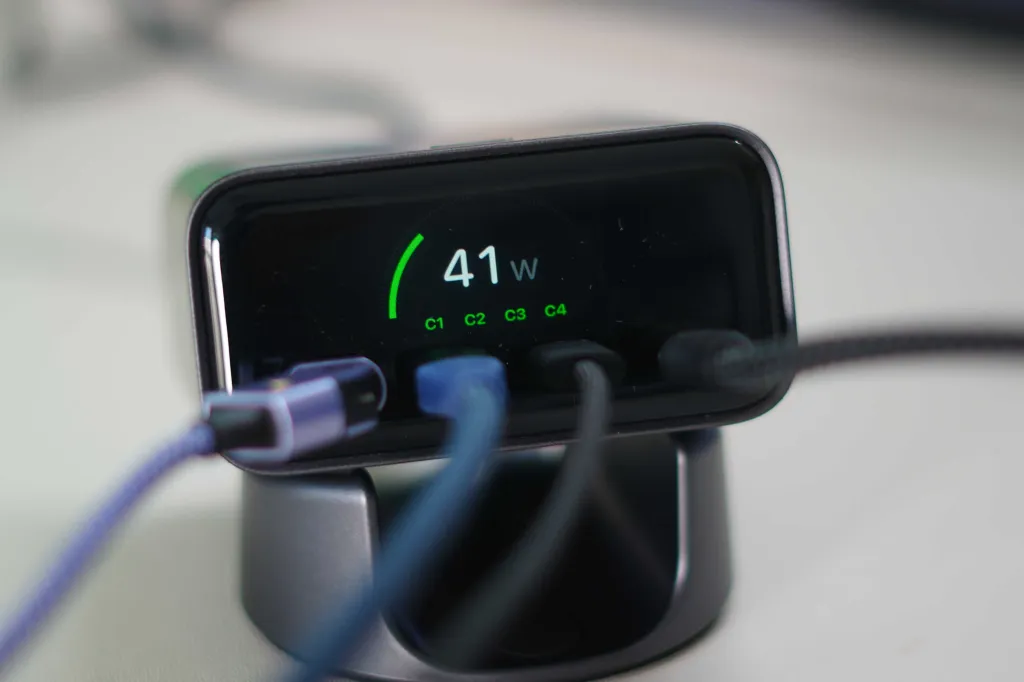
I have been using Satechi's new charger as my main desktop charger for about a week now, and it has become a permanent piece in my desk setup. As I mentioned earlier, the biggest upgrade here is the screen. I am a big fan of this new trend. The more visibility and insight you get from your charger, the better. As someone who constantly tests chargers, charging speeds, and charging protocols, having this screen to read real-time data has been great for testing various products. I can see charging speeds per port and in total. There are also temperature safety measures that you can see in real-time. If things get a bit hot, the screen will switch to cooling mode. When you max out the total output, you will see a screen indicating that you are operating at high power levels. You can also see that certain technologies you are charging benefit from AVS, which is quite nice. So, as a charger, it can handle everything you throw at it, including charging a 16-inch MacBook Pro at a full 140W.
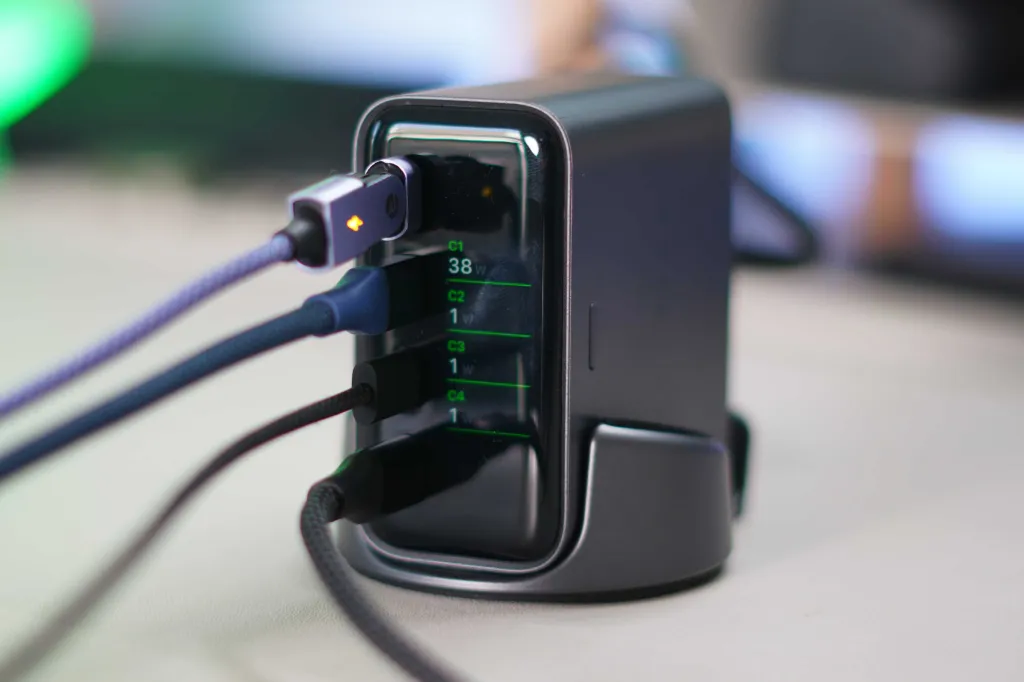
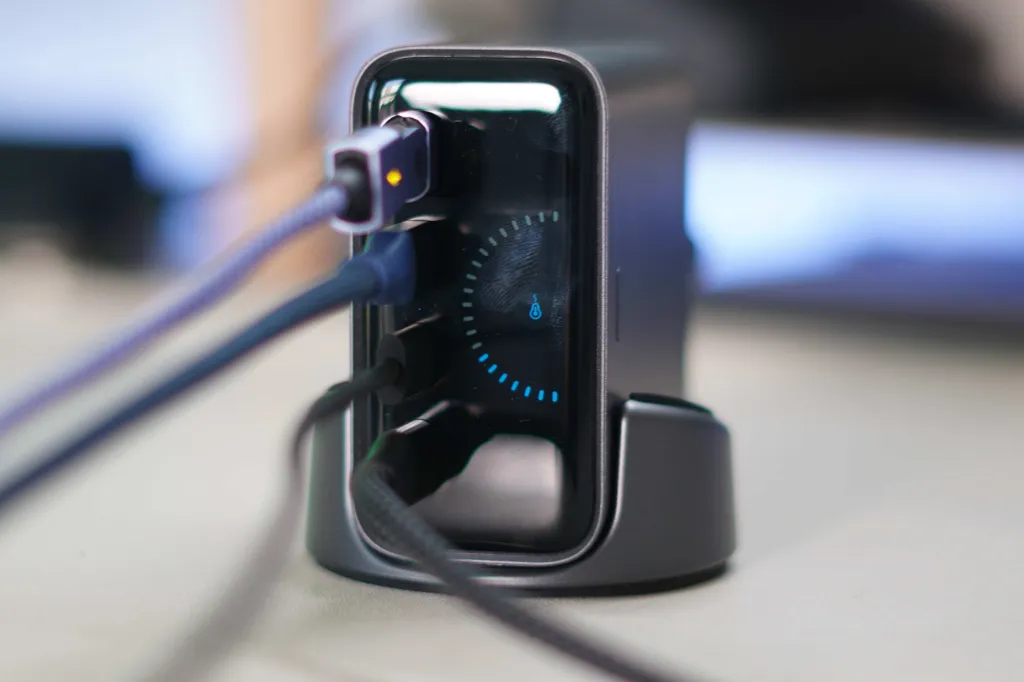
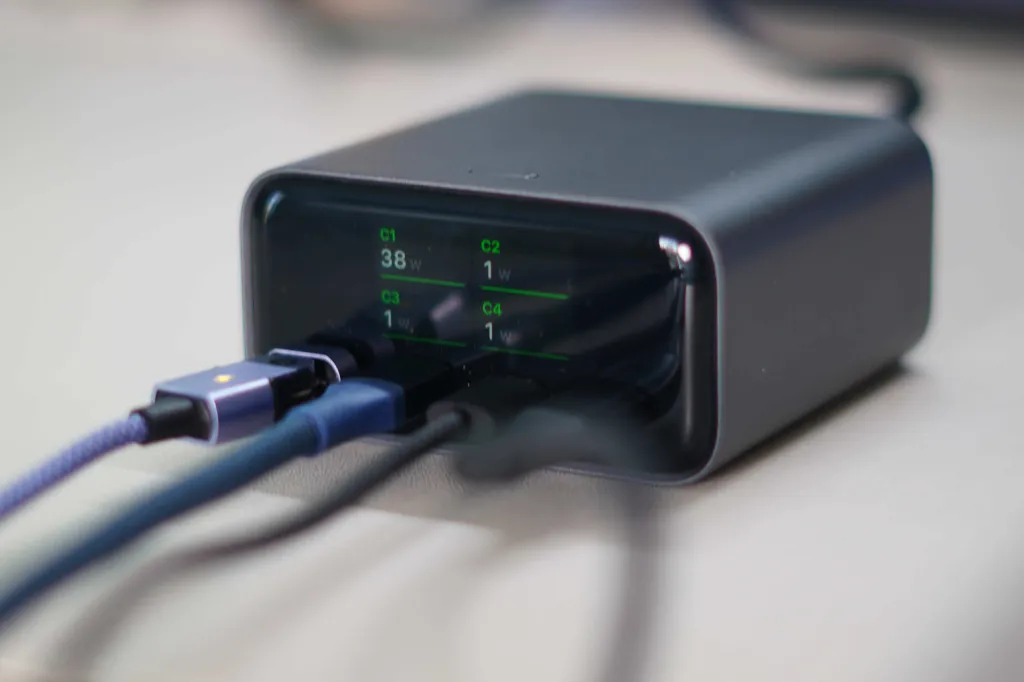
The charger was much smaller than I expected when I opened it, which was a pleasant discovery. However, the best part of the hardware is that you can set it up vertically or horizontally. If you hold down the single button on the charger for 2 seconds, the screen orientation toggles between vertical and horizontal. So, if your desk space is limited, you can place the charger vertically and ensure the screen is also in a vertical position.
One thing to note here is that not all four ports offer 140W fast charging support. The first two USB-C ports support a full 140W, while the other two ports provide charging support up to 40W. For me, this was more than sufficient. It is very rare that I need a full 140W charge. I use the charger to run my studio light, which consumes about 50W-60W of continuous power, and I also use it to charge my iPads, camera batteries, and AirPods Pro.
Pricing, Availability, and Final Thoughts
You can purchase the Satechi ChargeView 140W desktop charger from Amazon for $99. There is a single color option available: Space Gray. The charger comes with a power cable and stand.
I have been using Satechi products for years. To me, these are the closest to Apple products. Their high-quality materials and aesthetics align well with Apple's hardware ecosystem. I still use the Satechi X1 Slim as my main keyboard, and now I have added this ChargeView charger as my main desktop charger. If you are looking for a high-powered desktop charger or something to organize your space, I recommend checking this out. And to be honest, it's a great deal for $99. Competitors with lower wattage, functionality, and worse build quality are charging more (no pun intended).
Let me know what you think. Is this something you would want to use? Are you joining the trend of having screens on our chargers? Let's discuss below!


























Comments
(7 Comments)