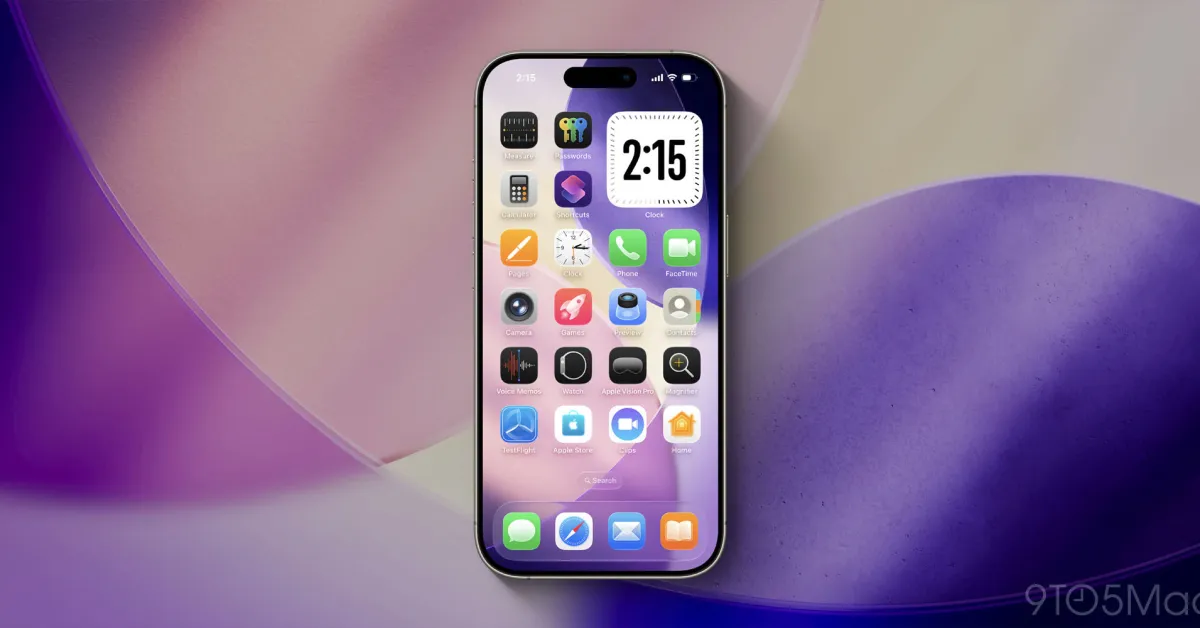
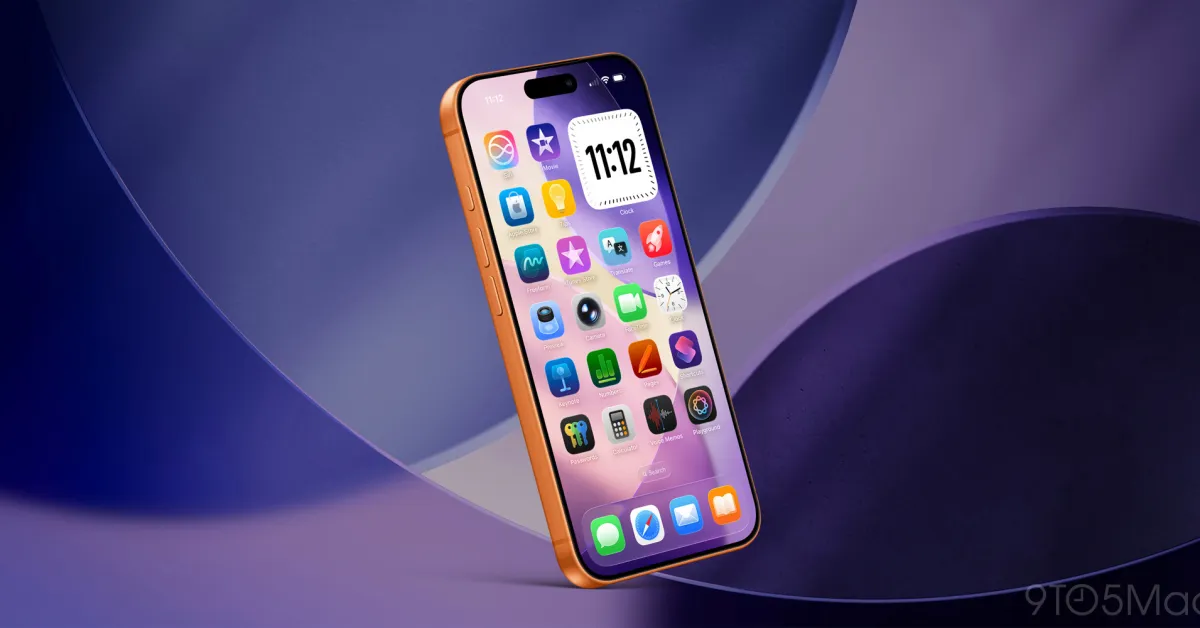
Apple has added many new ways to customize your iPhone in recent years. One of my favorite features is a Home Screen setting in iOS 26 that matches the color of your app icons to the color of your iPhone or its case. Here’s how to use it.
iOS 26 app icons can automatically match the color of your iPhone or case
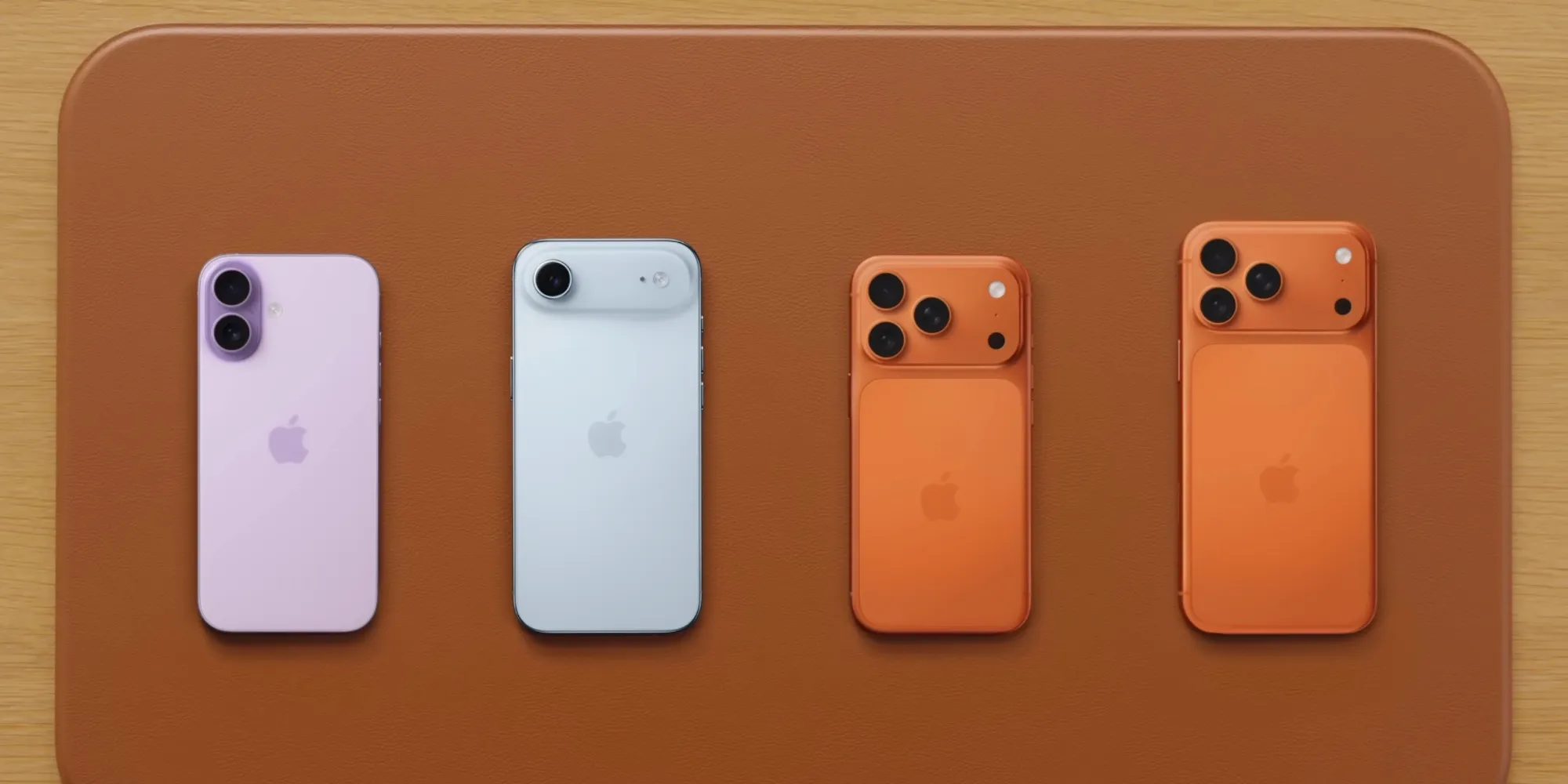
In the last few years, Apple has allowed iPhone users to personalize their devices like never before.
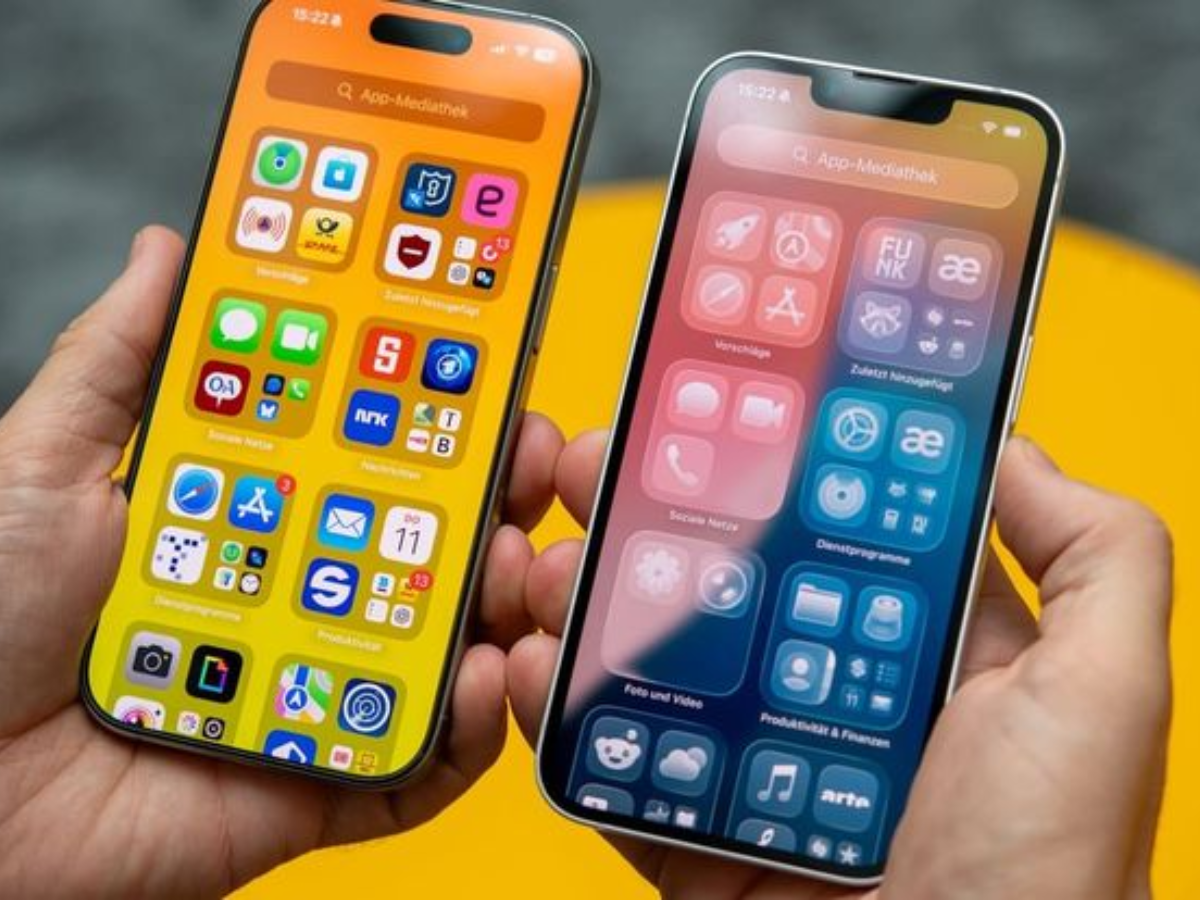
iOS 18 was a notable example by offering custom designs for app icons on the Home Screen and included the Tinted appearance.
However, in iOS 26, Apple has enhanced the existing Tinted options with two fun new choices:
- Shade matching your iPhone's color
- or shade matching your iPhone's case color
Basically, while continuing to offer the ability to customize icons as you wish, Apple knows that many users want a consistent aesthetic for their iPhones; a look that carries a color theme between hardware and software.
And to achieve that consistency, matching your Home Screen app icons to the color of your iPhone or case is now extremely easy.
Here’s how it works.
How to match your Home Screen icons with your iPhone?
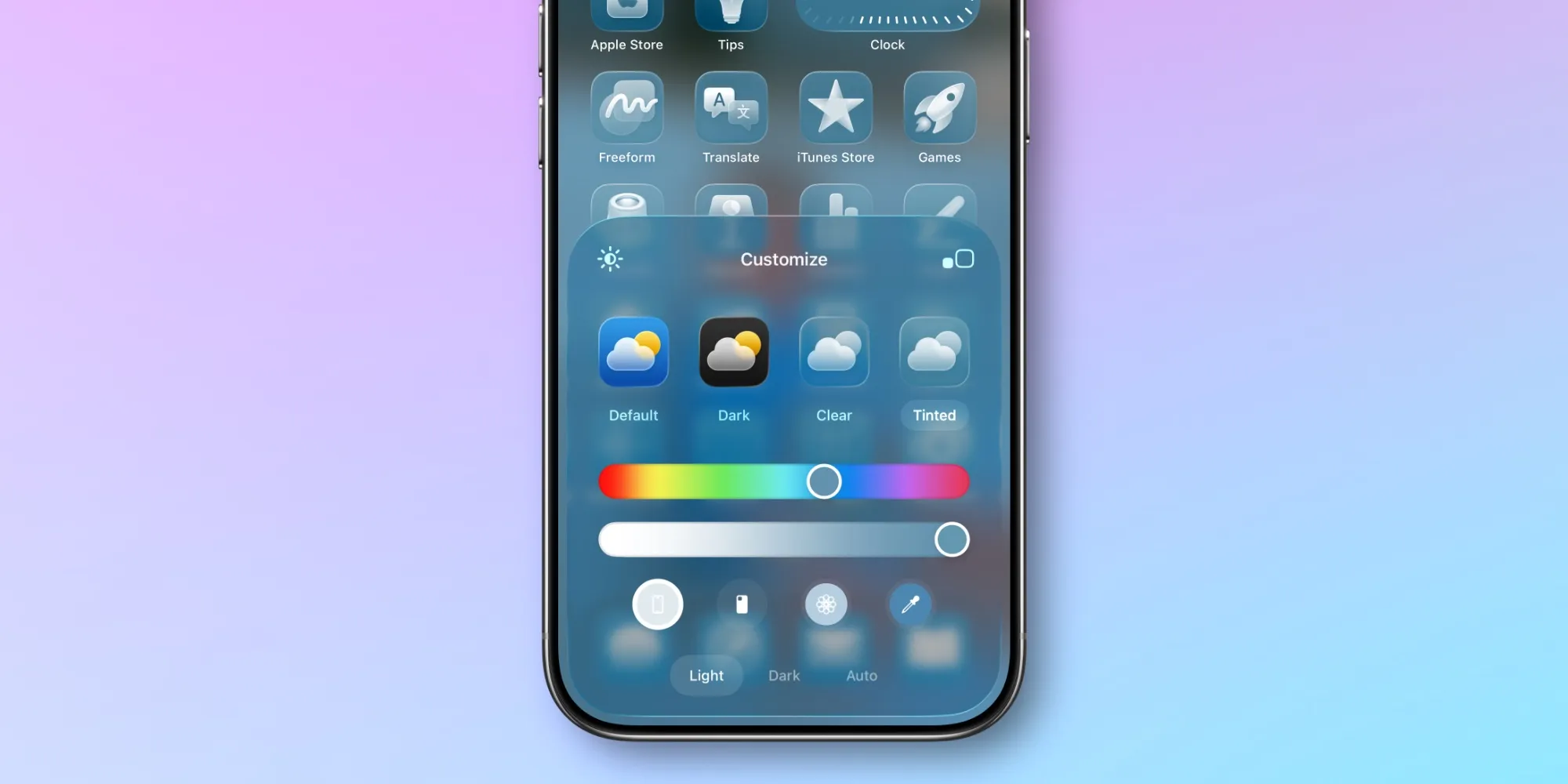
To color your app icons to match your iPhone or case, follow these steps:
- Long press on an empty area of your Home Screen
- Tap the ‘Edit’ button that appears in the top left corner
- Click on the ‘Customize’ option
- Tap on the ‘Tinted’ option
Then, just above the words ‘Light’, ‘Dark’, and ‘Automatic’, you will see four icons at the bottom.
The button on the far left matches your app icons to your iPhone's color. Immediately to its right is the button that matches the color of your iPhone's case.
This becomes especially fun if you love changing your cases according to the outfit you wear; because you can achieve a Home Screen aesthetic that complements your outfit.
There is one limitation; case matching does not work with all cases. It will work with Apple’s official MagSafe cases, and some third-party options may also work, but it depends on the case.
Have you used the new Home Screen app tone settings in iOS 26? What do you think? Let us know in the comments.
Best iPhone accessories
- AirPods Pro 3 (currently only $199, down from $249)
- MagSafe Car Mount for iPhone
- 10-Year AirTag Battery Case 2-Pack
- 100W USB-C Fast Charging Power Adapter
- Apple's new AirTag 2 (Single / 4-Pack)








Comments
(4 Comments)