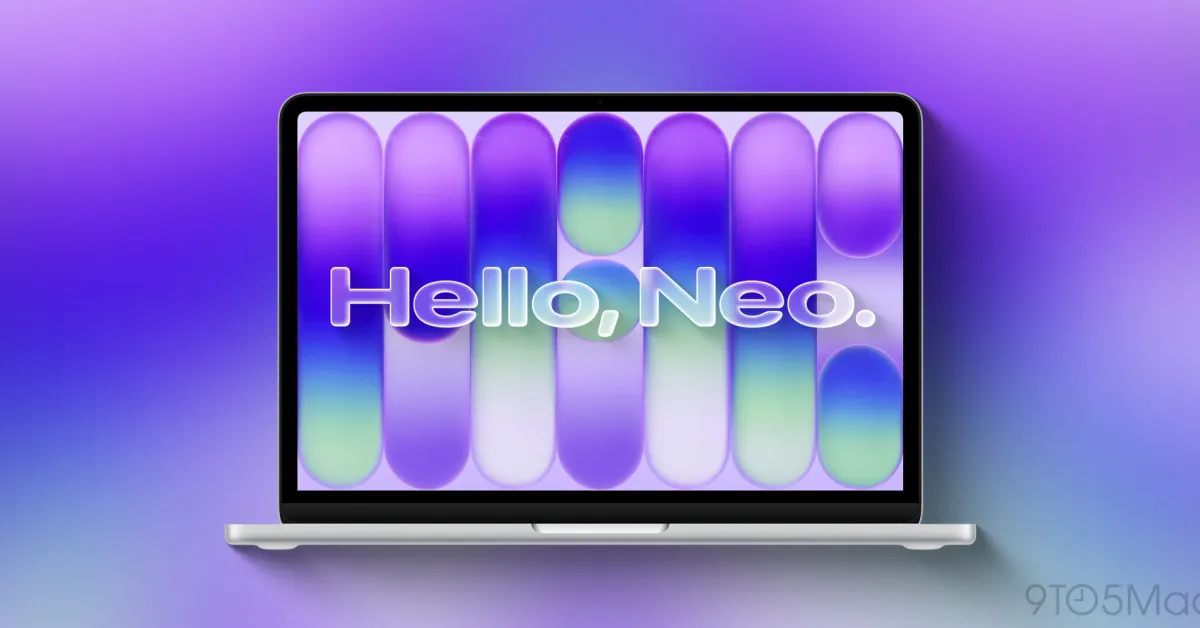
Does Parallels virtualization software work with MacBook Neo? The short answer is that the company is not yet sure. As of March 5, the official statement is that compatibility has not yet been verified:
Parallels Desktop allows users to run virtualized operating systems, such as compatible Windows versions, on Mac. The company behind the application has not yet confirmed whether the software is compatible with MacBook Neo:
As of the date of publication, the compatibility of MacBook Neo with Parallels Desktop has not yet been officially verified.
It seems that Parallels plans to conduct extensive testing before making any claims about compatibility. In the meantime, the company explains why MacBook Neo should not currently be officially supported:
MacBook Neo uses Apple’s A18 Pro chip, which is based on ARM architecture, but it is not part of the M series chip family and may not provide hardware support for virtual machines. […]
Parallels Desktop is a native Mac hypervisor: it runs virtual machines directly on the Mac’s hardware using macOS virtualization APIs. These APIs are dependent on the main chip architecture.
On Macs with M series chips, Parallels Desktop runs ARM-based virtual machines through the chip's hardware virtualization support. Although the A18 Pro chip shares the same ARM architecture, the Parallels Engineering team has not yet verified whether the chip provides the necessary virtualization support to run virtual machines.
On the A18 Pro side, having only 8GB of RAM is another factor affecting performance, but this does not necessarily impact compatibility. The MacBook Neo is not Apple’s only modern Mac with 8GB of RAM, but Apple has raised the memory baseline to 16GB in new Macs sold in 2024. The MacBook Neo resets the memory bar to 8GB of RAM, but comes with a price tag of $599 that cannot be overlooked.
We will follow this issue and provide updates as answers regarding virtualization on MacBook Neo become available. In the meantime, you can access Parallels' official support document from here.
Do more with your iPhone
Apple AirTag 2 | Add Find My tracking to anything
Beats USB-A to USB-C Cable | Official CarPlay cable
Wireless CarPlay Adapter | No need to plug in anymore
AirPods 4 | Apple’s most affordable ANC AirPods













Comments
(8 Comments)