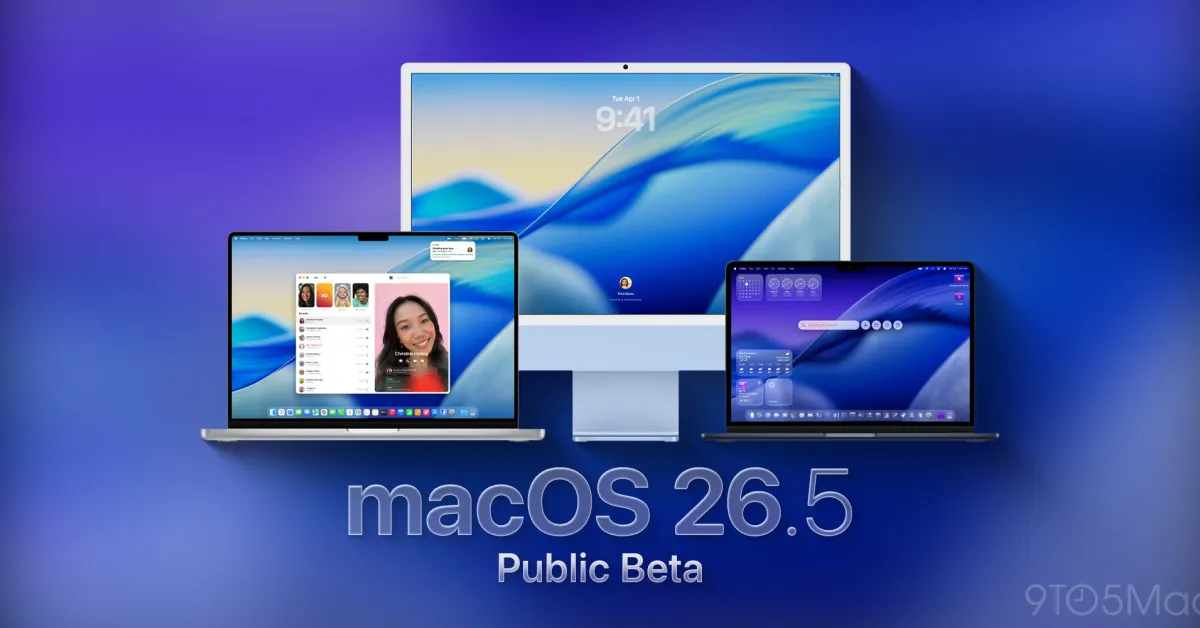
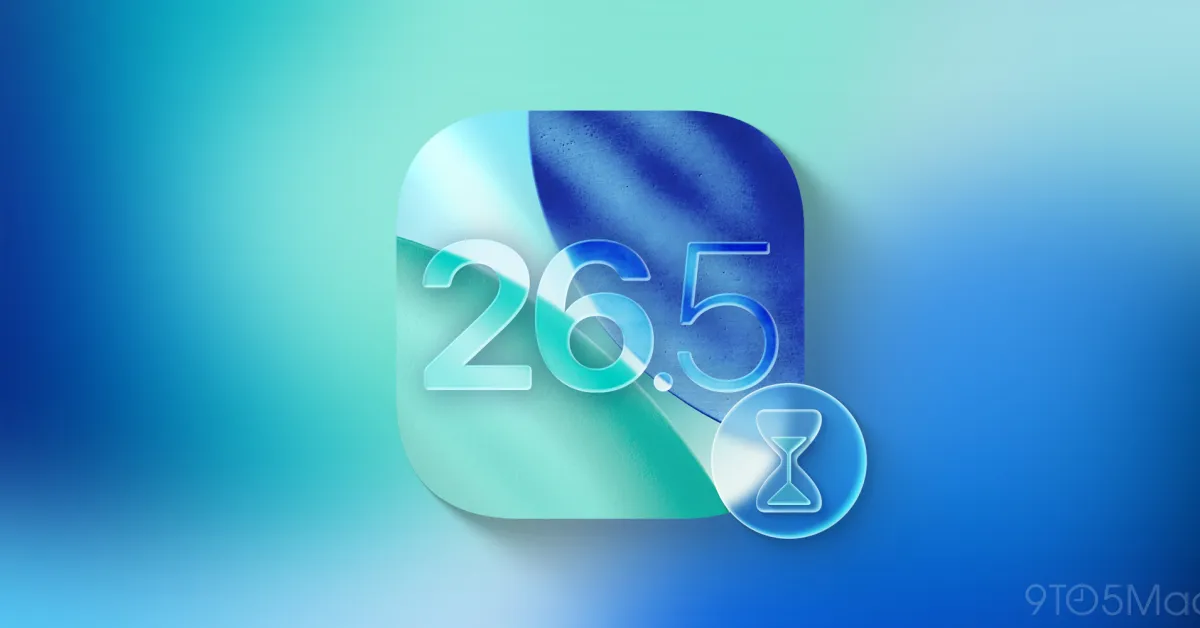
Following the release of the first developer beta version of macOS 26.5 earlier this week, it is now time for users in the Public Beta program to try out the new macOS version. What are the expectations? Here are the details.
A Less Eventful Release than macOS 26.4
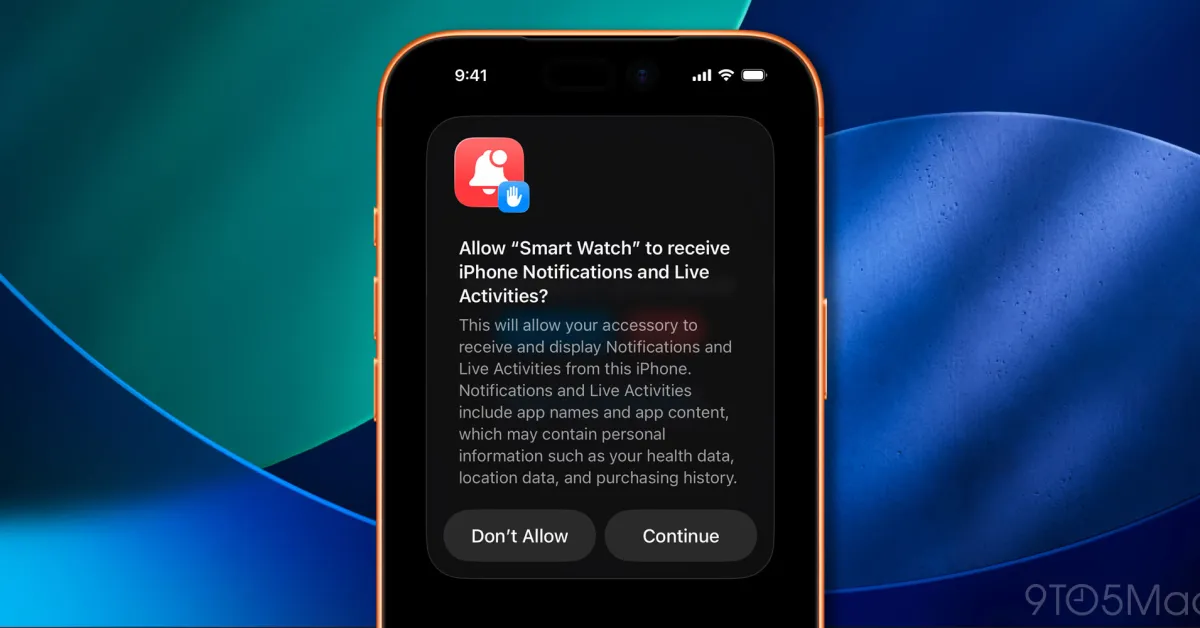
Considering that the first developer beta version of iOS 26.5 offered many new features such as Live Activities guidance for third-party accessories in Europe, suggested places in Apple Maps, and RCS end-to-end encryption, it seems that this macOS version will be less eventful.
With macOS 26.4, Apple introduced the Charge Limit feature, brought back the compact tab view in Safari, and started showing a warning for the end of Rosetta.
On the other hand, macOS 26.5 appears to be a "bug fixes and stability improvements" release that does not offer any significant new features so far.
It is entirely possible that upcoming beta releases will introduce new features before the official release of macOS 26.5. This version should be the last major macOS release before WWDC26 and the announcement of macOS 27.
The build number for macOS 26.5 public beta 1 is 25F5042g, which is the same as the developer beta.
How to Install macOS Tahoe 26.5 Public Beta 1?
To install, you first need to enroll in Apple’s public beta program. You can do that from here. After completing the registration process, here are the steps you need to follow:
- Open System Settings
- Go to General ⇾ Software Update
- Click on the ‘i’ icon next to Beta Updates
- Select macOS Tahoe 26 Public Beta from the dropdown menu in the upper right corner
- Press the ‘OK’ button
Have you noticed any changes in today’s beta release? Share with us in the comments.
Products Worth Checking Out on Amazon
- David Pogue – ‘Apple: The First 50 Years’
- MacBook Neo
- Logitech MX Master 4
- AirPods Pro 3
- AirTag (2nd Generation) – 4 Pack
- Apple Watch Series 11
- Wireless CarPlay Adapter


































Comments
(2 Comments)