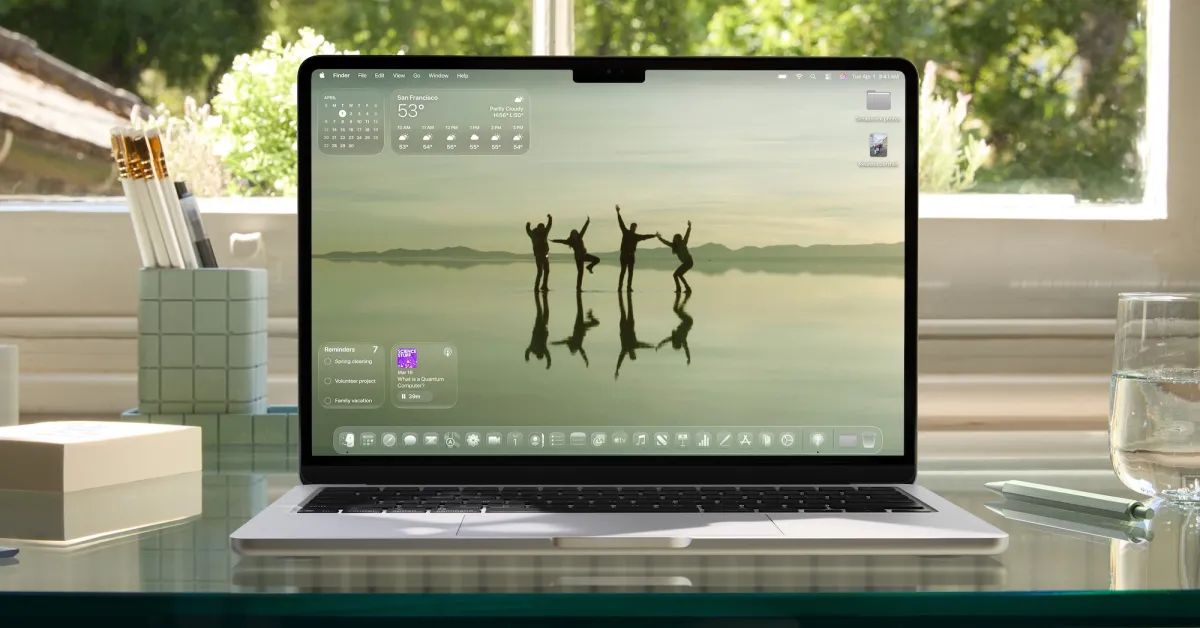
There is a section on Apple’s macOS 26 Tahoe website that says "Calm in Brainstorming." This slogan introduces the renewed version of Spotlight, but for me, there is another more applicable Mac experience.
Transitioning from iPhone to Every Apple Device
Let’s go back to December 2023; Apple launched the new Journal app with iOS 17.2. iPhone users criticized the new app a bit due to its core features and availability on only one device.
Six months later, Apple introduced a significant set of new features in iOS 18. However, the experience was still limited to the iPhone.
A year later, Apple announced that iPadOS 26 and macOS 26 Tahoe would finally include the Journal app.
Years ago, Day One had been my occasionally used digital journaling app. Day One always offered rich features with multi-device support. However, over time, I didn’t journal enough to keep the subscription going.
When the M4 iPad Pro introduced the nano-texture display option, I transitioned to journaling by hand using the Apple Pencil Pro and the Notes app. I loved combining the "analog" feel with the advantages of digital backup and synchronization, but since the iPad was my only input device, it limited my journaling habit to very specific time frames.
Then the Mac Came into Play
Since July 2025, I have been actively using Apple’s Journal app with great satisfaction.
For me, the secret was having the Journal app on the Mac. I already work on the Mac throughout the day, so it provided a very natural fit.
Since I really started using the Journal app on the Mac, I have recorded over 86,000 words in 166 days.
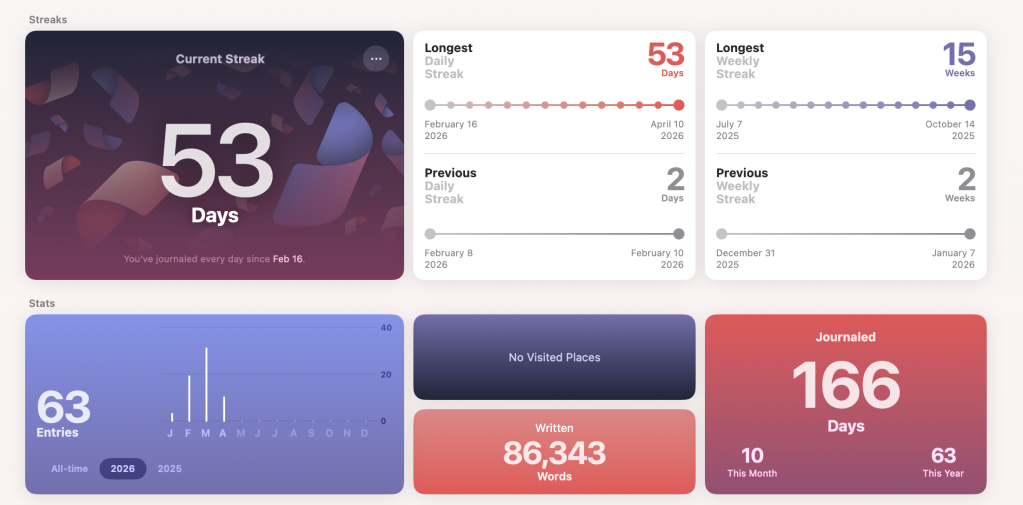
Now let’s return to that "calm in brainstorming" slogan: the biggest impact for me was having a safe place to pour out my thoughts throughout the day. I spend more time on my Mac than on any other Apple product. This is where I write the most.
Initially, I wasn't sure if switching from a full-screen handwriting app to a Mac app surrounded by other applications would create the same effect.
However, the Journal app on the Mac turned out to be great. It serves as both a tool for thinking and a place to quickly record the thoughts running through my mind. Additionally, it syncs with the iPhone and iPad versions.
If I’m not on my Mac and feel the urge to record a thought, I like that it is available on the device I have with me.
The iPhone Still Has Advantages
The Journal on the iPhone is the most feature-rich version. Features like photo suggestions and recent workout data are available on the iPhone, but many of these are missing in the Mac version.
My solution has been to occasionally enhance an entry with data suggestions from the iPhone app. Changes sync across devices.
Speaking of synchronization, this is an area that could be developed in the future. Changes are not always up-to-date across devices, but they eventually sync.
You can enable entry notifications, automatically add location, manually add photos, and choose the date as the title instead of naming each entry. Adding media like photos feels similar to using a photo journal in Apple’s old iWeb or iCloud experiences. I really enjoy it.
Of course, instead of sharing on the web, you are writing for an (yourself) audience, and everything is secured behind Touch ID or Face ID. The app allows you to adjust the time between unlocking and automatically relocking.
Thanks to the new Mac app, I have gone overboard with journaling. I can’t wait to see what macOS 27 will offer for the experience.
Do More with Your Apple Products
Apple AirTag 2 | Add Find My tracking for keys, bags, bikes, and more
Beats USB-A to USB-C Cable | Official CarPlay cable
Wireless CarPlay Adapter | No more plugging in
AirPods 4 | Apple’s most affordable wireless earbuds
Astropad Rock Paper Pencil | iPad screen protector + Apple Pencil tips
Withings Body Comp | Best smart scale for Apple Health
![The CardPointers app can now integrate with ChatGPT and more [50% off]](/resimler/cardpointers-uygulamasi-artik-chatgpt-ve-daha-fazlasi-ile-entegre-olabiliyor-yuzde-50-indirim.webp)








![iPhone 17e: Apple Finally Got the Affordable iPhone Right [Video]](/resimler/iphone-17e-apple-nihayet-uygun-fiyatli-iphoneu-dogru-yapti-video.jpg)


Comments
(6 Comments)