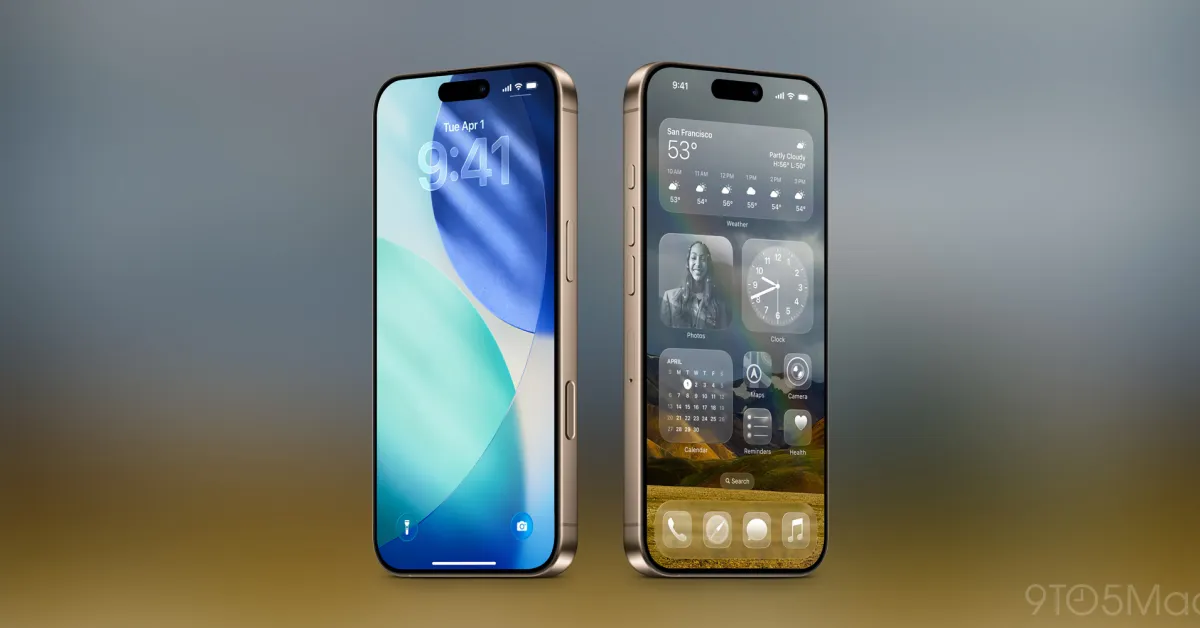
iOS 26.4 introduces a new 'Reduce Bright Effects' setting that allows you to disable various glowing elements commonly found in Liquid Glass. Here are the details.
'Reduce Bright Effects' A New UI Setting in iOS 26.4
The Liquid Glass design in iOS 26 has seen several improvements over time, but new settings have also been added to revert it.
Most notably, iOS 26.1 added an option in the Display and Brightness settings to switch from the default 'Transparent' design to a more iOS 18-like 'Tinted' appearance.
This single setting is a significant step towards making the new design feel closer to the previous iPhone look.
However, in iOS 26.4, there is another new setting that allows you to disable a different aspect of Liquid Glass.
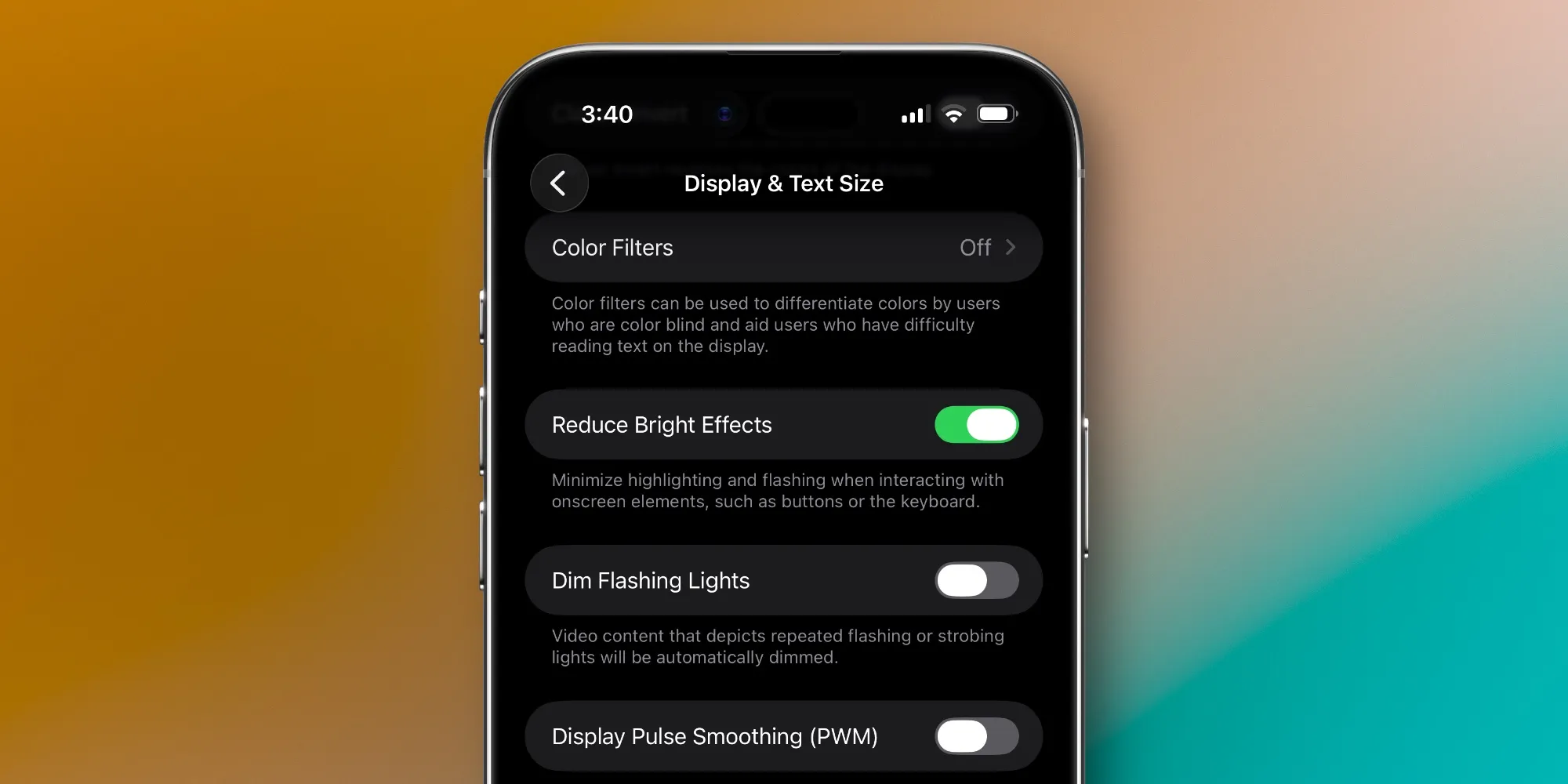
This setting is called 'Reduce Bright Effects' and it controls the bright response that appears when interacting with certain UI elements.
You can see a comparison through 9to5Mac's own Dylan McDonald in the post below.
Finally, we get the best of both worlds! You can now disable Liquid Glass highlights in iOS 26.4 Beta. I'm definitely turning it off. https://t.co/Aj56BE1uck pic.twitter.com/ozQ6OyZaaY
— Dylan (@DylanMcD8) March 9, 2026
If you want to enable the 'Reduce Bright Effects' toggle, it is available in Settings ⇾ Accessibility ⇾ Display and Text Size.
If you combine this setting with the previously available option for a more tinted Liquid Glass appearance, the iPhone experience gets even closer to the design before iOS 26.
What do you think about the glowing effects in Liquid Glass? Will you enable this new iOS 26.4 setting or not? Let us know in the comments.
Best iPhone Accessories
- AirPods Pro 3 (limited time $224 price)
- MagSafe Car Mount for iPhone
- 10-Year AirTag Battery Case 2-Pack
- 100W USB-C Fast Charging Power Adapter
- Apple's New AirTag 2 (Single / 4-Pack)







Comments
(2 Comments)