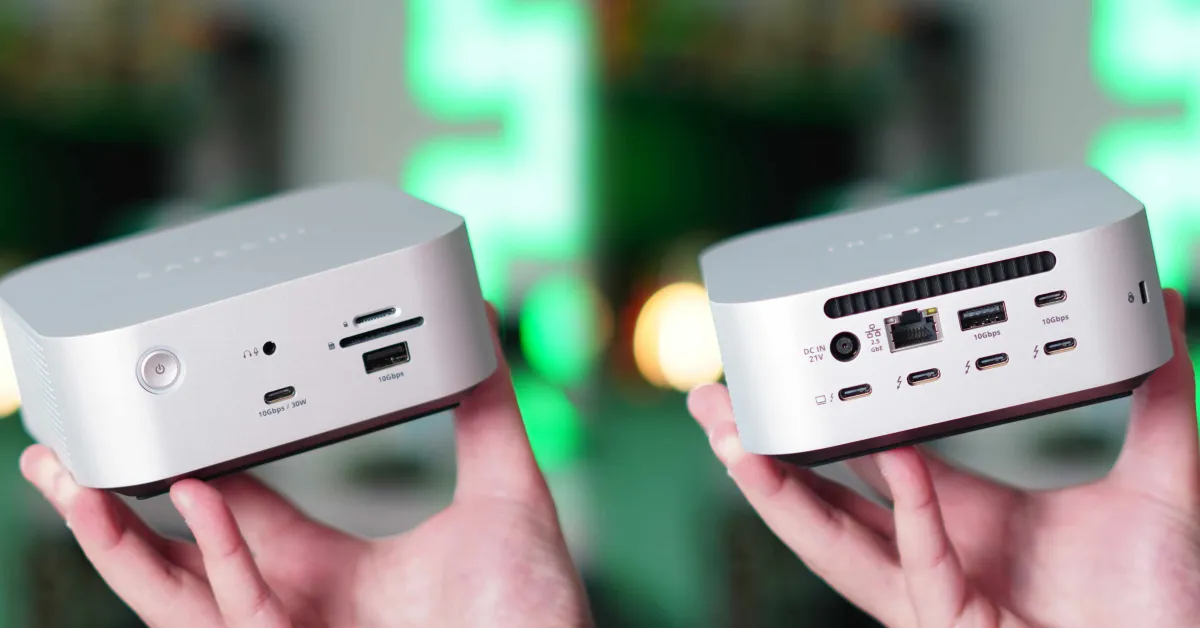
Thunderbolt 5 was introduced in September 2023. As the new Thunderbolt standard, it was expected to gradually replace Thunderbolt 4. We saw a significant leap in bandwidth, display support, and overall capabilities. However, what caught my attention was the relatively slow rollout of this technology, and most products implementing Thunderbolt 5 were simply shipping the same product by transitioning from Thunderbolt 4 to Thunderbolt 5. Therefore, when I saw that Satechi announced some real changes and improvements with their Thunderbolt 5 CubeDock, I wanted to give it a try. I used it for over two weeks, and here’s what you need to know.
Be sure to check out my hands-on video to see how the CubeDock works in action!
Satechi Thunderbolt 5 CubeDock Technical Specifications
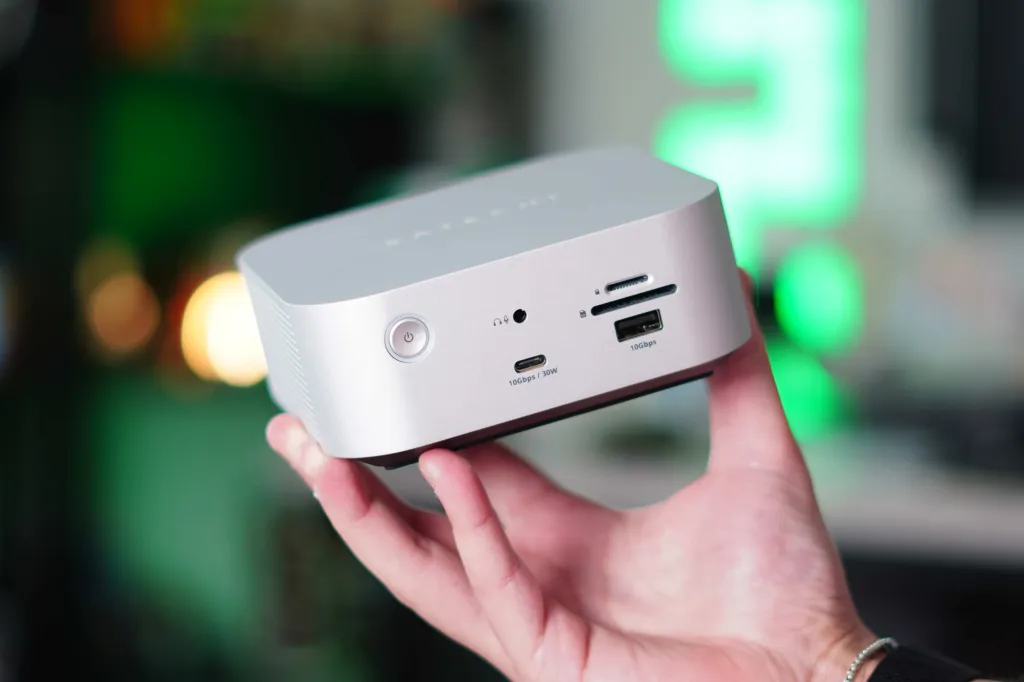
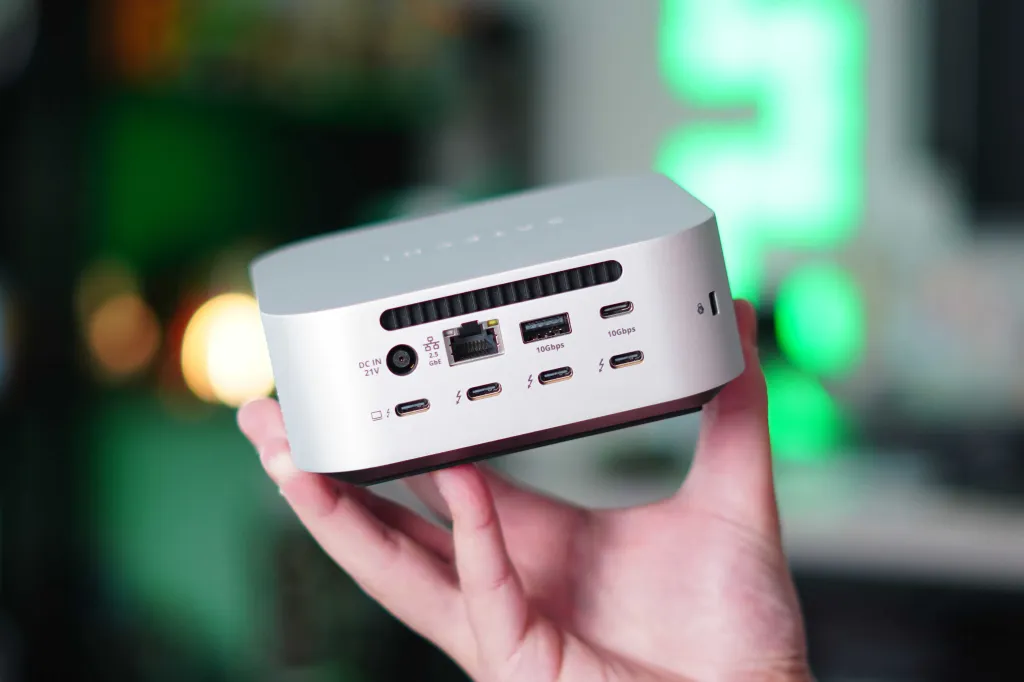
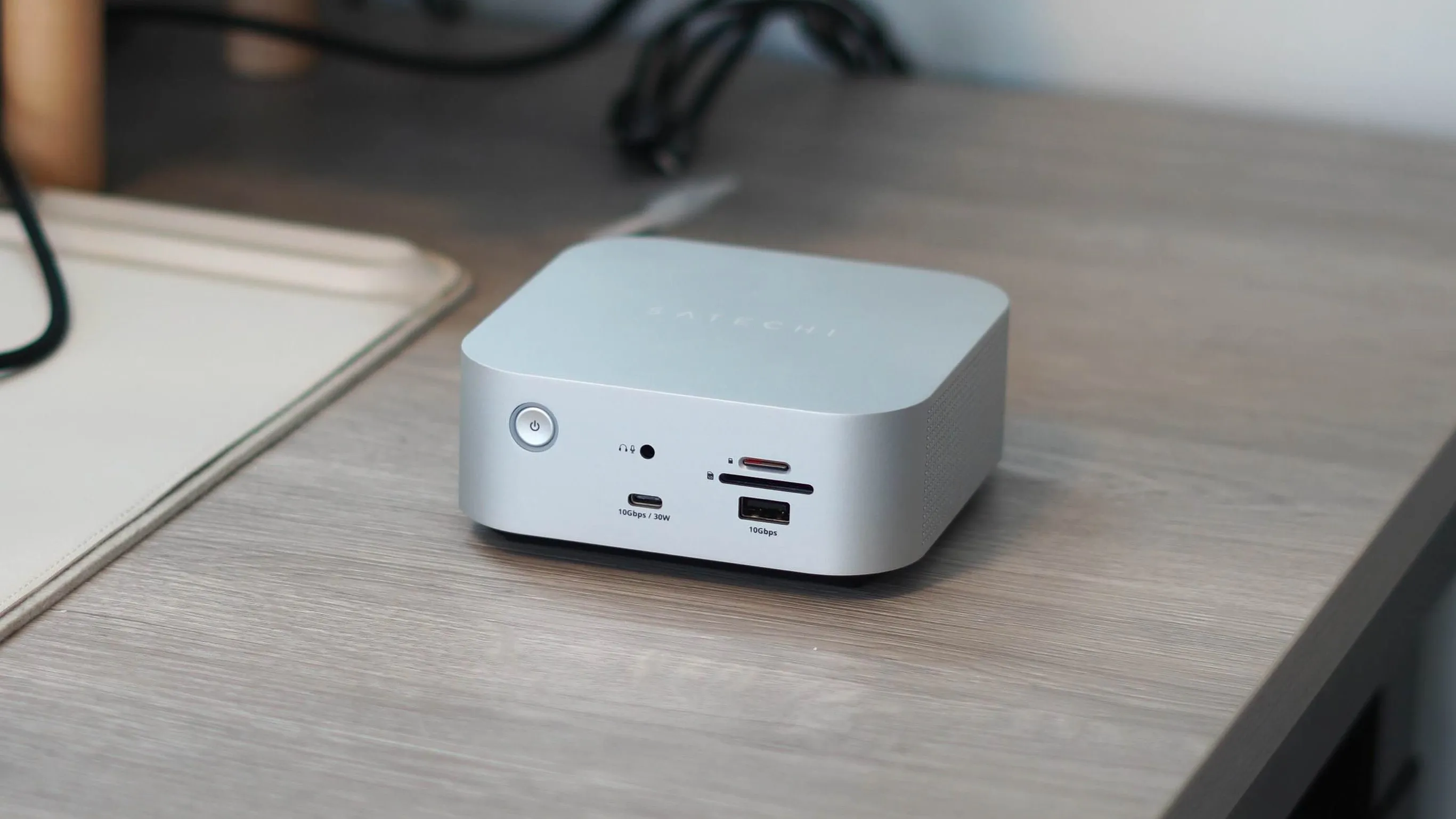
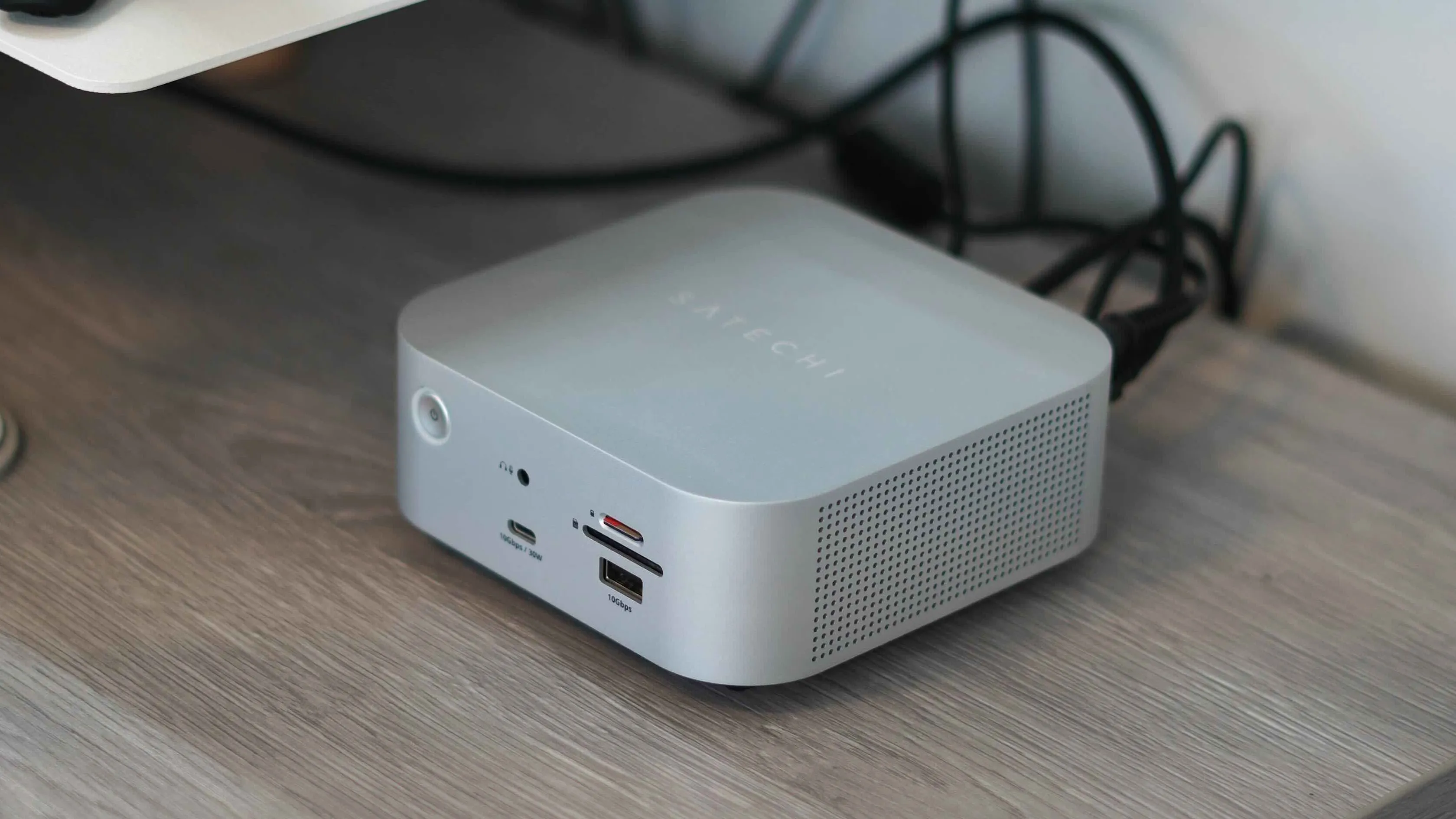
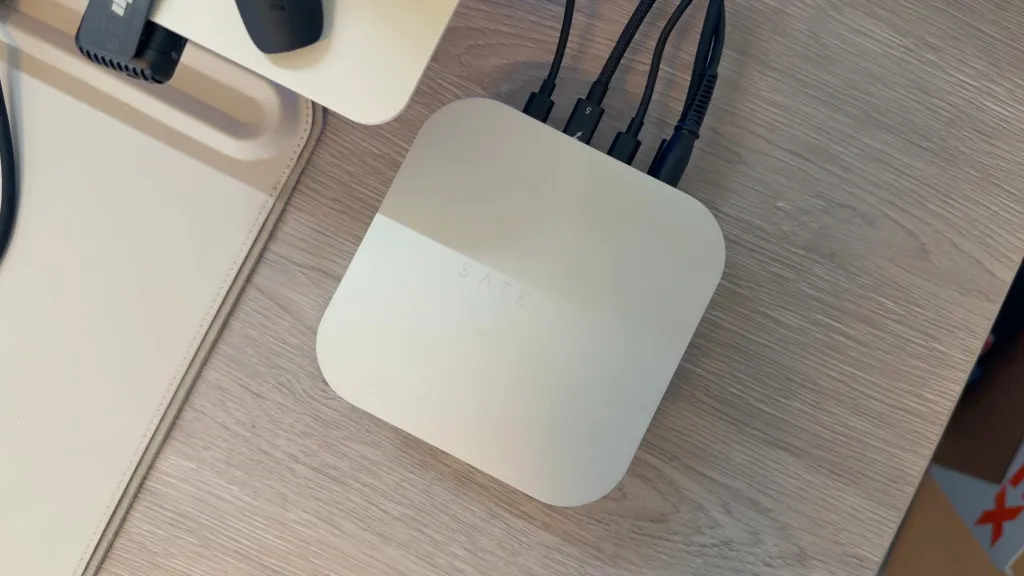
Before moving on to real-world usage, let's start with the technical specifications on paper. The main goal of this dock is to be an ultra-high-power single-cable solution for your Mac setup. It offers everything you would expect from such a high-quality product. It combines high-speed data transfer, power delivery, video output, and storage expansion in a design that literally looks and feels like an M4 Mac mini. In terms of ports and connections, you get:
Front Ports:
- 3.5mm headphone jack
- SD & microSD card reader (UHS-II)
- USB-C 3.2 Gen 2 (10Gbps, up to 30W)
- USB-A 3.2 Gen 2 (10Gbps)
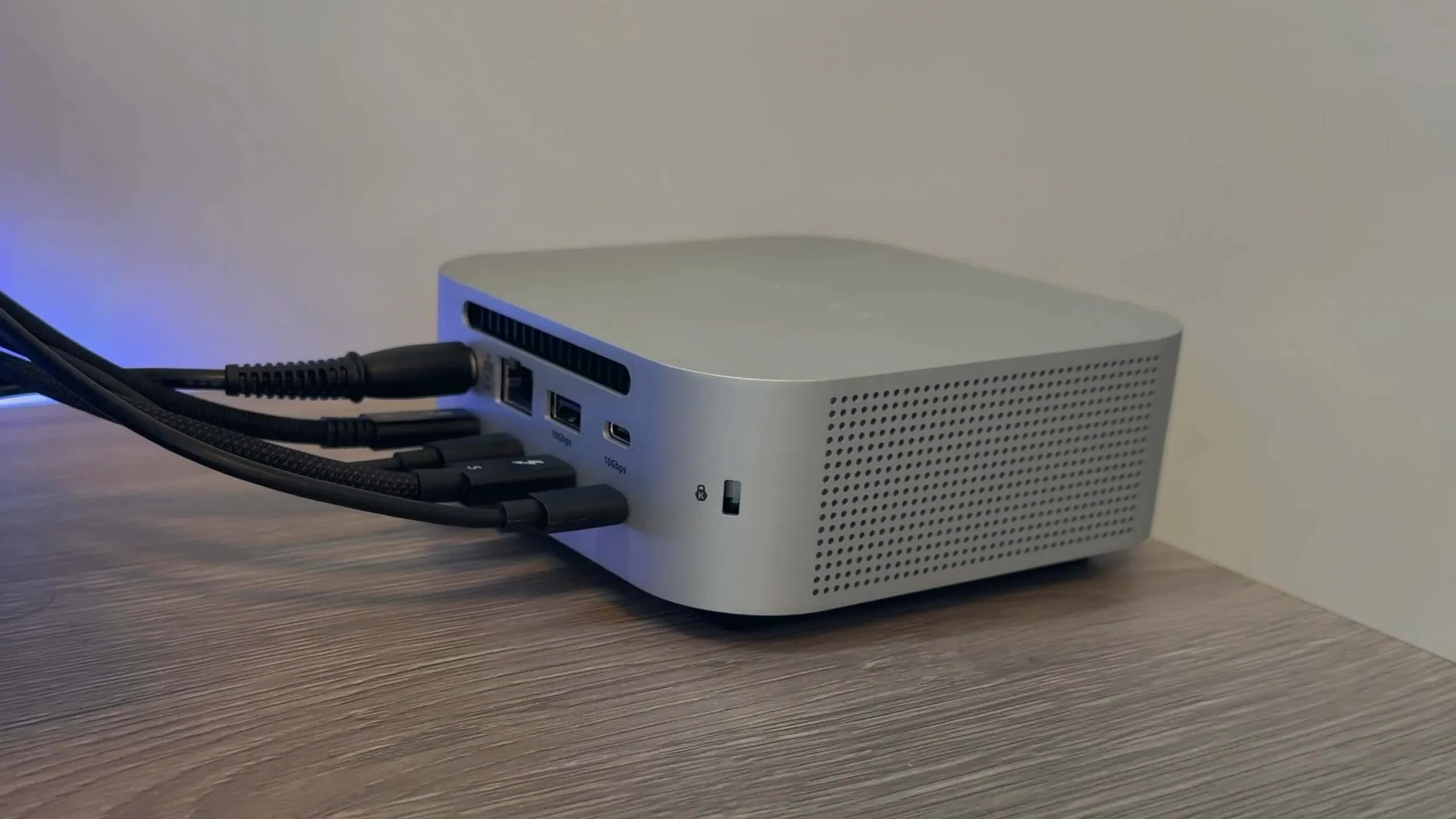
Back Ports:
- 2.5 Gigabit Ethernet
- USB-A 3.2 Gen 2 (10Gbps)
- USB-C 3.2 Gen 2 (10Gbps)
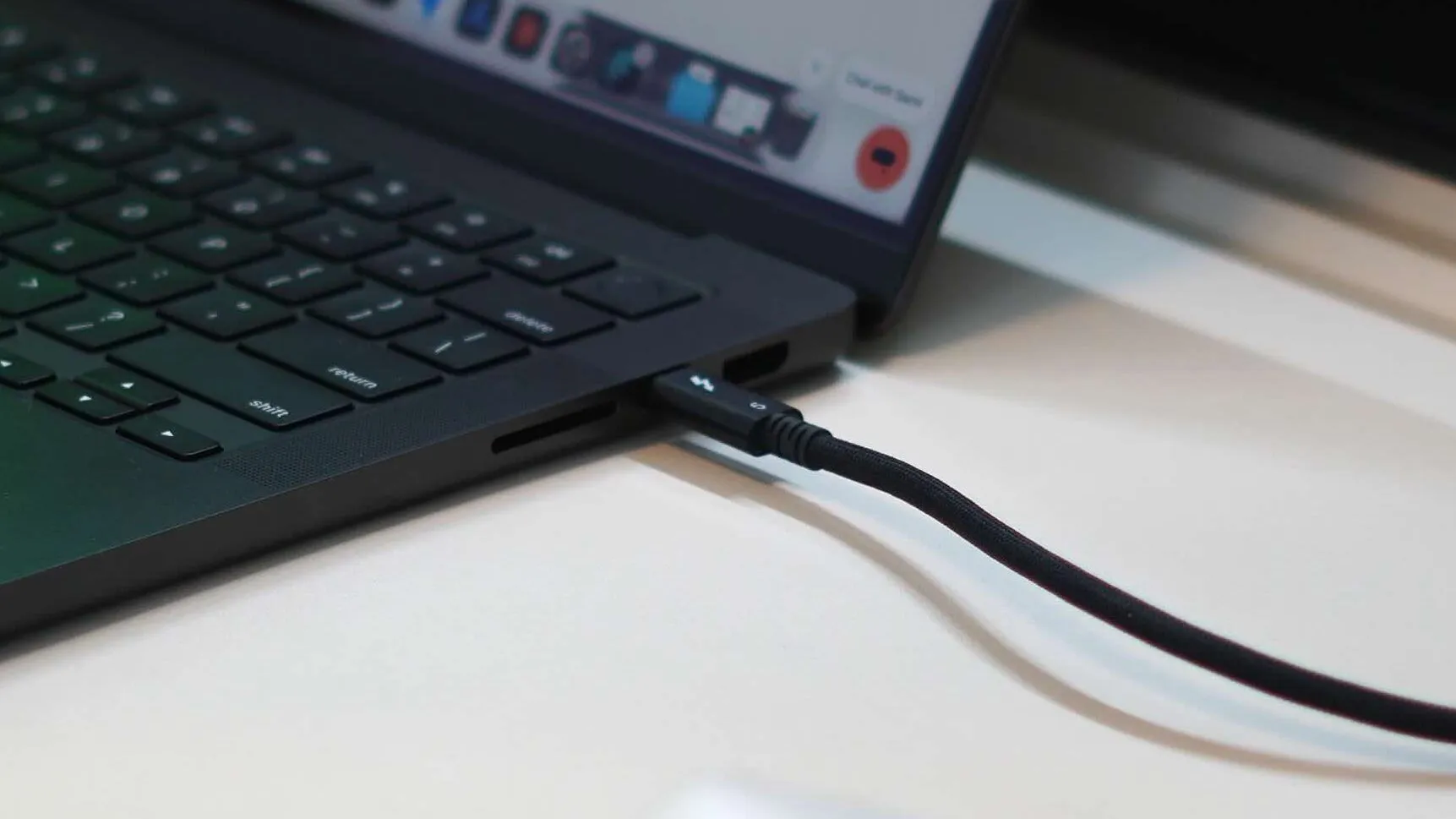
- Thunderbolt 5 main port (to your Mac)
- 3x Thunderbolt 5 ports
- Kensington lock slot
CubeDock Features
As you can see, there are many high-speed ports for data, video output, and everything in between. But the real magic lies in the features and specifications. Thunderbolt 5 unlocks many possibilities, such as:
- Up to 120Gbps bandwidth (Thunderbolt 5)
- Up to 140W main charging
- Up to 6000MB/s storage speeds
- Multiple display support:
- Single 8K 144Hz
- Dual 8K 120Hz
- macOS: dual 6K display
- M5 Pro / M5 Max Macs: up to 3 external displays
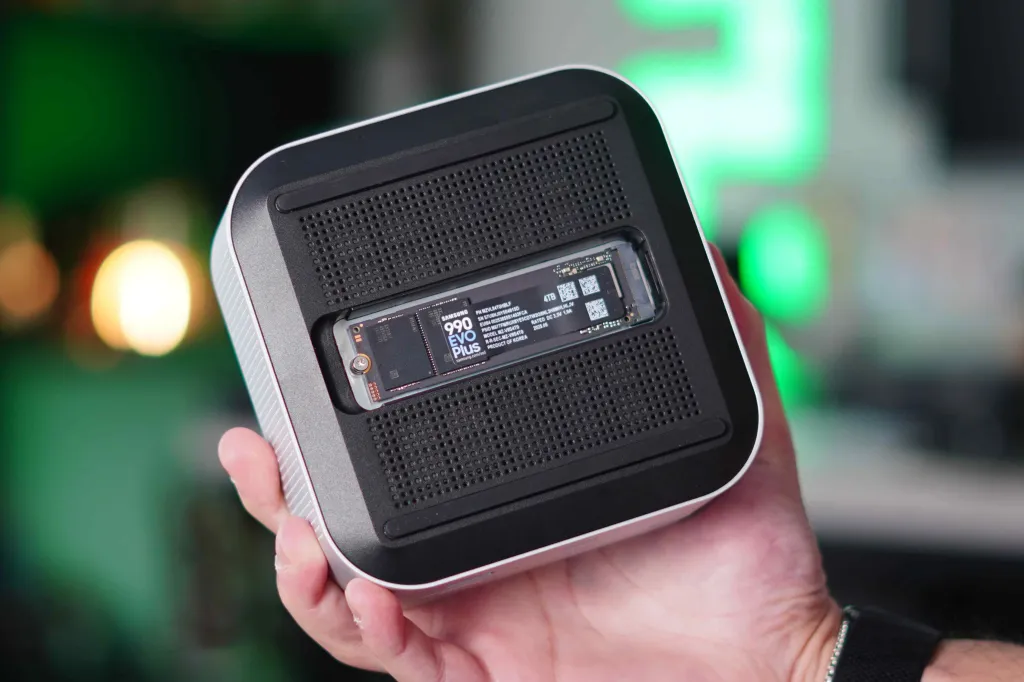
- Built-in M.2 NVMe SSD slot (up to 8TB)
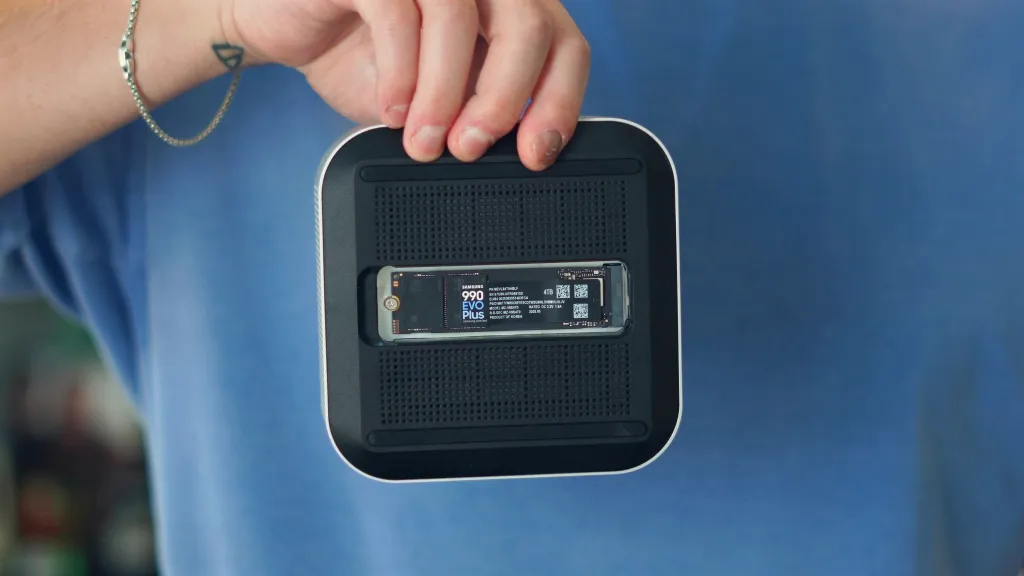
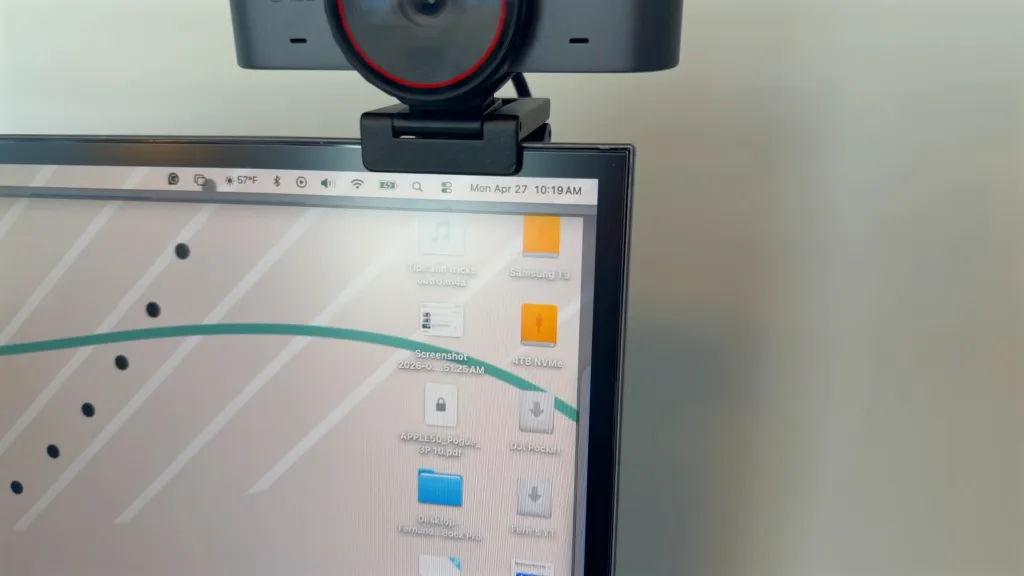
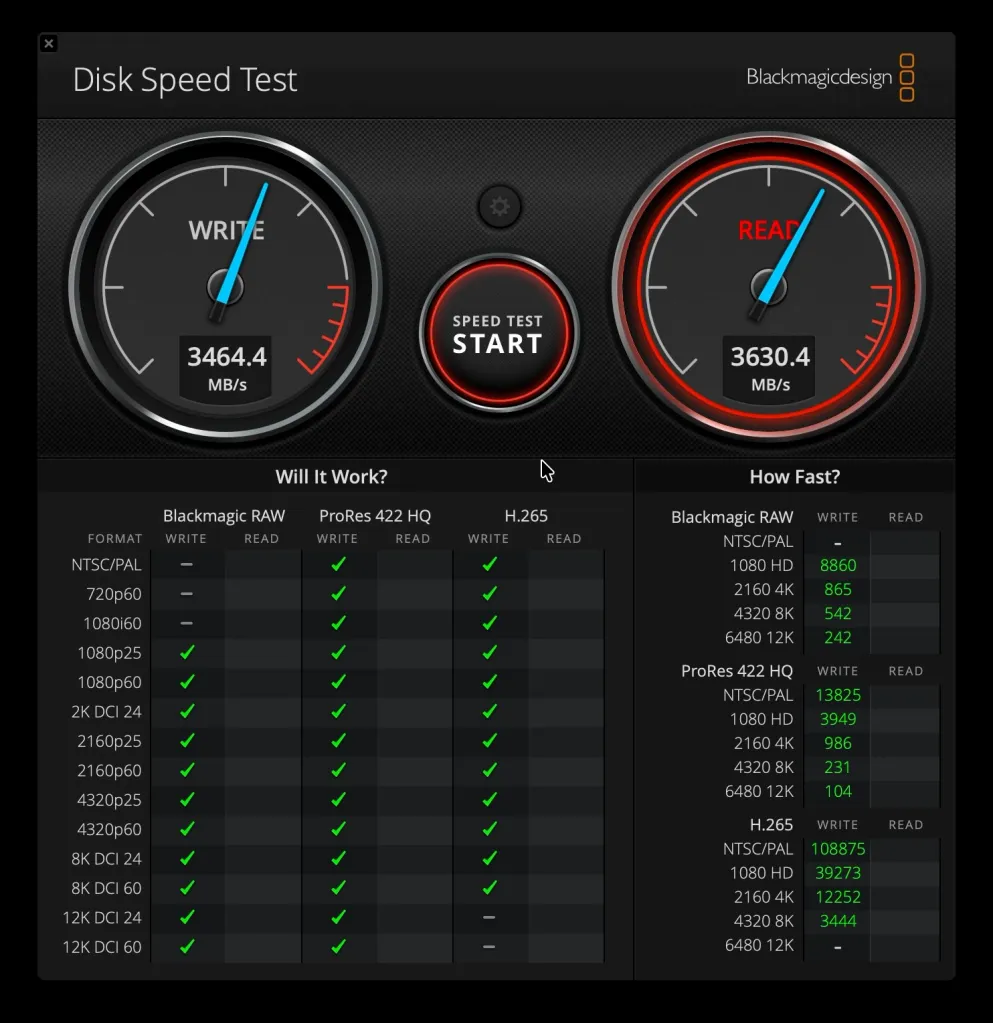
Several things stand out here. First, it offers full 140W fast charging support for your 16-inch MacBook Pro. Additionally, it's great to have so many Thunderbolt 5 ports to support 120Gbps. However, the hidden superpower is being able to install an M.2 NVMe SSD of up to 8TB and achieve read/write speeds of 6000MB/s. This feature has been a game changer for me. Here’s how I used it.
My Experience
My setup was quite simple, especially in terms of video outputs. I use the CubeDock with my M5 MacBook Pro, paired with a 40-inch 5K display. I also have a few other peripherals connected, like my Blue Ant USB-C speaker. Both SD card slots are usually full, along with my EMEET webcam and then my T9 Samsung SSD. It manages all of these perfectly. Before this dock, I was using Caldigit's TS5+, and there are two main things that the CubeDock does better. First, it keeps the dock cool with its built-in fan and ventilation, plus it ejects SSDs and SD cards instantly. With my other hubs, I would press the eject button, and it would take 10 seconds to eject.
However, the biggest change for me was the built-in NVMe storage. I immediately installed my 4TB Samsung 990 NVMe drive and set it up as dedicated storage for my Final Cut Pro workflow. All my active projects, my B-rolls, and frequently used assets are directly on that drive. Since it is always connected through the dock and supports 6000MB/s read and write speeds, it feels as fast as internal storage. Everything works instantly and it’s great. This way, everything I need is right there as soon as I plug in a single cable, without having to deal with multiple external SSDs or think about which drive has which footage. If I need to take a project with me, I copy it to the Samsung T9 and take my MacBook Pro with me.
I was pleasantly surprised by how well this dock managed my workflow. Between my additional external SSDs that are constantly connected with NVMe storage, everything runs at full speed and there are no bottlenecks. File transfers are fast, timelines load instantly, and working from external storage feels like I’m working on my MacBook Pro.
The only missing part is a dedicated HDMI or DisplayPort connection. This wasn’t an issue for me because I do all my video output via Thunderbolt. However, since this is Thunderbolt 5, you can easily get a high-powered USB-C to HDMI adapter and resolve this issue.
Pricing and Availability
Satechi’s new Thunderbolt 5 CubeDock is available today on Amazon and Satechi’s website. It comes in a single silver color. The price is $399 but there is a 10% discount code available on the product page, bringing the price down to $360. For comparison, the Caldigit TS5 offers many of the same ports and functions but lacks an M.2 NVMe slot and is priced at $399. I can say that the Satechi Dock has a quite competitive pricing.
Final Thoughts
As I mentioned in my video, I have tested several high-quality Thunderbolt docks over the years, and Satechi’s new CubeDock is one of the best and most balanced. It takes everything that Thunderbolt docks do well—like connectivity, power delivery, display support, and port accessibility—and takes it a step further by adding an NVMe slot and offering a great design. This is a product you use every day in many capacities, and it makes sense to invest in such a high-quality piece.
If you are looking for a Thunderbolt dock that can enhance your entire setup and also add value, the Satechi CubeDock is worth considering. If I had to give it a score out of 10, I would give it 9.5/10. The design, port selection, and NVMe slot create a complete product. The only small missing piece is built-in HDMI and/or Display Port.
What do you think? Do you have a Thunderbolt Dock? Do you need one? Too much? Let’s discuss below.
Best Apple Deals
- AirPods Pro 3 (Limited time $199!)
- M5 MacBook Air (Limited Time $949)
- Best 300W Desktop Charger
- Apple Watch Series 11 (Limited time $299!)
- Ultra-thin MagSafe Battery SolidSafe
- Best USB-C Cable 240W























Comments
(7 Comments)