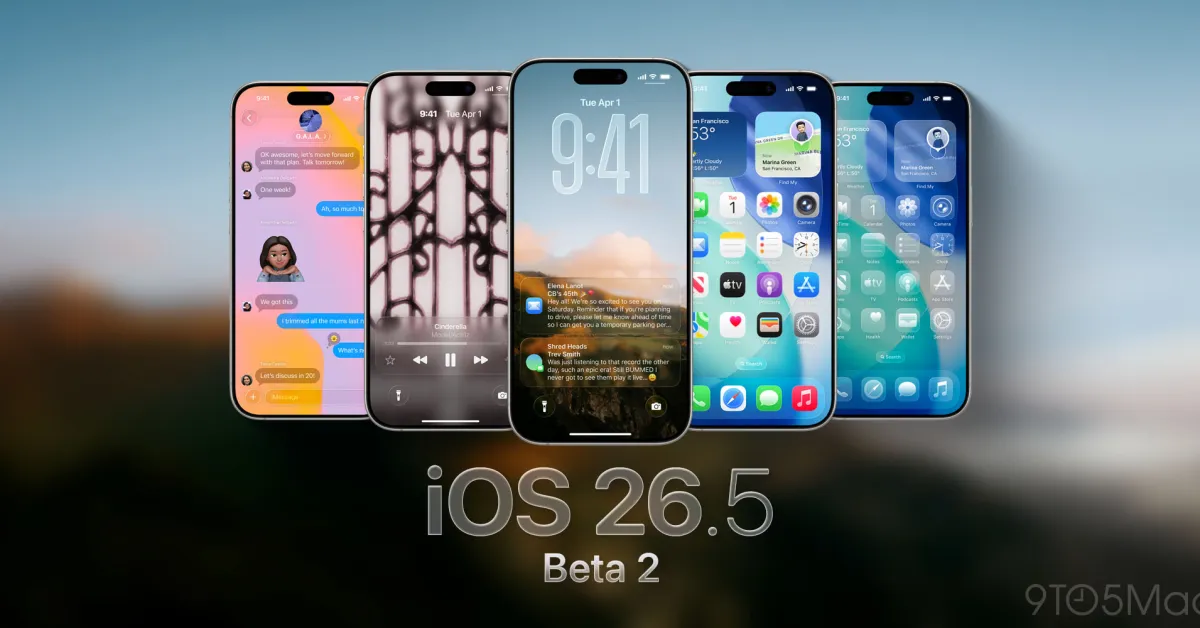
iOS 26 adds many innovations to the Messages app, including new group chat features, spam prevention tools, and more. In addition to these improvements, the Messages app received a significant artificial intelligence update for search, which is an important feature in iOS 26.
The Messages app search now allows you to use natural language and displays relevant results
For many iPhone users, Messages may be one of the most used apps and holds the title of being the app that records the most data.
Depending on your device settings, Messages can save conversations from years ago, along with contacts, photos, and other media. Therefore, Messages can be quite effective in filling up iCloud storage space.
However, this extensive data history is not very useful unless you can find what you are looking for.
With iOS 26, Apple has made the search in the Messages app better than ever before.
From Apple's official iOS 26 documentation for Messages:
Improved search
Search using more natural language, such as "photos of my mom at the beach in June." The search will also show results based on terms related to the words you typed; for example, if you type "sand," it will show messages about the beach or ocean.
Before iOS 26, search results could vary depending on how precise your search terms were.
But now, with natural language support and the ability to show relevant results, Apple states that the search is better than ever.
The new search experience is powered by Apple Intelligence
If you are using iOS 26 on a device that does not support Apple Intelligence, you will be limited to the old search capabilities. This is because the enhanced search in Messages is one of more than 20 new artificial intelligence features in iOS 26.
Apple uses LLMs to provide a more user-friendly search experience, just like in apps such as Photos, Music, and TV.
The models supported by Apple Intelligence are:
- iPhone 17 Pro and Pro Max
- iPhone Air
- iPhone 17
- iPhone 17e
- iPhone 16 Pro and Pro Max
- iPhone 16 and 16 Plus
- iPhone 16e
- iPhone 15 Pro and Pro Max
There is no need to enable a special setting for the AI search. If your device supports it and Apple Intelligence is generally enabled, you will also receive the update in Messages.
How does the search in Messages work for you in iOS 26? Let us know in the comments.
Best iPhone Accessories
- AirPods Pro 3 (limited time $219 price)
- 10-year AirTag battery case 2-pack
- MagSafe Car Mount for iPhone
- Apple's new AirTag 2 (1-pack / 4-pack)
- 100W USB-C fast charging adapter



















Comments
(7 Comments)